.png)

If you are looking for an AI doc writer in 2026, you will hit ten tools that all promise the same thing: faster first drafts. Mintlify, ReadMe, GitBook, Document360, Notion AI, Scribe, Tango, Guidde, Swimm, and a small group of newer entrants. Every roundup ranks them on editor polish, AI features, and starting price. Almost none of them score the metric that decides whether the documentation still works six months later.
That metric is drift. Writing the first version of an article is the easy 20 percent of the job. Keeping that article accurate after the product ships fifteen more releases is the other 80 percent, and it is where most AI doc writers quietly fail. This guide ranks ten tools across both axes, drafting and maintenance, and is honest about which camp each one lives in.
The 20/80 split most "AI doc writer" articles ignore
An AI doc writer is software that uses a language model to help you produce documentation: how-to guides, API references, internal SOPs, onboarding flows, release notes, knowledge base articles. The category has matured fast in the last 18 months. What has not matured is how the category gets compared.
Watch any product team for a quarter. The blank-page problem is real for the first 50 articles. After that, the team has a help center, and a different problem takes over: every product release moves at least one screen, renames at least one button, or quietly deprecates one workflow. Pages that were correct on Monday are wrong by Friday. Multiply that across 200 articles and a year of weekly deploys, and the help center is structurally broken before anyone notices.
So a fair AI doc writer ranking has to score two capabilities, not one.
Drafting capability: how fast does the tool produce a first version from code, a screen recording, a transcript, or a prompt. Editor experience, AI generation quality, template depth, voice tone.
Maintenance capability: what does the tool do when the underlying product changes. Does it flag affected articles, sync with the source code, detect drift in screenshots or DOM, or rely on a human to remember.
One more thing the rankings miss: drafting quality is not a fixed property of the tool. It depends almost entirely on the prompt. An AI doc writer turns a text prompt into a polished draft in seconds, but the quality of an AI generated document depends directly on the specificity of the input. Good AI writing helps you save time only when the prompt is precise. Name the document type, the audience, the main points, the key details, and the preferred tone, and the AI editor produces something close to publishable. Hand it a vague line and you get generic AI generated content. Effective prompts are the difference between a usable draft and raw data dressed up as prose. Simply describing what you want, with context aware structuring, beats every template.
The genuine win of an AI powered tool here is speed. A good AI doc writer takes a writer from a blank page to a first draft fast, helps overcome writer's block, and lets a small team produce more original content than manual writing allows. Whether you reach for a free AI option or a paid one, the better AI models now draft fast enough that drafting stops being the bottleneck. They generate documents, structure reports, turn bullet points and plain text notes into readable guides, and export clean output. That speed is real, and it is also the trap: the faster these document generators draft, the faster a stale help center fills with confident, well-formatted, wrong answers. An AI document generator that gives you more detail per minute does not give you more accuracy per release.
Read documentation decay: the hidden cost of stale docs for the longer argument. The short version: drafting compounds value once. Maintenance compounds value every single release. A tool that wins on drafting and loses on maintenance gives you faster, more confident, better-formatted lies six months in.
Two camps: drafting tools vs maintenance tools
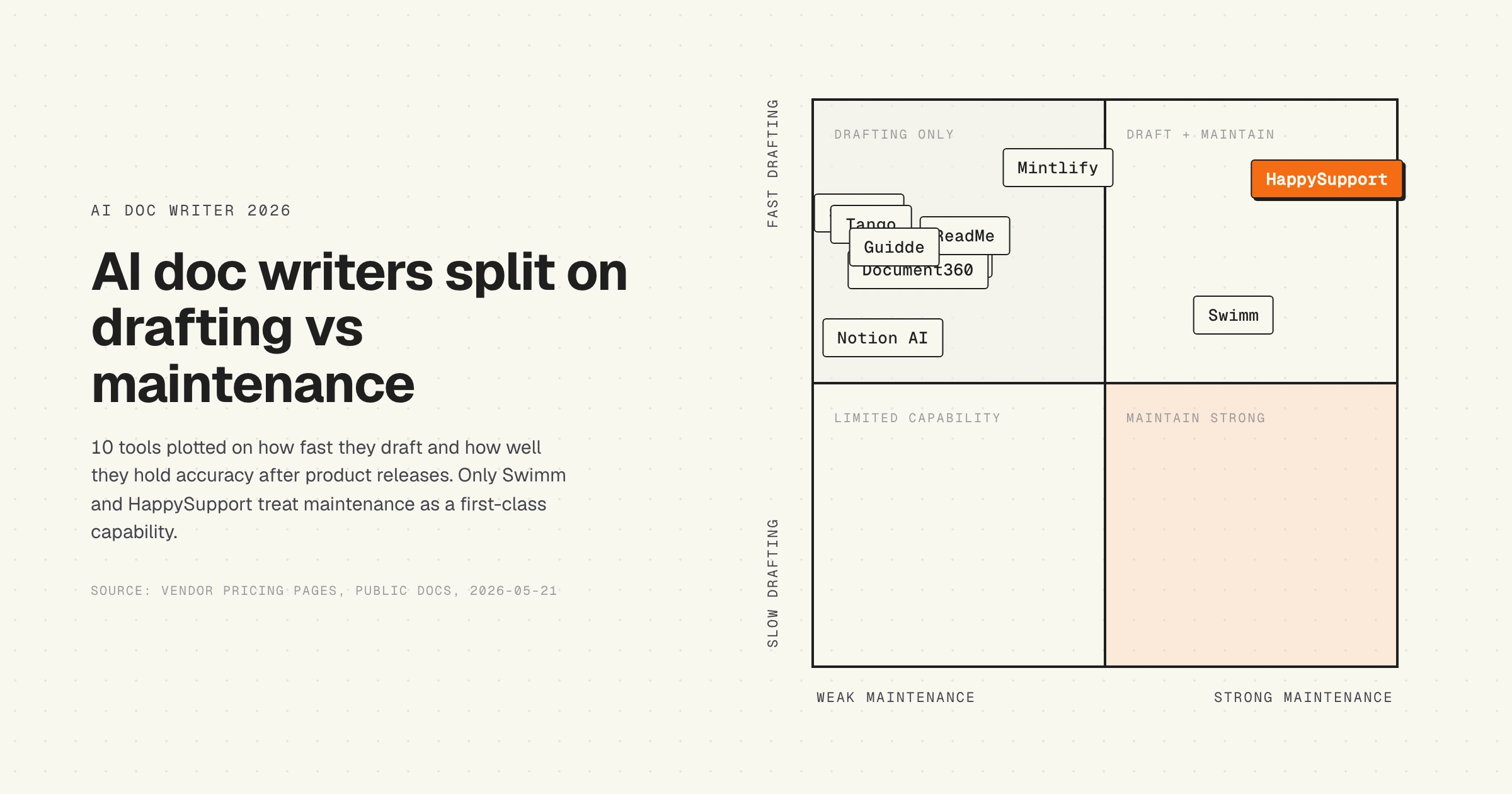
If you split the 10 leading AI doc writers along that axis, the picture clears up.
Camp 1. Drafting-first tools: Mintlify (Writing Agent), ReadMe (GitHub AI Writer), GitBook (AI Assistant), Document360 (Eddy AI), Notion AI, Scribe, Tango, Guidde. All eight produce strong first drafts. None of them solve drift natively. Scribe and Tango are the most exposed: their drafts are built from screenshots, which silently break the moment the UI ships.
Camp 2. Maintenance-aware tools: Swimm (auto-syncs code-coupled docs with source code) and HappySupport (DOM/CSS recording plus GitHub Sync, scoped at customer-facing help center). Mintlify edges partway into this camp with its Self-Updating Workflows on the Enterprise tier, but the feature is tied to specific code patterns and still leaves customer-facing UI documentation exposed.
The split matters because picking from the wrong camp burns the same hours every quarter. Read how a self-updating help center actually works for the architecture maintenance tools share.
Quick verdict: 10 AI doc writers ranked by drafting and maintenance
One paragraph on method. Tools were selected for ranking on "AI doc writer" SERP visibility, vendor maturity (live for at least 18 months), and explicit AI features beyond a search box. Pricing was pulled directly from each vendor's pricing page on 2026-05-21. The drafting and maintenance scores reflect publicly available capability, not vendor marketing claims.
HappySupport: where it fits
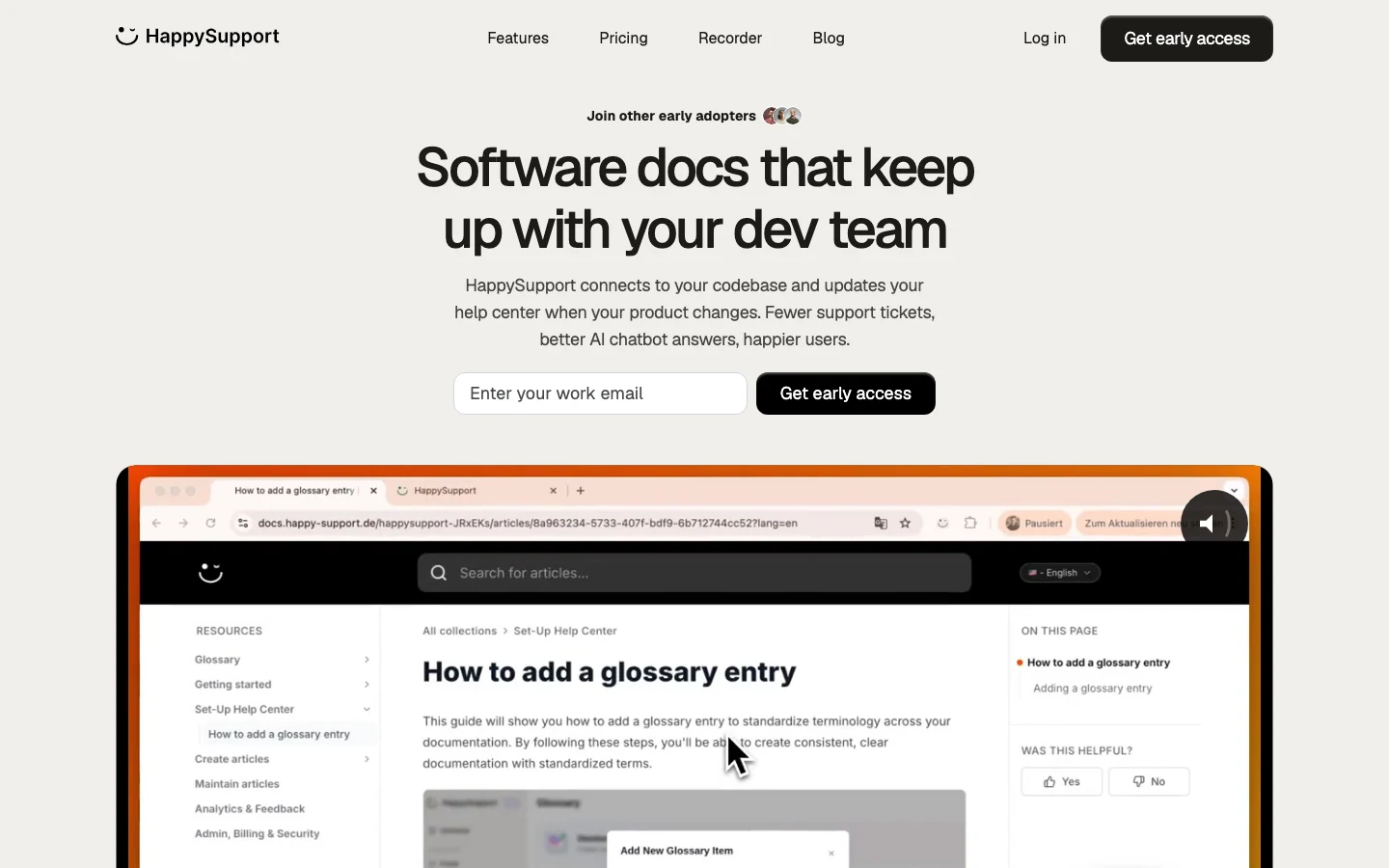
HappySupport is an AI-first help center built around the maintenance problem first, the drafting problem second. HappyRecorder captures UI flows as DOM and CSS selectors at the moment the article is written, so the system has a structural fingerprint of what the article documents. HappyAgent connects the help center to your product code repository through GitHub Sync, and flags articles whose underlying selectors or routes have moved. The HappyWidget surfaces the right article in-app when the customer needs it.
What it does well
The maintenance loop is the whole point. When a developer renames a CSS class or moves a route, HappyAgent flags every help center article that referenced it before the customer hits the stale page. Drafting is fast too: record the flow once, and HappyRecorder produces a step-by-step article with code-anchored steps that survive future UI changes. The result is a help center where article half-life follows the product, not the calendar.
Where it hits the wall
HappySupport is purpose-built for customer-facing help centers, not internal wikis or API reference docs. If your primary need is OpenAPI-spec auto-generation or a Notion-style internal knowledge base, you will outgrow the use case. The integration catalog is also smaller than Document360 or Intercom today.
Pricing: 14-day free trial, no credit card. Three tiers on the pricing page, no per-user fees on the main plans.
Best for: SaaS teams (20 to 150 employees) shipping weekly, where documentation cannot keep up with releases.
Mintlify: where it fits
What G2 reviewers say
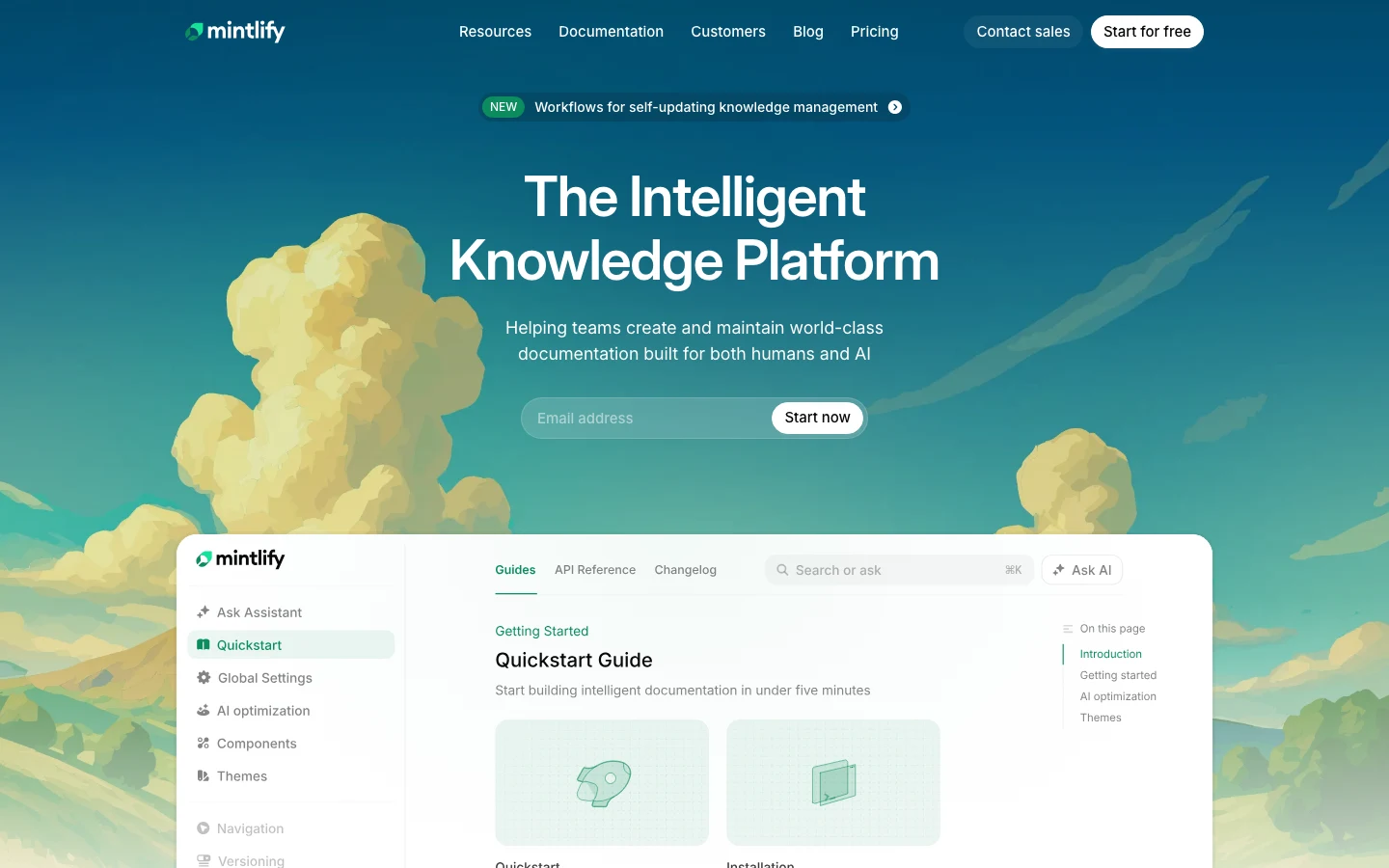
Mintlify is the polished pick for developer documentation and public API references. The platform assumes docs live in version control and optimizes for performance for both human readers and LLM crawlers. Recent additions include the Writing Agent (drafts from your repo) and the Assistant Agent (in-doc chat), with the Enterprise tier adding Self-Updating Workflows tied to code signals.
What it does well
Editor performance is genuinely fast. The Writing Agent produces clean prose from code, and the MCP server makes Mintlify docs first-class citizens in agent workflows. For an API-first developer audience, the experience is hard to beat.
Where it hits the wall
The platform assumes familiarity with Git, MDX, and configuration files. Product managers, technical writers, and support agents who do not work in pull requests will bounce off the workflow. A technical writer in a Mintlify vs GitBook discussion noted that "Mintlify is great if your docs team is entirely technical, but it adds friction the moment product folks need to edit." Self-Updating Workflows are real but live on the Enterprise tier and are tighter around code than UI.
Pricing: free Hobby, $250/month Pro (Writing Agent + Assistant Agent), Enterprise custom. Save up to 15 percent with annual billing.
Best for: API-first SaaS, developer tools, teams already operating docs-as-code.
ReadMe: where it fits

What G2 reviewers say
ReadMe is the API documentation specialist. The platform handles interactive API references, bi-directional sync with OpenAPI specs, and a clean reading experience for developers integrating against your product.
What it does well
OpenAPI sync is reliable. The GitHub AI Writer (Pro tier) drafts new endpoint pages directly from code changes. Agent Owlbert, AI Linter, and Ask AI Lite cover most of the in-doc AI experience customers expect by default.
Where it hits the wall
ReadMe is API-shaped. Customer-facing help center content (onboarding flows, troubleshooting, billing FAQs) is a poor fit. The Ask AI add-on is $150 per month on top of the base plan, and Enterprise starts at $3,000+ per month annually, which jumps fast for mid-market.
Pricing: free Starter, $250/month Pro, Enterprise $3,000+/month (annual only).
Best for: API-led developer products with active integrators.
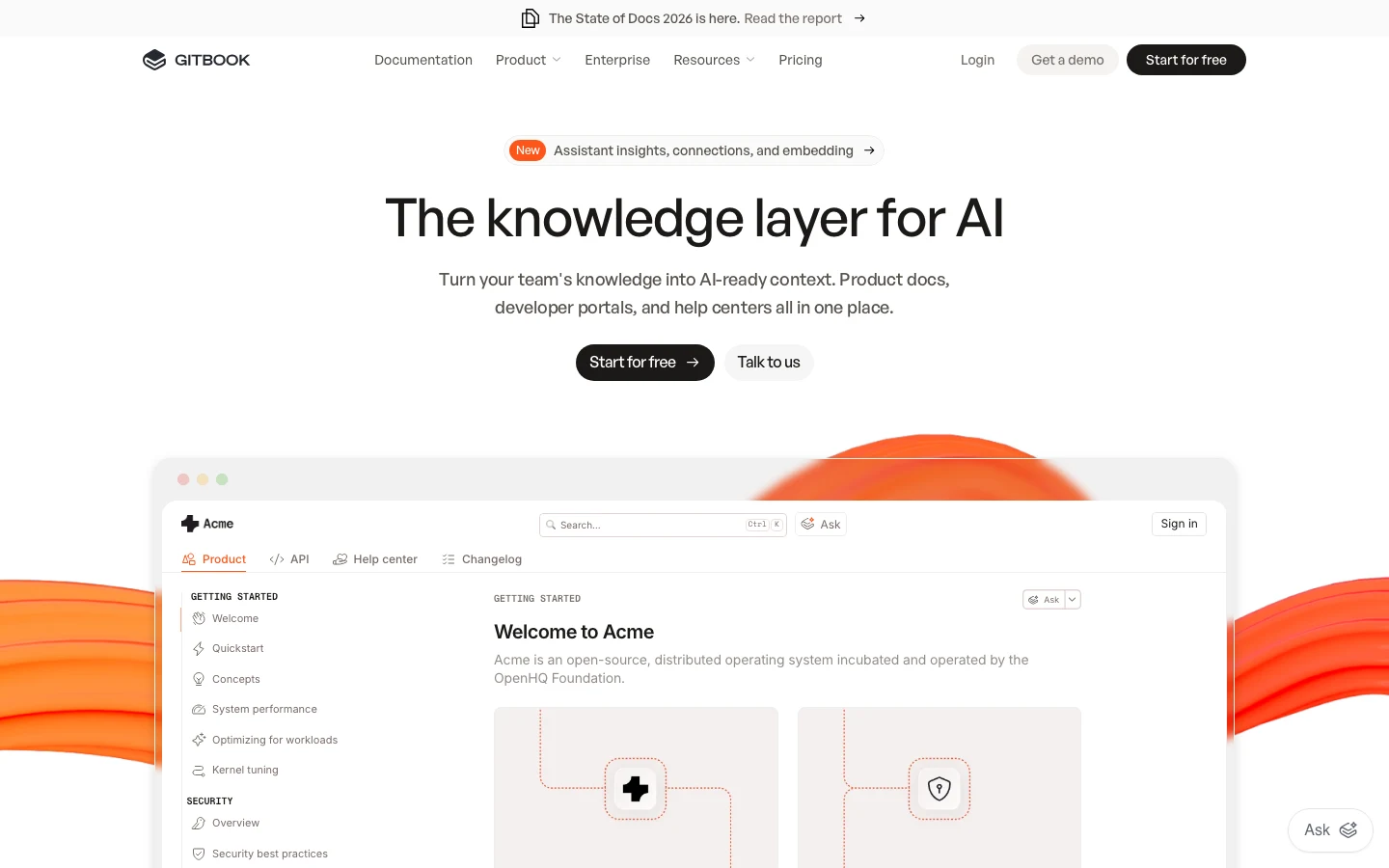
GitBook: where it fits
What G2 reviewers say
GitBook earned its reputation as the documentation platform that non-technical contributors actually enjoy. The block-based visual editor handles complex formatting (tables, callouts, code blocks, tabs) better than any other tool in the category, and the GitHub or GitLab sync layer lets developers edit Markdown in their IDE while writers stay in the WYSIWYG editor.
What it does well
Mixed-team docs. If product managers, technical writers, and support contribute to the same space, GitBook removes the friction. AI Search (Premium), AI Assistant (Ultimate), and the GitBook Agent beta cover most of what teams expect from an AI doc writer in 2026.
Where it hits the wall
AI is creation-focused, not maintenance-focused. Articles do not auto-detect when the product they document has changed. Pricing also scales unusually: $65 to $249 per site per month plus $12 per user, which gets confusing fast as the team grows.
Pricing: free, $65/month + $12/user Premium, $249/month + $12/user Ultimate, Enterprise custom. Two months free with annual billing.
Best for: Cross-functional teams documenting both product and internal processes.
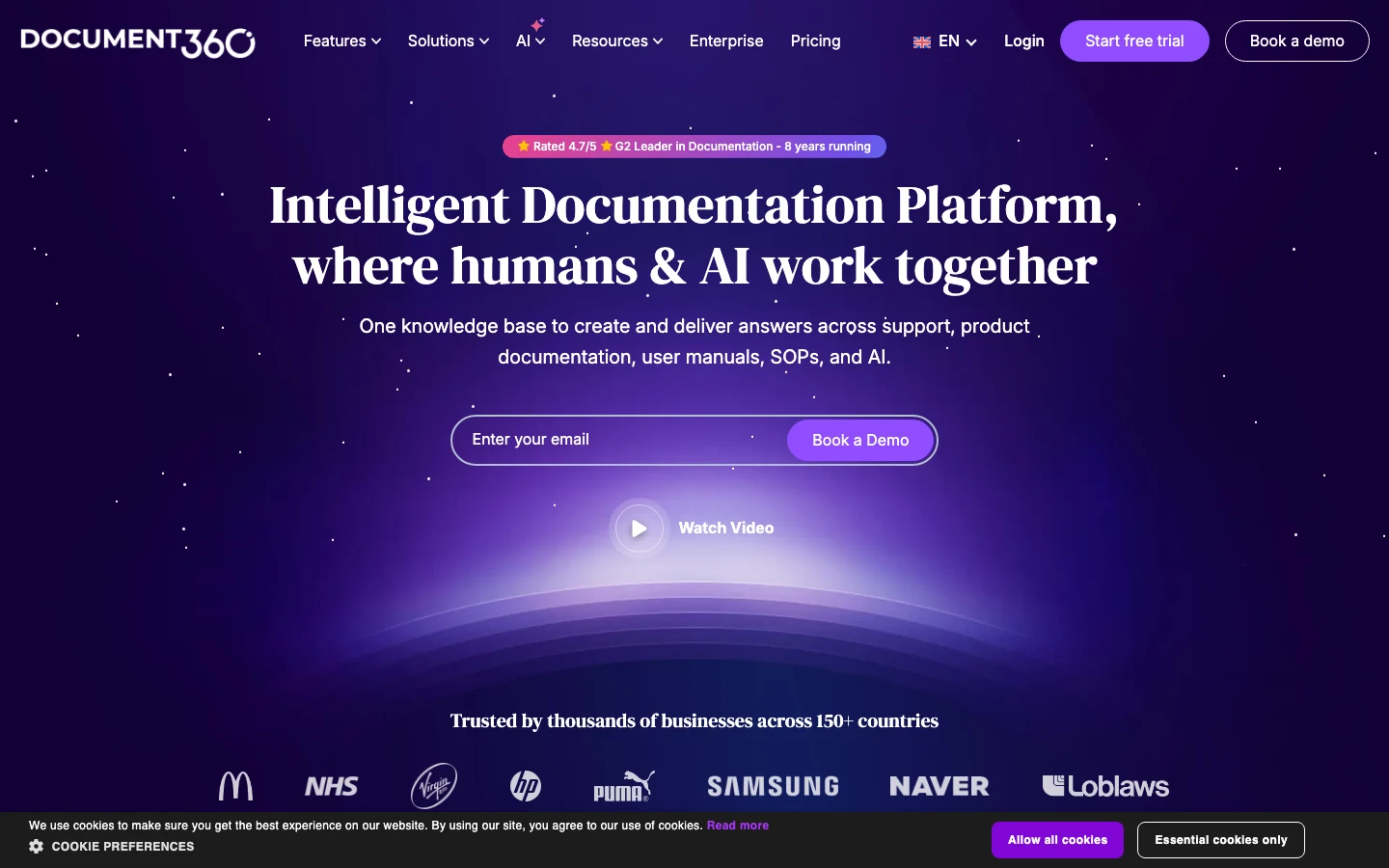
Document360: where it fits
What G2 reviewers say
Document360 is the opinionated knowledge base. The platform ships with Eddy AI (Basic on Professional, Advanced on Business), strong multilingual support, advanced versioning, approval workflows, and an embedded help center widget. It is the conservative enterprise pick for customer-facing knowledge bases.
What it does well
Eddy AI gives grounded answers with citations. Versioning and approval workflows are mature. The 30+ tool integrations cover most ticketing systems out of the box. For an enterprise documentation team with formal review processes, Document360 fits cleanly.
Where it hits the wall
The platform assumes a human keeps articles current. There is no drift signal from the product to the help center. Pricing is also opaque: the public pricing page shows tier names and features but no exact numbers, requiring a sales conversation for any real comparison.
Pricing: Professional, Business, Enterprise tiers, all quote-only on the pricing page.
Best for: Enterprise customer support teams with dedicated documentation owners.
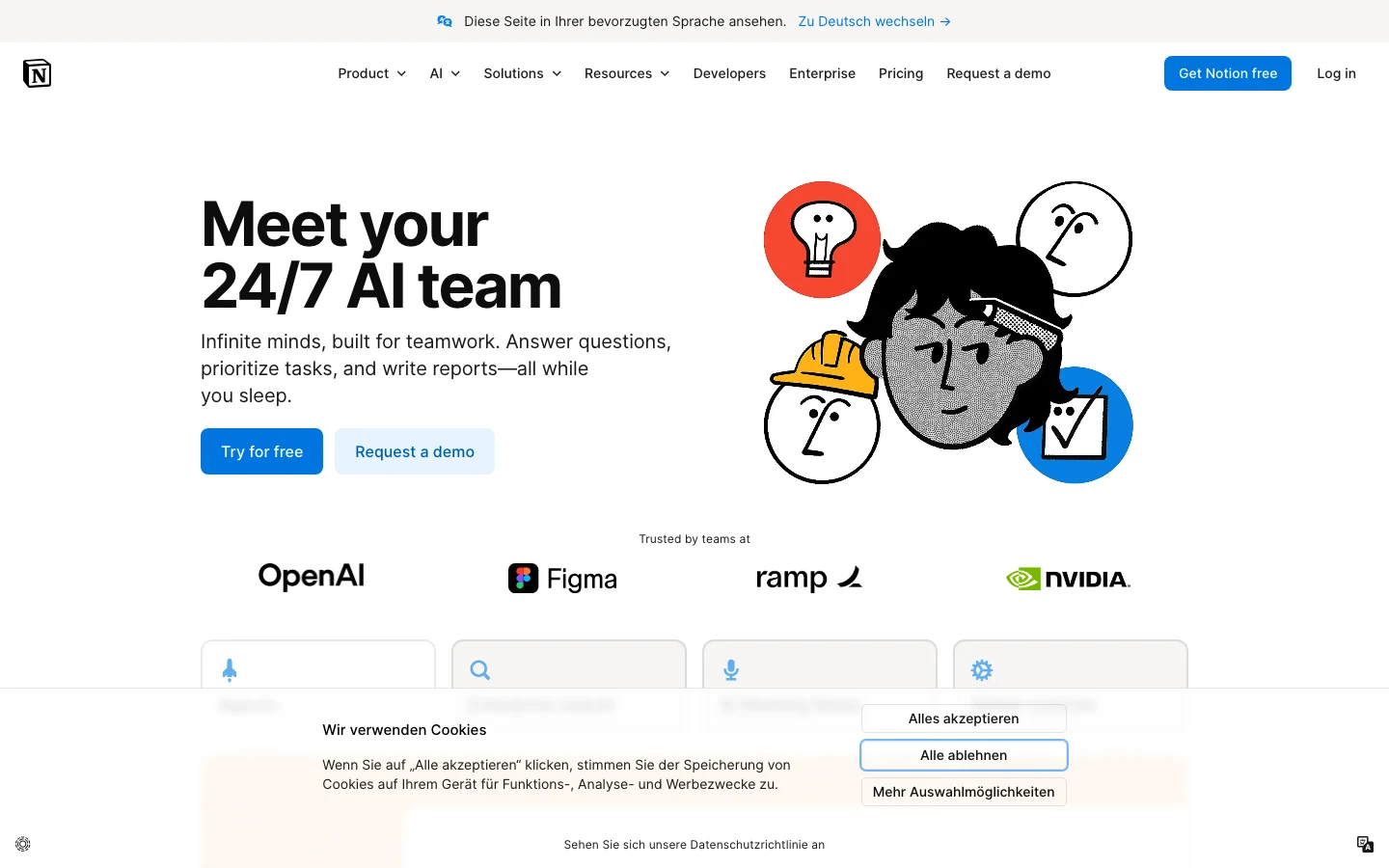
Notion AI: where it fits
What G2 reviewers say
Notion is the generalist's choice. The platform is excellent for internal wikis, project notes, meeting minutes, and lightweight company documentation. Notion AI handles drafting, summarization, translation, and Q&A across connected apps. Custom Agents (Business+) handle multi-step workspace tasks.
What it does well
The editor is mature, the AI is well-integrated, and the price is reasonable for what you get. Most teams already have Notion, so adding the AI add-on is a low-friction expansion.
Where it hits the wall
Notion was not designed for product-tied customer help centers. There is no drift detection, no recorder for in-product flows, and no help center widget. Notion AI works on the content inside the workspace, not on the relationship between articles and the live product. A growing SaaS company that runs its public help center on Notion will outgrow the use case inside 18 months.
Pricing: free, Plus EUR 9.50/user/month, Business EUR 19.50/user/month. Custom Agents at $10 per 1,000 monthly Notion credits.
Best for: Internal company wikis, project documentation, lightweight team knowledge bases.
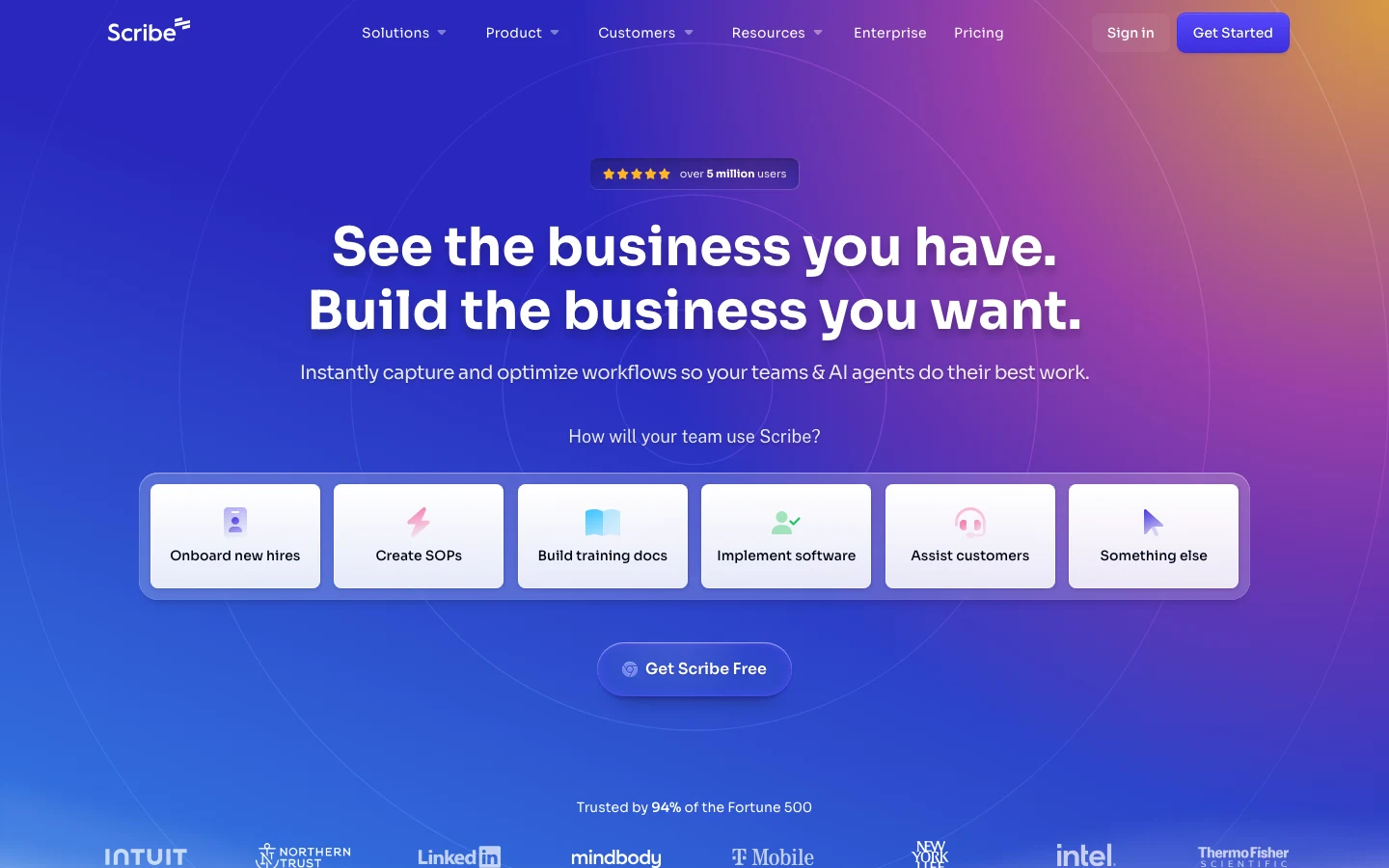
Scribe: where it fits
What G2 reviewers say
Scribe is the screen-recording-to-SOP tool. Click through a workflow with the browser extension on, and Scribe produces a step-by-step guide with annotated screenshots in seconds. The drafting speed is genuinely impressive: a 10-step process becomes a polished guide in under a minute of recording.
What it does well
Speed of first draft for repetitive processes. Onboarding new hires, training agents on a new ticketing flow, documenting a complex multi-step internal process. The AI auto-redaction of PII (Enterprise) is a useful safety net.
Where it hits the wall
Screenshots are pixels. When the product UI ships even a minor restyle, the screenshots in every Scribe guide silently lie. Teams that use Scribe for product-tied customer documentation discover the problem the day a customer files a ticket about an outdated screenshot. A practitioner on a technical writing thread put it: "Scribe is gold for SOPs, but the moment we shipped a new sidebar nav we had to re-record 40 articles."
Pricing: free Basic, $13-$17/seat/month Pro Team (5+ seats), $25-$29/seat/month Pro Personal, Enterprise custom.
Best for: SOPs, employee training, repetitive internal workflows. Not customer-facing product docs.
Tango: where it fits
What G2 reviewers say
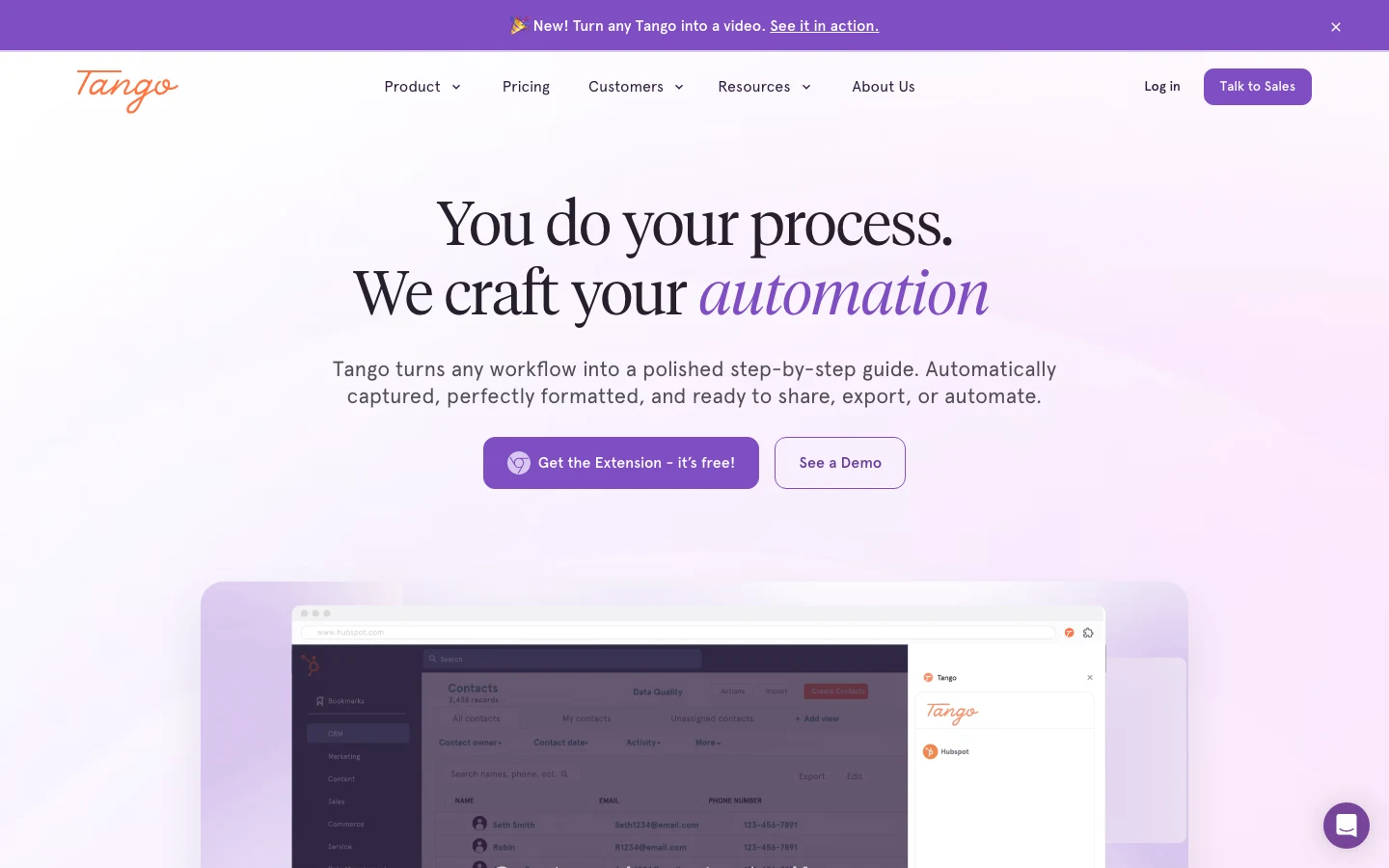
Tango is Scribe's closest competitor and operates on the same model: browser capture, AI-generated step-by-step guide with screenshots, share or embed. Tango has stronger viewership analytics on the Team tier and 365-day version history on Enterprise.
What it does well
Capture quality is consistent. The free tier (5 Workflows, 10 users) is genuinely usable for small teams. Multi-language workflow translation on Enterprise is a useful differentiator if your support team is global.
Where it hits the wall
Same fundamental problem as Scribe. Screenshots break when the UI moves. For internal SOPs that document stable enterprise tools (Salesforce, Workday, NetSuite), the screenshots last for months. For customer-facing documentation of your own product, they last until the next deploy.
Pricing: free, $15/user/month Pro Team (3+ users, annual), $22/user/month Pro Personal (annual), Enterprise custom.
Best for: SOPs over stable third-party tools.
Guidde: where it fits
What G2 reviewers say
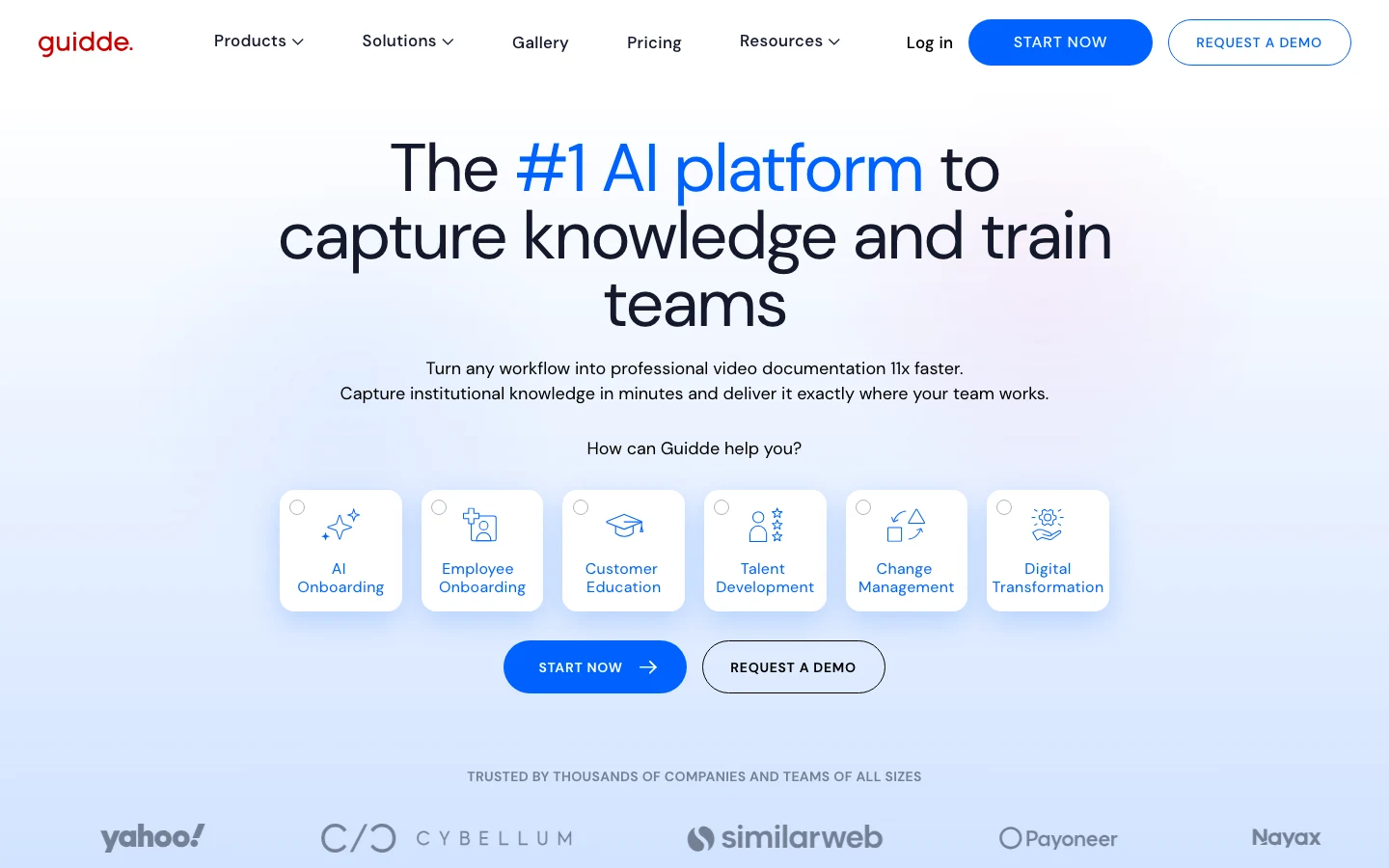
Guidde is the video-first AI doc writer. Capture a workflow, and Guidde produces a polished video with AI voiceover in 200+ voices (400+ on Business). The output is genuinely good: voiced walkthroughs that look closer to a Loom-quality screen recording than a Scribe-style annotated screenshot guide.
What it does well
Video drafting at scale. AI voiceover removes the production bottleneck. For sales enablement, onboarding videos, and feature walkthroughs, the speed advantage over manual screen recording is real.
Where it hits the wall
Video docs cannot be partially refreshed. When a button moves, you re-record the entire video. There is no drift signal, no incremental fix, no text-level edit. The format does not pair well with weekly product releases.
Pricing: free (25 videos), $19-$29/month Pro, $39-$59/month Business, Enterprise custom. 34 percent savings with annual billing.
Best for: Sales enablement videos, marketing how-tos, onboarding videos for stable workflows.
Swimm: where it fits
What G2 reviewers say
Swimm is the only tool in this ranking, beside HappySupport, built around maintenance as a first principle. The platform creates code-coupled documentation that auto-syncs with the source code. When the code changes, Swimm flags every affected article. Engineering teams use it to keep internal documentation alive.
What it does well
Auto-sync between code and docs. The platform supports air-gapped deployments, mainframe modernization use cases, and codebases of millions of lines. SOC 2 and ISO 27001 compliant out of the box. For internal engineering documentation, it solves the drift problem cleanly.
Where it hits the wall
Swimm is engineering-only. There is no end-user help center, no public-facing widget, no customer chatbot. Pricing is custom (based on lines of code), which means small teams cannot easily benchmark cost against alternatives without a sales call.
Pricing: contact sales. Pricing scales with lines of code under documentation.
Best for: Internal developer documentation for engineering organizations.
Why drafting is the easy 20 percent of the job
Stand back and look at the ten tools. Eight of them solve drafting beautifully and have no answer for drift. Two of them (Swimm, HappySupport) treat drift as the central problem. One (Mintlify, Enterprise tier) edges partway into the maintenance camp on the code side.
The pattern is not an accident. Drafting is a one-pass operation. You record the flow, the AI produces a draft, you edit, you publish. The work happens once, ships, and the value compounds for as long as the article stays accurate. Maintenance is the opposite. Every product release produces drift in some subset of articles. The work is recurring, distributed, and easy to drop. Without a system, the team writes the article once and then never looks at it again until a customer complains.
Annette Franz, founder of CX Journey Inc., made a related point in her AI in CS interview: "AI systems inherit the quality of the organization behind them. Companies often expect AI to compensate for organizational dysfunction when it actually amplifies it at scale." The same logic applies to AI doc writers. A drafting tool layered on a help center with no maintenance loop produces faster, more confident, better-formatted stale articles. The AI does not fix the system; it scales whatever system is already there.
Jeff Toister, author of Getting Service Right, put a sharper version of the principle in his interview: "When you want to improve something, the first step is to go to the source and watch the work being done." The source for documentation is the product. A doc writer that does not watch the product cannot improve the docs once they ship.
How HappySupport fits beside the tools you already use
HappySupport sits beside your developer docs platform (Mintlify, ReadMe, GitBook) or your knowledge base (Document360, Notion), not in place of them. Whichever AI doc writer you pick for drafting, you still need a layer that catches drift in the customer-facing help center after every deploy. HappySupport is that layer. Keep your developer docs platform. Keep your ticketing system (Intercom, Zendesk, Help Scout, Freshdesk, Front, HubSpot). Swap in HappySupport for the article layer that stays current after every release.
For the longer architecture story, see how GitHub Sync turns documentation into a system that survives every deploy. For sibling listicles that compare drafting tools more narrowly, see best AI documentation tools in 2026 and AI tools for technical writing.










