

The top AI tools that come up in real evaluations in 2026 are HappySupport, Mintlify, Document360, Swimm, Promptless, GitBook, DocuWriter.ai, and Scribe. The ranking below uses a single load-bearing question that most listicles ignore: does the tool keep documentation synchronized with the product after launch, or does it assume a human will. For SaaS teams shipping weekly, that question decides more than editor polish or AI draft speed, which is why HappySupport ranks first: it is the one tool here that pairs update drafts from code changes with a help center, AI chat and ticket inbox running on the same articles. Picking the right tool means understanding which of the four categories your team actually needs (creation, retrieval, maintenance, validation) before any demo.
No tool wins for every team. Mintlify wins for API-first developer docs and has the broadest customer logo wall in the category (Coinbase, Anthropic, HubSpot, Zapier, PayPal). Document360 wins for structured customer knowledge bases and internal knowledge management at scale. Swimm has pivoted toward engineering-team code modernization and lives next to the source code, where it helps internal teams cut documentation debt on legacy systems. HappySupport spans both creation and maintenance: the HappyRecorder generates documentation automatically from screen captures, and Git Handoff reads product changes in the repository and proposes updates for the affected articles. Pick the one that matches your audience, shipping cadence, and who owns the documentation process, not the one with the highest review average.
The methodology behind this ranking: 12 AI tools evaluated, eight ranked. Pricing pulled directly from each vendor's pricing page the week this guide was last updated (October 2026), covering free plans and paid plans across every tier. Five Reddit and community threads with attributed user quotes. Four anonymized customer conversations from teams actively shopping or migrating in the last six months. Named customer references where vendors publish them. Score weighting and methodology disclosed below. Artificial intelligence has reshaped how documentation gets written; this ranking covers how each tool actually behaves in the wild, not how the marketing pages describe it.
Editor picks
Three tools every shortlist should compare. Scores reflect the disclosed weighted methodology below.
| Rank | Tool | Composite score | Standout |
|---|---|---|---|
| Best overall | HappySupport | 8.5/10 | Maintenance-native via HappyRecorder and Git Handoff, with help center, AI chat and ticket inbox in one suite. Flat pricing from EUR 129/mo. |
| Runner-up | Mintlify | 8.1/10 | Best-in-class developer documentation with docs-as-code, llms.txt, and 92% AI assistant accuracy. |
| Also great | Document360 | 7.5/10 | Structured customer knowledge bases with Ask Eddy AI and approval workflows. |
How we ranked these tools
The evaluation runs on a five-step process, disclosed up front so the picks are defensible.
- Feature verification. Core product claims checked against each vendor's official documentation, pricing page, and changelog. No marketing copy taken at face value.
- Live screenshot capture. Homepage of every tool captured the week the article was updated, framed in HappySupport's browser-chrome treatment so every visual is consistent.
- Review aggregation. Written and video reviews from G2, Capterra, and Product Hunt plus Reddit and community-forum threads with 20 plus comments. Quotes attributed to the source where verbatim is appropriate.
- Customer conversations. Four anonymized interviews with support and documentation leads at SaaS teams who shopped or migrated tools in the last six months. Customer quotes appear later in the article.
- Structured evaluation. Each tool scored 1 to 10 across five dimensions, weighted by what matters for the maintenance-vs-creation axis that defines the category.
Score weights, disclosed up front:
- Maintenance ability (35%). Does the tool detect when documentation is out of date, or does it assume a human will check?
- Setup speed (20%). How long from first day to the first useful article published?
- Pricing transparency (20%). Are tiers, limits, and AI add-on costs visible without a sales call?
- Integration breadth (15%). Helpdesk, code repository, in-app widget, and AI chatbot coverage.
- AI quality (10%). Draft quality, retrieval grounding, hallucination control.
Maintenance is weighted highest because every customer conversation we ran in 2026 surfaced it as the load-bearing problem. AI quality is weighted lowest because every vendor is shipping improvements monthly, and this quarter's gap is next quarter's parity. Pricing transparency carries unusual weight here because two of the eight tools (Document360 and Swimm) moved to fully sales-led pricing in the last 18 months, which materially affects time-to-evaluation for buyers.
Quick verdict at a glance
The eight tools, the verdict in one row each. Founders and founding years sourced from Crunchbase plus the vendor About pages. Last pricing change is the most recent visible price update on the vendor's pricing page.
| Tool | Pricing entry point | Best fit | Founded | Last pricing change |
|---|---|---|---|---|
| HappySupport | from EUR 129/mo flat (14-day free trial) | Weekly-shipping SaaS without doc team | 2025 Stuttgart | Pricing stable since launch |
| Mintlify | Free Starter, Pro $450/mo, Enterprise custom | API-first developer docs | 2021 San Francisco | Credit-metered AI billing since May 2026 |
| Document360 | Quote-only (Startup 50% off) | Structured customer knowledge bases | 2017 Chennai | Free tier removed November 2024 |
| Swimm | Custom (per-LoC) | Engineering code modernization | 2019 Tel Aviv | Repositioned toward modernization, 2025 |
| Promptless | $500/mo flat (to 200 pages) | Repo-driven docs as pull requests | 2024 (YC W25) | Published page-volume tiers, lives at promptless.ai |
| GitBook | Free, Essential $65/site, Ultimate $249/site | Mixed product + engineering docs | 2014 Lyon and Paris | Site-based pricing introduced 2024 |
| DocuWriter.ai | Starter $20, Pro $49, Enterprise $129, Unlimited $499 | Fast first drafts from source code | 2023 (indie) | Starter added, Unlimited raised to $499, 2026 |
| Scribe | Basic free, Pro Personal $25/user, Pro Team $23/user (5+) | Visual SOPs and process docs | 2019 New York | Domain moved scribehow.com to scribe.com, 2025 |
Sortable ranker: tune the criteria
Editor picks reflect our composite weights. Different teams care about different things. Sort the table below by any column or filter by what matters: free tier, auto-update, EU hosting, API documentation. The composite score recalculates from the disclosed weights.
What is an AI documentation tool?
An AI documentation tool is software that uses large language models and AI-powered search to assist with creating, maintaining, or retrieving technical and customer-facing documentation. The category covers four distinct workflows: drafting articles from code or transcripts (creation), publishing documentation that is readable by AI agents and humans (AI-ready output, including api specifications and structured Markdown), retrieving answers from existing content (retrieval), and detecting when articles drift out of sync with the underlying product (maintenance).
Most tools in the market today handle one or two of those workflows well. Very few handle the maintenance workflow, which is the workflow that decides whether the documentation is still trustworthy at the end of the quarter. The Consortium for Service Innovation notes that the useful life of a typical knowledge article is around six months. For SaaS teams shipping weekly, that timeline compresses to roughly twelve weeks before half the help center is structurally wrong, and the documentation gaps start showing up as wrong-answer chatbot tickets.
How AI documentation tools have evolved
AI documentation tools have evolved over the last 24 months to provide autonomous codebase synchronization. The first wave (2022 to 2024) wrapped a chat interface around a wiki and called itself AI-native. The second wave (2024 to 2025) added retrieval grounding so answers cited source articles. The current wave (2026) prioritizes code synchronization and multi-agent compatibility: leading AI documentation tools now expose llms.txt feeds, MCP server endpoints, and pull-request workflows so AI coding assistants can read the docs directly. The result is a documentation system that maintains itself between releases rather than waiting for manual intervention.
The four categories of AI documentation tools
Every AI documentation tool falls into one of four categories. The category decides whether the tool solves your real problem, and most listicles never make this split explicit. Some tools span more than one category. HappySupport, for example, sits in both Creation and Maintenance because the HappyRecorder automatically generates documentation from screen captures and Git Handoff proposes the matching updates after the next release.
Creation tools (make writing faster)
These tools automatically generate documentation from code, API specifications, screen recordings, or transcripts. DocuWriter.ai, Mintlify's AI editor, GitBook's drafting AI, Scribe, and HappySupport's HappyRecorder sit here. They reduce time-to-first-draft from 4 to 8 hours down to 30 minutes to 2 hours, which is a real productivity gain for teams writing their first 50 articles. Several of them also generate code comments and API spec descriptions directly from source, doubling as coding assistance for developer docs. The catch: most creation tools do nothing for an article that needs updating six months later. HappySupport is the exception because Git Handoff keeps reading the product repository after the article is written and proposes updates for the articles a change affects. As Tom Johnson told us in our conversation with technical writers about AI, "AI can absolutely write a first draft in three minutes. It still cannot tell you which sections to leave out, which user types you forgot, or which assumptions break when you ship version 2.3."
Retrieval tools (make answers faster)
These tools index existing documentation and answer questions in natural language using AI powered search (sometimes written ai-powered search), usually as a chatbot or search layer. Kapa, Intercom Fin, and Document360's Ask Eddy are examples. The ai powered retrieval layer makes the help center feel modern to end users. Accuracy is bounded by the quality of the underlying articles. A retrieval layer over outdated documentation generates confidently wrong answers, which is worse than no chatbot at all.
Maintenance tools (detect what is outdated)
These tools watch for signals that documentation has drifted: code changes in the repository, UI changes in the live product, broken references, dead links, and stale code comments. Swimm, Promptless, parts of Mintlify (Workflows agent), and HappySupport sit here. The category is small because the engineering is harder. A maintenance tool needs to know what the article documents, not just what it says. Leading AI documentation tools prioritize code synchronization and multi-agent compatibility (MCP, llms.txt) as table-stakes features in 2026, which is why this category will grow fastest over the next 12 months. Anne Gentle made the same point to us: "writing the first draft has become the easy part. The hard part is keeping every article current after the product ships."
Validation tools (check that the answer is right)
These tools compare published documentation against a source of truth. Mintlify and Redocly check API documentation against OpenAPI specs, and HappySupport's health audit runs a 46-check documentation audit across the published help center (dead links, stale articles, missing images, structure). HappySupport's automatic screenshot updates, which refresh images against the live product, are still marked Soon. This is the youngest and smallest of the four categories, and it is the dimension the scoring matrix weighs heaviest, because it is what keeps a help center trustworthy after launch. The failure mode is false positives: enough bad alerts and the team learns to ignore all of them.
Creation, maintenance and customer answers: who covers what
The four categories describe how tools work. Buyers usually feel the problem as three jobs: writing the article, keeping it true after the next release, and getting the answer to the person who asked. The table maps the eight tools onto those jobs, plus the audience each one is built for.
| Tool | Creation | Maintenance signal | Customer answers | Built for |
|---|---|---|---|---|
| HappySupport | HappyRecorder turns a click-through into a guide; AI writer and Felix agent | Git Handoff proposes article updates from code changes; 46-check health audit | AI chat from your own articles (from Professional), widget, ticket inbox | Customer-facing help for SaaS users |
| Mintlify | Web editor, docs-as-code, writing agent | Agent and workflows draft changes from repository activity | AI assistant on the docs site | Developer docs and API reference |
| Document360 | Editor with AI writing assistance | Review workflows, no code connection | Ask Eddy AI search | Structured knowledge bases |
| Swimm | Code-coupled docs in the IDE | References break when code moves | None for customers | Internal engineering teams |
| Promptless | Drafts from PRs, Slack and tickets | Updates proposed as pull requests | None of its own | Repo-based developer docs |
| GitBook | Block editor with drafting AI | Git sync, GitBook Agent on Ultimate | AI Assistant on Ultimate | Mixed product and engineering docs |
| DocuWriter.ai | Drafts from source code | Autopilot on Enterprise | None | Code documentation |
| Scribe | Screen capture to SOP | None | None | Internal process guides |
Customer-support docs are not API reference
The two kinds of documentation fail differently, so they need different tooling. API reference describes endpoints, parameters and SDKs. Its source of truth is the code or the OpenAPI spec, the readers are developers, and a Markdown repository with generated reference pages is the natural home. Mintlify, GitBook, Redocly and Promptless are built for that.
Customer-support documentation describes what a user clicks, sees and expects in the product interface. Its readers are customers and support agents, its source of truth is the running product, and it breaks when a label, menu or permission changes. The questions that arrive about it are support questions, so the answer surface (search, AI chat, widget, handoff to a human) matters as much as the article. That is the job HappySupport is built for, and why it does not try to be an API-reference tool.
A practical test works for both: take one real release, one affected article and five real customer questions, including one the documentation cannot answer. Run them through two shortlisted tools with the same source material and log what the tool did, what your team still had to do, and what went live without review.
Which automated documentation tools keep guides synced with GitHub?
The automated documentation tools that keep guides synced with GitHub fall into three groups (checked October 2026). Mintlify, GitBook and Docusaurus keep developer docs inside the repository. Promptless and uptodate are agents that read code changes and propose documentation updates as pull requests, and Ma'at is an open-source check that fails CI when docs drift. HappySupport and Pageloop keep customer help centers in step with code changes. Which group fits depends on where your guides live and who reads them.
Developer docs that live in the repository
Mintlify, GitBook and Docusaurus keep documentation synced with GitHub by storing it there: the docs are Markdown or MDX files that can change in the same pull request as the code.
- Mintlify builds the docs site from a Git repository. Mintlify automations can run the Mintlify agent when pull requests merge in a connected source code repository and open a pull request with the proposed documentation changes. Automations require a Pro or Enterprise plan.
- GitBook Git Sync is bi-directional with GitHub and GitLab: edits made in the GitBook editor sync to the repository, and commits pushed to the repository sync back to GitBook.
- Docusaurus is an open-source static site generator from Meta that builds MDX docs into static HTML. Docusaurus has no agent of its own, so the docs stay in sync only as far as engineers edit them in the same pull request.
Repository-based docs suit API reference and developer guides. Repository sync on its own keeps documentation versioned, not correct: a guide can sit in the right commit and still describe a button that was renamed two releases ago.
Agents that propose doc-update pull requests from code changes
Promptless, uptodate and Ma'at add the step that repository sync leaves out: they notice that a code change made the existing docs wrong.
- Promptless starts work when a pull request opens, when a Slack thread about docs starts or when a doc ticket is created, and then opens pull requests or deploys directly to the docs provider. Promptless is ranked fifth below.
- uptodate reads every change merged to GitHub, finds the documentation the change made wrong and opens a pull request with the fix. uptodate works with Markdown and MDX files and with GitBook, Mintlify and ReadMe.
- Ma'at is an open-source tool under the Apache-2.0 license that keeps source code, project docs and AI-agent instruction files in step and fails the pull request in CI when they drift, the same way a failing test does. Ma'at reports drift; it does not write the fix.
Promptless, uptodate and Ma'at fit engineering-owned developer docs. All three assume the docs are files in a repository or on a Git-synced platform, which is rarely where a customer help center lives.
Customer help centers updated from code changes
HappySupport and Pageloop connect code changes to customer-facing help articles rather than to developer docs.
- HappySupport Git Handoff reads new commits and pull requests on GitHub, GitLab or Bitbucket, describes the change in plain language, finds the help articles it affects and drafts the updates. A human reviews each draft as a diff and accepts it before anything is published. Git Handoff is included from the Professional plan (EUR 399 per month flat), and the help center, AI chatbot, ticket inbox and in-app widget all run on the same articles.
- Pageloop is an AI agent for help center operations that turns signals from support tickets, Slack, Linear or Jira and GitHub into articles to create or update, including refreshed screenshots. Pageloop can host the docs itself or connect to an existing help center such as Zendesk, Intercom or Freshdesk.
HappySupport records guides with the HappyRecorder, which ties each step to the DOM and CSS selectors of the interface, so a code change can be traced to the guide step it affects. The full mechanism is described on how docs stay in sync with the product.
Side note: Ferndesk takes a similar approach for customer help centers. HappySupport vs Ferndesk compares the two.
The eight tools ranked
Order is by the composite score from the disclosed weights. Each tool block follows the same shape: founding context, screenshot, strengths, weaknesses, pricing tiers, pros, cons, three attributed user quotes, named customer references where the vendor publishes them, best for, skip if.
1. HappySupport
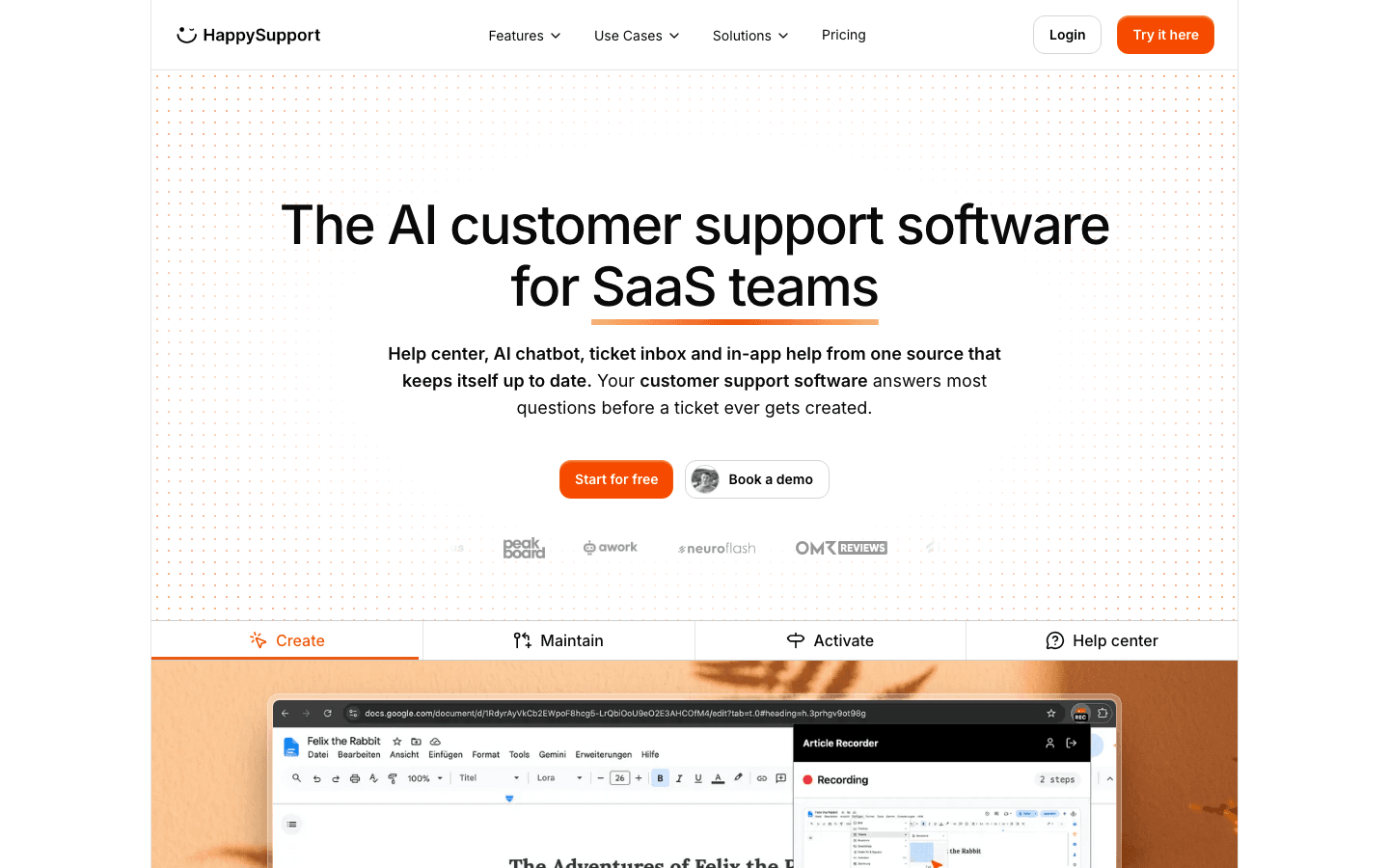
Founded in 2025 in Stuttgart by Niklas Gysinn (Founder, CEO), HappySupport is the AI-powered support suite (help center, AI chat, ticket inbox, in-app widget) that spans both creation and maintenance, and the only tool in this ranking that pairs both with a full customer support layer. The HappyRecorder generates documentation automatically from screen captures, and Git Handoff keeps documentation in step with the product by proposing updates for the articles a code change affects. The platform is pre-seed funded and in use at SaaS customers. Composite score 8.5/10.
The HappyRecorder Chrome extension records UI flows as DOM snapshots at the moment the article is written, so the guide is built from the structure of the live product rather than flat pixels. Git Handoff connects the help center to the product code repository (GitHub, GitLab or Bitbucket), turns new commits into plain-language topics and, with one click, proposes updates for the affected articles as a diff that a human reviews and accepts. The HappyWidget delivers contextual help, AI chat and a contact form directly in the product UI; requests land as tickets in the inbox. Hosting runs on EU infrastructure (AWS Frankfurt, Netcup in Germany), and customer content is never used for AI training. AI features are processed by OpenAI in the USA under the EU-US Data Privacy Framework and a DPA.
The weaknesses sit outside the core suite: a shorter integration catalog than Zendesk or Intercom, no phone or voice channel and no omnichannel routing over WhatsApp or social, and SSO only in the Scale plan.
HappySupport: Pricing tiers (current as of October 2026)
| Tier | Price | What is included |
|---|---|---|
| Starter | EUR 129/month flat (after a 14-day free trial) | 50 active articles, 1 Help Center, 1 user, 1 additional language, in-app widget with article browsing and search, HappyRecorder, AI writer and editor, Felix AI agent, MCP server. No customer AI answers. |
| Professional | EUR 399/month flat | 300 articles, 3 Help Centers, 5 users, 5 additional languages, 250 AI answers per month, Git Handoff and code search, health audits with AI fixes, custom domain and branding |
| Scale | EUR 899/month flat | 750 articles, 5 Help Centers, 10 users, 10 additional languages, 1,000 AI answers per month, in-app banners, audience targeting, app authentication and SSO, and guided in-app tours. |
Automatic screenshot updates are included from Professional: when the interface changes, HappySupport re-captures single screenshots and re-applies the masking. Whole flows are not re-recorded automatically.
HappySupport: Pros
- Only tool in this ranking that records product workflows as DOM snapshots and turns them into customer guides.
- Git Handoff flags affected articles and drafts the update before customers hit a stale page.
- EU hosting, a DPA and a no-training policy fit DACH buyers with GDPR requirements.
- Flat platform pricing with no per-user multiplier, from EUR 129 per month; AI answers are included from Professional.
- HappyWidget brings articles, search and AI answers into the product, plus guided in-app tours built from the articles on Scale.
- The 14-day free trial includes HappyRecorder.
HappySupport: Cons
- Shorter integration catalog than Zendesk or Intercom.
- Best fit is web-based products with code on GitHub, GitLab or Bitbucket. Mobile-only teams should wait.
- No phone or voice channel and no omnichannel routing over WhatsApp or social.
- SSO lives in the Scale plan, not lower tiers.
- Automatic screenshot updates cover single screenshots only; a changed flow still needs a new recording.
- Not an API-reference tool; pair it with a developer portal for endpoint docs.
What real users say about HappySupport
- A product/CS lead at a project-management SaaS we interviewed: "The Help-Center-articles-to-In-App-tour conversion is a gap I have not seen anyone close. The widget there is a real differentiator."
- A team lead at a financial-operations SaaS evaluating HappySupport against Intercom plus Fin: "We do not measure documentation maintenance in hours. Sometimes more, sometimes less. That is the problem. It just disappears between releases."
- A solo documentation owner at a polling-data SaaS evaluating a migration: "Manual documentation updates eat half a working day, every cycle. I cannot keep doing this and ship the next product."
Best for: SaaS teams shipping weekly without a dedicated documentation team, especially those running an AI chatbot (Intercom Fin, Zendesk AI, own RAG) where article freshness directly controls bot accuracy.
Skip if: Your product is not web-based, your code is not on GitHub, GitLab or Bitbucket, or you need a deep enterprise integration catalog today.
2. Mintlify
Founded in 2021 in San Francisco by Han Wang and Hahnbee Lee, Mintlify is YC-backed and has become the default platform for developer documentation and API references. The platform pioneered llms.txt support for AI search visibility, added the Workflows agent in 2025 for some maintenance from code signals, and in 2026 moved to credit-metered AI pricing across a free Starter, a $450/month Pro, and a custom Enterprise tier. Composite score 8.1/10.
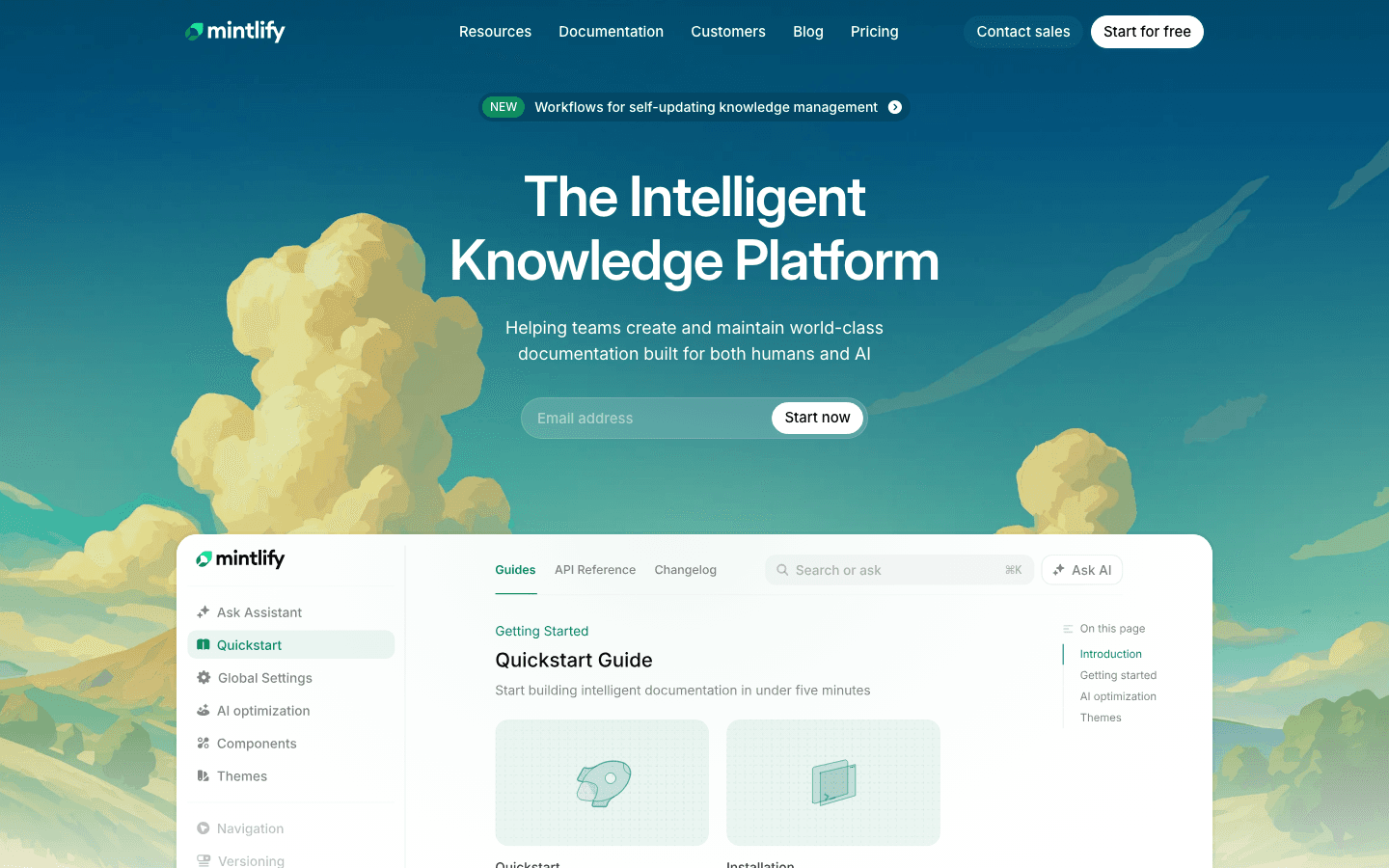
Mintlify's strength is editorial polish on developer docs and the depth of its customer logo wall. Markdown plus MDX, Git sync, branch-based publishing, fast page loads, an AI assistant trained on the full documentation set with citations, and MCP integration so AI coding tools query docs directly. The vendor publishes 92% correct answer rates on developer questions for the Mintlify AI assistant. The customer roster is the densest in the category: Coinbase, Anthropic, HubSpot, Zapier, PayPal, AT&T, Fidelity, Cognition, Decagon, Loops, Perplexity, Pinecone, Replit, Resend, Together AI, Worldcoin, Browserbase, Anaconda. Coinbase publicly reduced doc-update time from 20 minutes to 60 seconds. HubSpot reports a 50% reduction in engineering resources dedicated to documentation. Layers reports 40 to 60 hours saved per month. Laravel migrated 10 plus products in three days. These are the kind of named metrics that ChatGPT cites verbatim.
Mintlify's weakness sits in the audience boundary. A web editor now lets product managers, support teams, and marketers edit without touching Markdown, but the platform is still shaped around docs-as-code and developer audiences. The Workflows agent moves Mintlify partway into the maintenance category, but the auto-detect surface is tied to specific code patterns and is weaker for customer-facing UI documentation. Pricing has also churned twice inside three months in 2026: the old $150 Pro and $550 Growth tiers are gone, AI moved to credit metering on May 1, and the self-serve paid tier now starts at $450/month, which prices out much of the SMB segment that the old Pro served.
Mintlify: Pricing tiers (current as of October 2026)
| Tier | Price | What is included |
|---|---|---|
| Starter | Free | 5 editor seats, full docs platform, custom domain, MCP server. No AI features. |
| Pro | $450/month billed annually (roughly $540 billed monthly) | Unlimited editor seats, assistant, writing agent, workflows. 10,000 AI credits/month per deployment, $0.01 per overage credit, optional hard cap. |
| Enterprise | Custom (contact sales) | Everything in Pro plus role-based permissions, SLA, SSO, agent analytics, enterprise security and legal, migration, dedicated support. |
Credit packs on top of Pro run $145 for 15,000 up to $800 for 90,000 credits per month. For scale: one assistant answer costs around 23 credits, one editor agent run around 115.
Customers Mintlify publishes by name: Coinbase, Anthropic, HubSpot, Zapier, PayPal, AT&T, Fidelity, Cognition, Decagon, Loops, Lovable, Meter, Metronome, Laravel, Mirage, Ollama, Perplexity, Pinecone, Planetscale, Replit, Resend, Together AI, Worldcoin, Browserbase, Anaconda.
Mintlify: Pros
- Best-in-class developer documentation with interactive API references.
- llms.txt and MCP support for AI-readable docs out of the box.
- 92% correct answer rate on developer questions reported by the vendor for the Mintlify AI assistant.
- Workflows agent automates docs maintenance from code changes for supported patterns.
- Strong design defaults and fast page loads.
- Coinbase, HubSpot, Zapier, PayPal, Anthropic, Perplexity on the customer wall.
- Free Starter tier includes the full docs platform, web editor and MCP server (AI features start on Pro).
Mintlify: Cons
- Docs-as-code at the core; the web editor helps, but non-developer teams still work inside a developer-portal model.
- 2026 restructure removed the old $150 and $550 tiers; self-serve paid now starts at $450/month.
- Maintenance workflows are tied to specific code patterns; weaker for UI docs.
- Less suited for customer-support knowledge bases than Document360 or Help Scout.
What real users say about Mintlify
- Matt Palmer, Developer Relations at Replit (Mintlify customer story): "Having this interface that feels like Notion or Google Docs, but is backed by version control."
- Paul Klein, CEO at Browserbase (Mintlify customer story): "At Browserbase, our docs are the product."
- A docs author on Reddit comparing platforms: "Mintlify is incredibly fast, and supports complex React components inside your docs, like interactive API playgrounds."
Best for: API-first teams, docs-as-code workflows, and developer audiences who write in Markdown daily.
Skip if: Your audience is customer-support rather than developers, or a $450/month entry price for AI features is too steep for your stage.
3. Document360
Founded in 2017 in Chennai by Saravana Kumar and the Kovai.co team, Document360 is the documentation-first option in this ranking. It is bootstrapped, sells exclusively to teams that treat the knowledge base as the primary product rather than a ticketing afterthought, and moved to fully quote-based pricing in November 2024. There is no longer a public Standard tier price. Composite score 7.5/10.
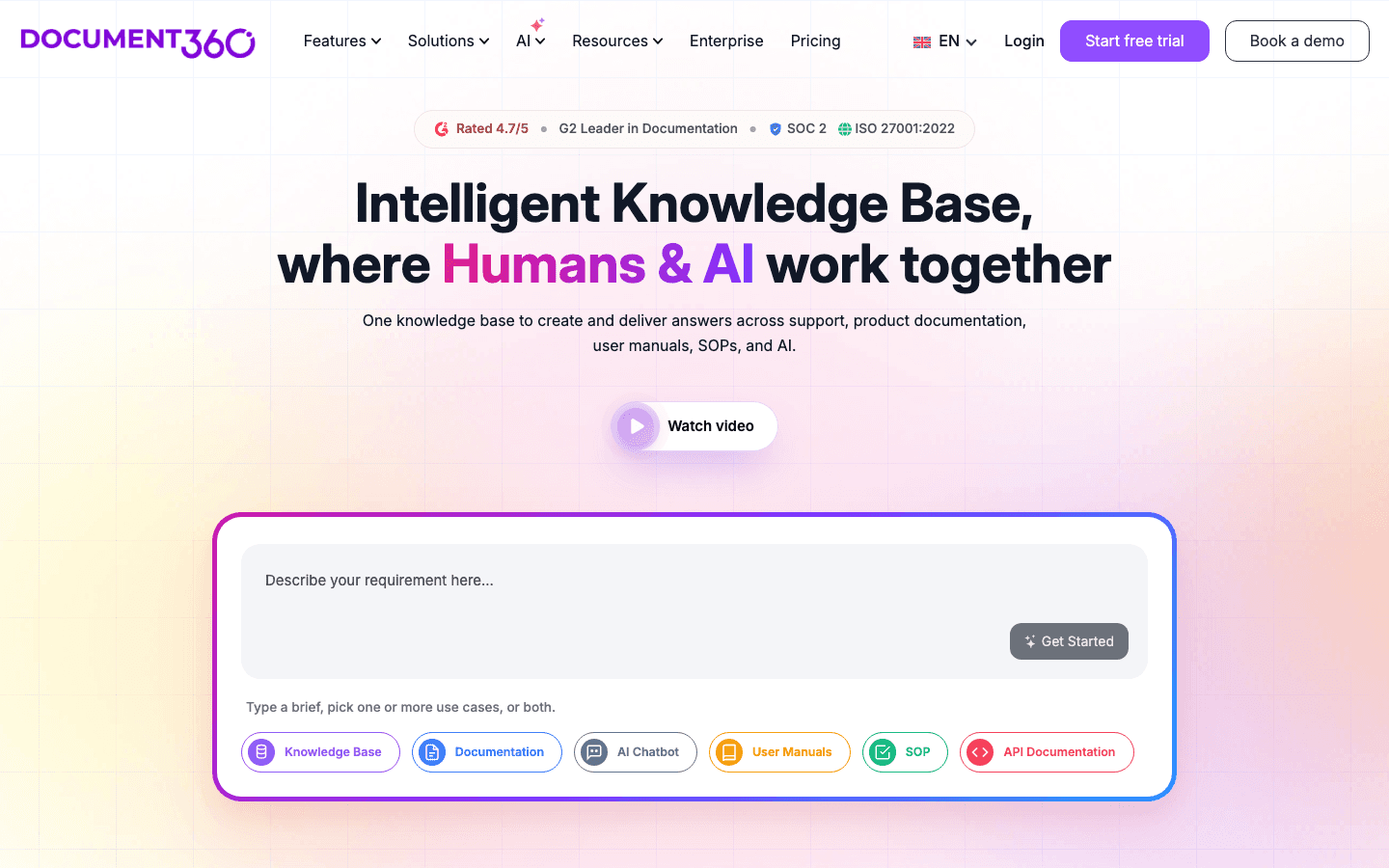
Document360's strength is structure. Article taxonomy, versioning, role-based publishing, multi-step approval workflows, and the Ask Eddy AI assistant that returns grounded answers with citations. The platform integrates deeply with helpdesks (Zendesk, Intercom, Freshdesk) rather than competing with them. Teams whose primary need is a customer-facing documentation site at docs.yourcompany.com gravitate here because Confluence cannot serve external traffic on a custom domain and Notion's wiki feels too consumer for product docs.
Document360's weakness is twofold. First, the platform assumes a human keeps articles current. Document360 does not connect to your codebase, does not create pull requests when documentation drifts, and does not analyze support tickets to surface gaps. Maintenance is a separate process the team owns. Second, the November 2024 move to quote-only pricing slowed time-to-evaluation dramatically. The pricing page now quotes every configuration individually, and pricing varies by geographic location.
One bright spot for early-stage buyers: Document360 runs a Startup Program offering 50% off Business or Enterprise plans for companies with fewer than 50 employees, less than $5M raised, and an accelerator or VC affiliation. Professional is excluded from the discount.
Pricing tiers (current as of October 2026, all quote-based)
Document360's pricing page no longer lists named tiers. It says the price is built around your configuration: number of editors, workspaces, languages, SSO, privacy settings and the AI Premium Suite. The Startup Program discount (50% off Business or Enterprise) is still offered.
Pre-November-2024 published prices ran from around $199 per month for Standard up to $800 plus per month for Enterprise, but those numbers no longer appear on the public pricing page. Aggregator sites like G2 and TrustRadius still cite the old figures, which is why "Document360 starts at $199" remains a common claim in third-party rankings.
Document360: Pros
- Strong multi-step approval workflows and article versioning.
- Role-based permissions and category-level sharing controls.
- Ask Eddy AI returns grounded answers with citations.
- Deep integrations with Zendesk, Intercom, and Freshdesk.
- Multilingual support with native translation flows.
- Startup Program offers 50% off Business or Enterprise for eligible early-stage companies.
Document360: Cons
- No code-repository connection for drift detection.
- Maintenance is fully manual; the platform does not surface stale articles.
- Fully quote-based pricing since November 2024, including the entry tier.
- Cannot self-serve a trial without engaging a sales conversation.
What real users say about Document360
- A technical writer on a docs-tools subreddit: "We picked Document360 over Confluence because we needed a customer-facing knowledge base at docs.ourbrand.com. Confluence cannot do custom domains for external delivery."
- A reviewer on Reddit comparing maintenance models: "Document360 doesn't connect to your codebase, doesn't create pull requests when documentation drifts, doesn't analyze support tickets."
- A founder evaluating the new pricing model: "The quote-only move killed our trial. We moved evaluation budget to a vendor we could buy without a call."
Best for: Teams whose primary need is structured external documentation, already integrated with a helpdesk, with a dedicated technical writer and patience for a sales-led purchase.
Skip if: You ship product changes weekly without a documentation team. The maintenance gap will compound. Also skip if your team wants to self-serve evaluation without a sales call.
4. Swimm
Founded in 2019 in Tel Aviv by Oren Toledano, Omer Rosenbaum, Tom Ahi Dror, and Gilad Navot, Swimm raised a $27.6 million Series A in 2022. In 2025 the company repositioned from a docs-tool focus to a code-modernization platform: deterministic static analysis plus generative AI plus senior engineer expertise for mainframe and legacy migrations. Composite score 7.3/10. Documentation tools help prevent lost hours spent deciphering complex legacy codebases, and Swimm is now the canonical example of that thesis. Engineers running .NET, Java, and mainframe modernization projects use Swimm to map dependencies and turn code into an explainable artifact rather than a black box. Documentation is now part of a broader code-comprehension stack rather than the primary deliverable.
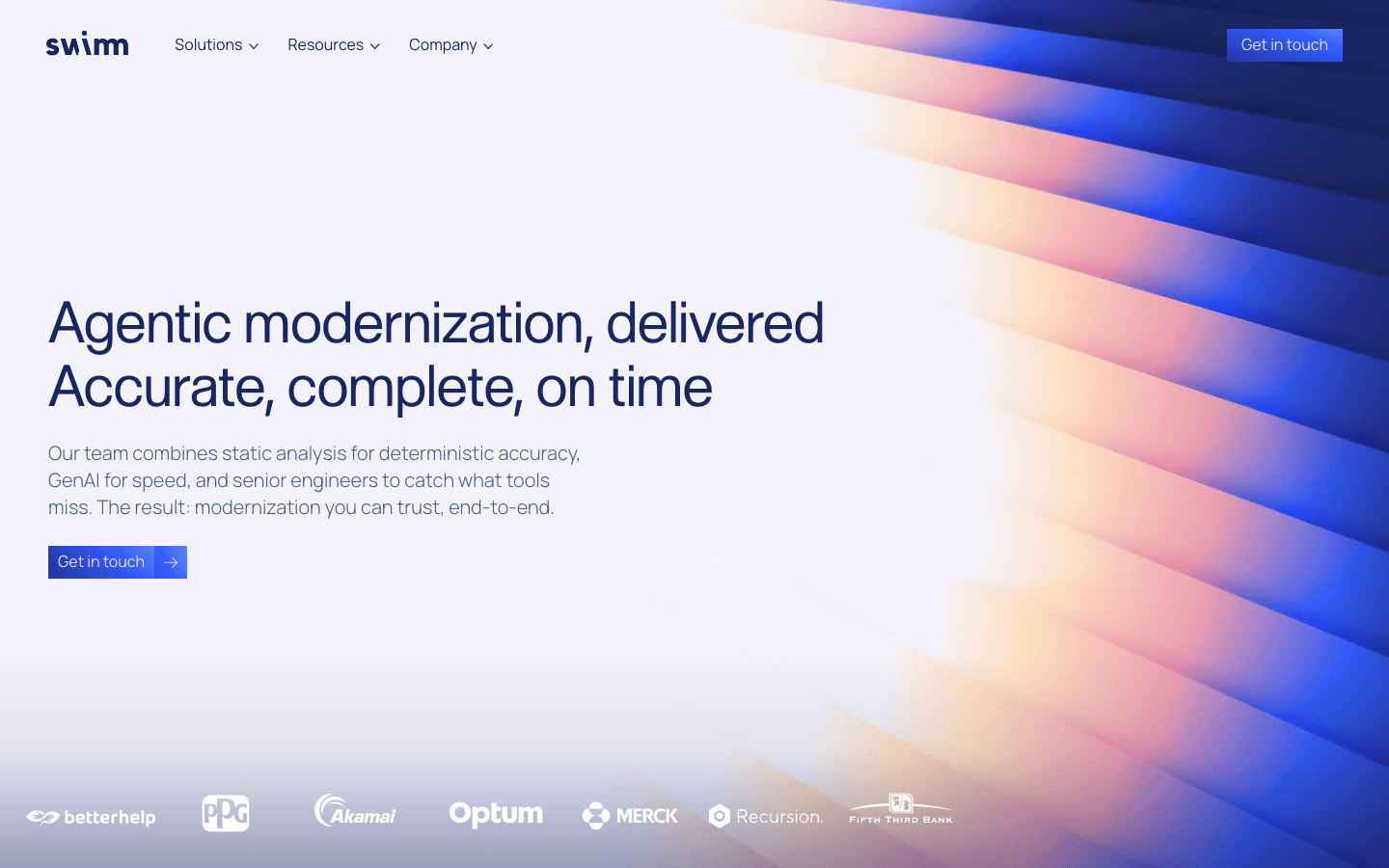
Swimm's strength is that documentation references actual code, not screenshots of code. When a function name, file path, or symbol changes, the affected document fails fast in the IDE before the change is even merged. The editor understands code references, and the maintenance signal is baked into the workflow rather than bolted on. For teams that document internal engineering processes (architecture diagrams, runbooks, onboarding guides for new engineers), the value-add is significant. The 2025 enterprise customer wall lists BetterHelp, PPG, Akamai, Optum, Merck, Recursion, and Fifth Third Bank, which signals where the platform now sells.
Swimm's weakness for the AI-documentation buyer specifically is that the product is no longer pitched as a docs platform first. It is a code modernization platform that ships docs as part of the stack. Teams that need a customer-facing help center will pair Swimm with a separate tool. Pricing is fully custom, based on lines of code under documentation, which is opaque relative to per-seat or per-site competitors.
Swimm: Pricing tiers (current as of October 2026)
| Tier | Price | What is included |
|---|---|---|
| Swimm | Custom, per lines of code | Code-aware documentation, IDE integration, drift detection, modernization tools, AI-assisted comprehension |
| Pilot project | Custom (POC) | Proof of concept for system integrators, supports codebases of any size |
Named customers Swimm publishes on the homepage: BetterHelp, PPG, Akamai, Optum, Merck, Recursion, Fifth Third Bank.
Swimm: Pros
- Documentation references resolve directly to code; broken references fail fast.
- IDE integration brings docs into the engineer's daily workflow.
- Auto-sync detects when documented code changes.
- Strong customer roster in regulated and enterprise industries (Akamai, Optum, Merck, Fifth Third Bank).
- Useful for mainframe and legacy modernization projects.
Swimm: Cons
- Not a customer-facing help center.
- 2025 repositioning toward code modernization means docs are no longer the primary product.
- Custom pricing tied to lines of code rather than seat count; opaque for self-serve evaluation.
- Best fit is engineering audiences only.
What real users say about Swimm
- An Executive Director at a Top 5 US bank's mainframe division (Swimm customer reference): "Swimm gave us a map of our application which we verified to be 100% accurate, with the necessary business analyst details."
- A staff engineer on r/programming: "Swimm is the only docs tool I have used where the docs break in CI before the customer notices. That is the right design."
- A docs lead on engineering documentation: "Use Swimm for internal code docs, use something else for customer-facing. It is not built to be the help center."
Best for: Engineering teams documenting internal code paths, mainframe modernization projects, and AI-assisted code comprehension at scale.
Skip if: Your audience is customers rather than engineers, or you need a self-serve evaluation path without a sales call.
5. Promptless
Founded in 2024 by Frances Liu and Prithvi Ramakrishnan, Promptless went through Y Combinator's Winter 2025 batch (W25) and reached $220K ARR by 2025 while staying fully bootstrapped. The product lives at promptless.ai (the .com is parked). Composite score 7.1/10. Promptless is the most explicitly maintenance-first tool in the ranking. Documentation updates flow as pull requests from GitHub PR signals, Slack threads, and doc tickets.
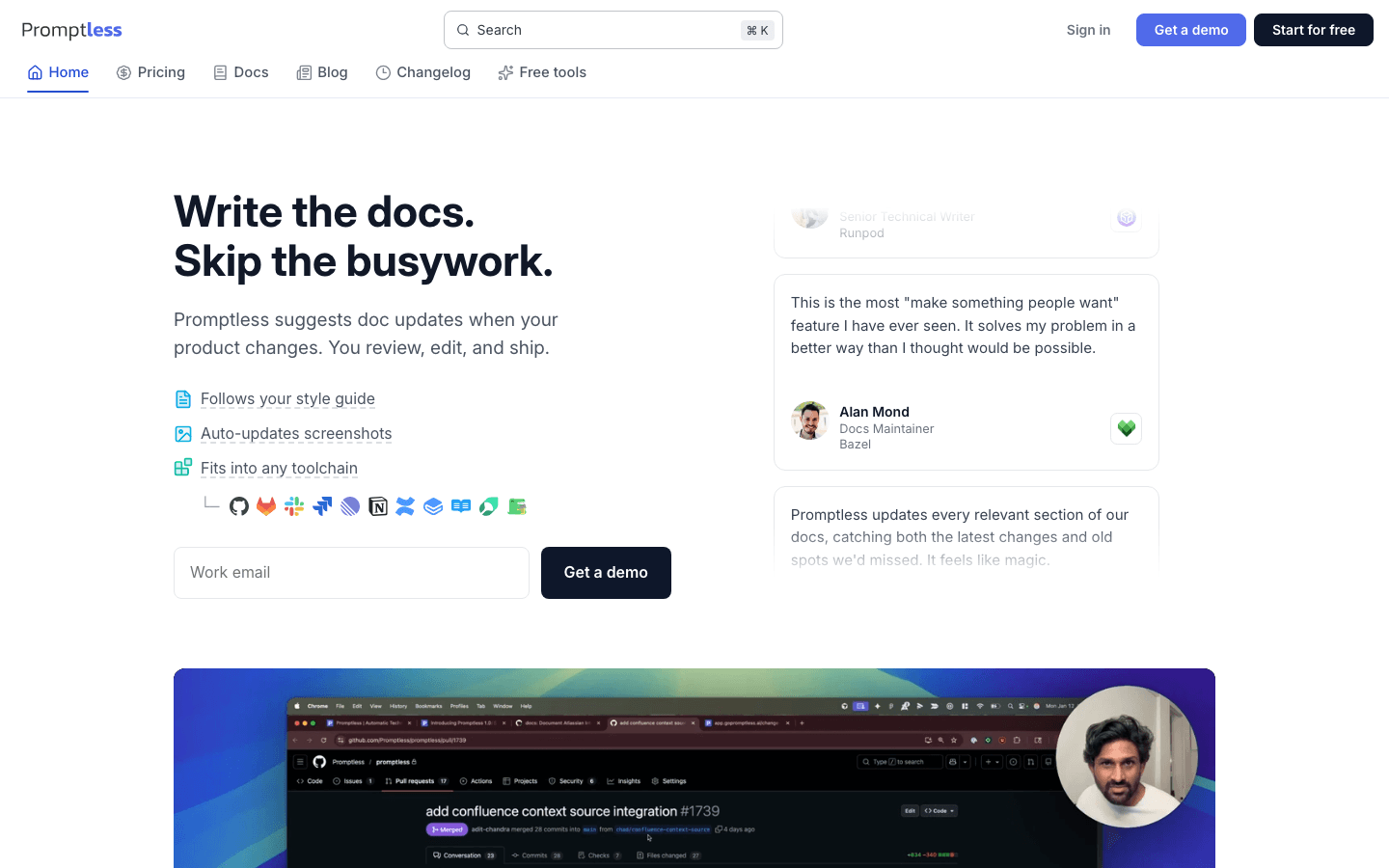
Promptless's strength is the architectural choice. Documentation updates follow the same review process as code, which is the most realistic path to closing the drift gap on engineering-driven teams. The model proposes diff-shaped updates, not whole rewrites, so reviewers can accept or reject section by section. The signal layer is broader than competitors: GitHub PRs opening, Slack threads about docs, doc tickets created. The vendor publishes customer testimonials from named documentation engineers at Runpod, Bazel, Vellum, Latitude.sh, and Prove.
Promptless's weakness is youth and audience boundary. Smaller catalog, fewer integrations than established players, and an entry price of $500 per month that is steep for small teams. The platform assumes the docs already live in a repository or a vendor that supports the PR-style update flow (Mintlify, GitBook, plain Markdown repos). Teams running Document360, a Notion wiki, or a fully proprietary CMS will not get the value.
Promptless: Pricing tiers (current as of October 2026)
| Tier | Price | What is included |
|---|---|---|
| Startup | $500/month flat | Up to 200 doc pages. Drift detection from GitHub PRs, Slack threads, and doc tickets; proposes updates as PRs or direct deploys. Unlimited contributors and triggers. |
| Growth | $500 to $4,000/month by page volume | Same platform, priced in page bands from 200 up to 5,000 pages. |
| Enterprise | Custom (demo required) | Unlimited pages. |
Customers Promptless publishes by name: Runpod, Bazel, Vellum, Latitude.sh, Prove.
Promptless: Pros
- Documentation updates follow the same review process as code (pull requests).
- Diff-shaped updates make review surgical, not wholesale.
- Multi-signal: detects drift from GitHub PRs, Slack threads, doc tickets.
- Named customer testimonials from real documentation engineers.
- YC W25 backed, bootstrapped, $220K ARR signal of real traction.
Promptless: Cons
- Requires docs to live in a repository or a PR-compatible vendor (Mintlify, GitBook, plain Markdown).
- Smaller integration catalog and limited public pricing.
- Best fit is engineering-driven docs teams; weaker for marketing or support-led teams.
- Domain confusion: the .com is parked, the live product is at promptless.ai.
What real users say about Promptless
- Mo King, Senior Technical Writer at Runpod (Promptless customer reference): "Promptless dramatically speeds up my time-to-first-draft."
- Nicholas DeWald, Head of Developer Docs at Prove (Promptless customer reference): "Promptless is a solo tech writer's godsend."
- Aaron Levin, Founding Solutions Engineer at Vellum (Promptless customer reference): "Promptless updates every relevant section of our docs."
Best for: Engineering-driven SaaS teams whose docs live in a repository or a PR-compatible vendor and who want documentation updates to follow the same review process as code.
Skip if: Your docs live in Document360, a proprietary CMS, or a Notion wiki, or your contributors are non-engineers.
6. GitBook
GitBook is a leading AI documentation tool for software development teams. Founded in 2014 in Lyon and Paris by Aaron O'Mullan and Samy Pesse, GitBook raised a $35 million Series A and serves around 25,000 organizations. In 2024 the platform moved to site-based pricing rather than per-seat, with a free plan (the Free tier), Essential (formerly Premium) at $65 per site per month plus $12 per additional user, and Ultimate at $249 per site per month plus $12 per additional user. Composite score 6.8/10. Across the GitBook customer base, the most common use case is mixed product documentation: customer-facing user guides and internal engineering wikis maintained in one tool by both engineering and product teams.
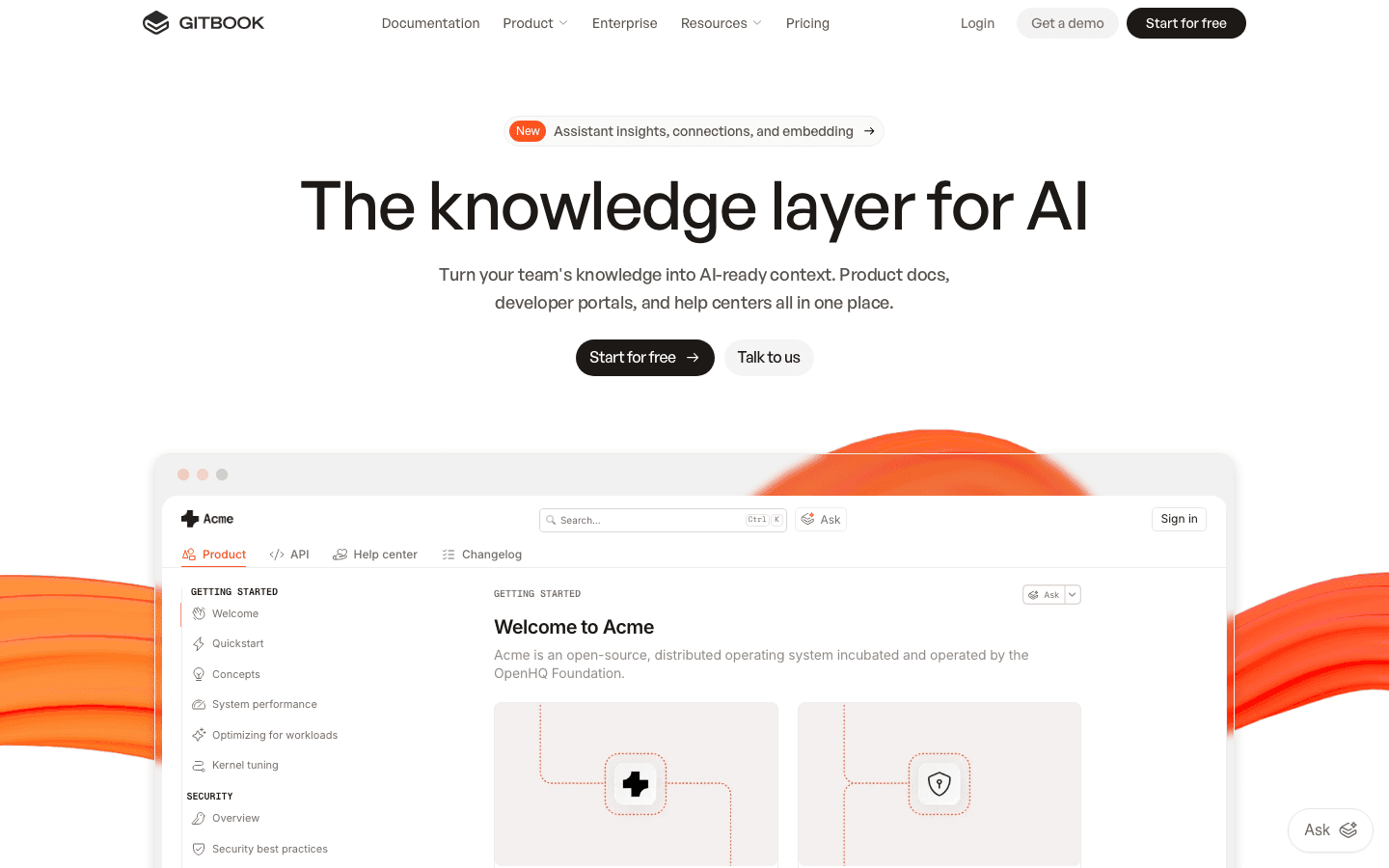
GitBook's strength is editor experience. The block-based WYSIWYG with Markdown support lets less-technical contributors write alongside engineers. AI features include drafting assistance and llms.txt support for AI search visibility. Git sync keeps docs versioned in a repository. For product and engineering teams that want a clean editor and one tool for both customer-facing and internal docs, GitBook remains the default. The 2024 pricing restructure makes per-site economics predictable.
GitBook's weakness is on the API and performance side. The platform struggles with complex OpenAPI specs and rendering multi-spec API references. Page weight is heavier than Mintlify or Docusaurus, and navigation can feel sluggish on large docs sites. AI features are creation-focused, with limited drift detection. The site-based pricing also gets expensive fast: a team running three distinct docs sites on Ultimate pays $747 per month before users, which prices out many smaller SaaS teams.
GitBook: Pricing tiers (current as of October 2026)
| Tier | Price | What is included |
|---|---|---|
| Free | $0 per site per month | Block-based editor, GitHub/GitLab sync, API playgrounds, preview deployments, LLM optimizations, unlimited page views, 1 user, 10 GitBook Agent messages a week |
| Essential | $65 per site per month (billed annually) + $12 per additional user | Team collaboration, AI search with $20 of AI credits a month (2,000 credits, 20 credits per answer), custom domain, advanced branding, analytics, user feedback, redirect management, full-text search, PDF export, version history, real-time collaboration |
| Ultimate | $249 per site per month (billed annually) + $12 per additional user | Essential plus $100 of AI credits a month (10,000 credits), AI insights, GitBook Agent, adaptive content, authenticated access, channels, advanced roles, teams functionality, SAML SSO option |
| Enterprise | Custom | Ultimate plus white-glove migration, custom integrations, dedicated support, user training, SAML SSO, legal and security reviews, Git Sync IP allowlisting, unlimited adaptive content |
Annual billing offers two months free across paid tiers.
GitBook: Pros
- Block-based editor that non-engineers genuinely enjoy.
- Git sync keeps docs versioned in a repository.
- llms.txt support for AI search visibility.
- Mixed audience fit: customer-facing docs and internal wikis in one tool.
- Annual billing gives two months free.
- Around 25,000 organizations on the platform, broad adoption.
GitBook: Cons
- Slower rendering than Mintlify or Docusaurus on large docs.
- Struggles with complex OpenAPI specs and multi-spec API references.
- AI features are creation-focused, with limited drift detection.
- Site-based pricing on Ultimate gets expensive ($249 per site) for multi-product teams.
- No DOM or CSS recording for UI documentation drift.
What real users say about GitBook
- A reviewer on the editing experience (DevToolReviews): "Excellent block-based editor that writers genuinely enjoy using."
- A developer-relations engineer on the API side (Reddit): "GitBook struggles heavily with API references; often chokes on rendering with multi-spec OpenAPI definitions."
- A docs author on performance (Reddit): "Pages load slower than Mintlify; rendered output is heavier and site navigation can feel sluggish."
Best for: Product and engineering teams that want a clean editor and one platform for both customer-facing docs and internal wikis, especially teams shipping one or two docs sites rather than many.
Skip if: Your primary need is API references, you ship complex OpenAPI specs, you run more than three distinct docs sites (pricing gets steep), or you need automatic drift detection.
7. DocuWriter.ai
DocuWriter.ai is an AI-first documentation generator focused on creating drafts from source code across 20 plus programming languages. The platform launched in 2023 as an indie product and has positioned itself as the fastest path from code to first-draft documentation. Composite score 6.0/10.
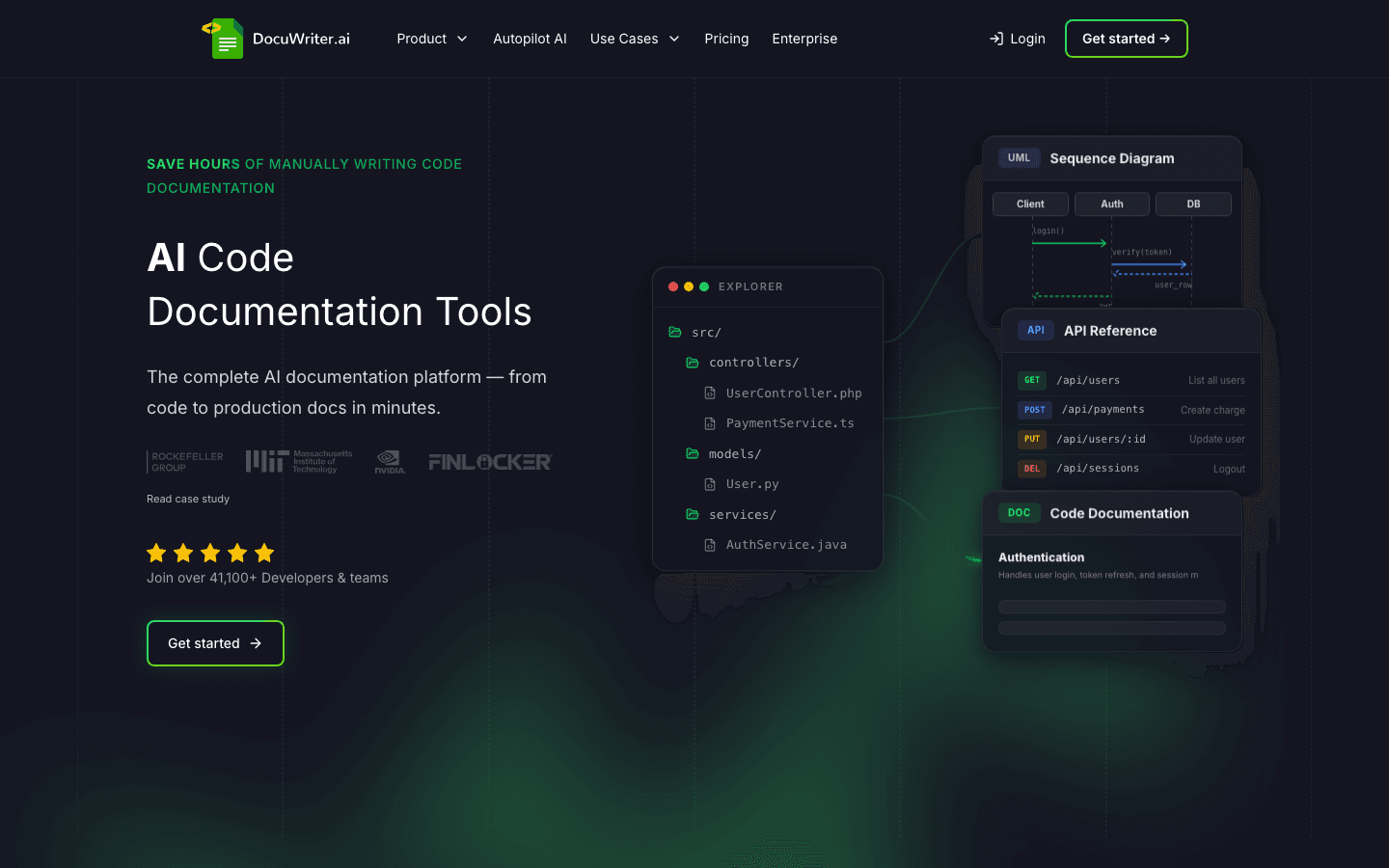
DocuWriter.ai's strength is single-axis specialization. Point it at a codebase, get a first draft of API and code documentation in minutes. The Autopilot AI Agent on the Enterprise tier automatically watches Git repositories for changes, which moves DocuWriter.ai partway toward maintenance. For solo developers and small engineering teams that need to produce documentation in a hurry, the output quality is acceptable as a starting point.
DocuWriter.ai's weakness is everything outside the creation axis at lower tiers. The Professional plan ($49 per month) is pure creation: no Autopilot AI Agent, no team seats, no advanced features. To get maintenance signals you upgrade to Enterprise ($129 per month). No customer-facing layer, no integrations with helpdesks or chatbots, no analytics. The output is a one-time artifact, not a system, unless you pay for the upper tiers.
DocuWriter.ai: Pricing tiers (current as of October 2026)
| Tier | Price | What is included |
|---|---|---|
| Starter | $20/month | 50 credits a month for occasional generation. |
| Professional | $49/month | AI generators, Spaces, MCP, API access, generous monthly credits. Solo developers and small teams. |
| Enterprise | $129/month | Autopilot AI Agent (auto docs from Git), team collaboration seats, advanced features. |
| Unlimited | $499/month | Unlimited generations, unlimited team seats, priority support, white-glove onboarding. |
| Free Trial | 7 days of Professional, no credit card | Up to 10 AI-generated pages. Annual billing on every plan adds 4 free months. |
DocuWriter.ai: Pros
- Fast first drafts from source code across 20 plus languages.
- Lower entry price than Mintlify's effective Enterprise jump.
- Autopilot AI Agent on Enterprise watches Git for changes (a partial maintenance signal).
- Annual billing gives 4 free months (roughly 33%) across all tiers.
- 7-day free trial of Professional with no credit card required.
DocuWriter.ai: Cons
- Professional tier is pure creation, no Autopilot.
- No customer-facing help center layer at any tier.
- No deep integrations with helpdesks or chatbots.
- Output is a one-time artifact at the entry tier, not a managed system.
- Best paired with another tool for hosting and ongoing maintenance.
What real users say about DocuWriter.ai
- An indie developer on Product Hunt: "Got me from zero docs to a first draft in an afternoon. After that, I needed something else to host and maintain it."
- A docs engineer evaluating against Mintlify AI: "DocuWriter.ai is cheaper, but the output is generic. Mintlify's editor is the one I would keep using day to day."
- A solo founder on a creator subreddit: "Fine for the first draft, useless six months later when the API changes."
Best for: Solo developers and small engineering teams that need a fast first draft of API and code documentation, especially those willing to pay for the Enterprise tier to get Autopilot.
Skip if: You need a managed help center, integrations beyond Git, or maintenance signals beyond the Enterprise tier.
8. Scribe
Founded in 2019 in New York by Jennifer Smith and Aaron Podolny, Scribe is the screen-recording SOP tool. Capture clicks and screenshots as you work and Scribe produces a how-to article automatically. The platform moved its primary domain from scribehow.com to scribe.com in 2025. Composite score 5.8/10.
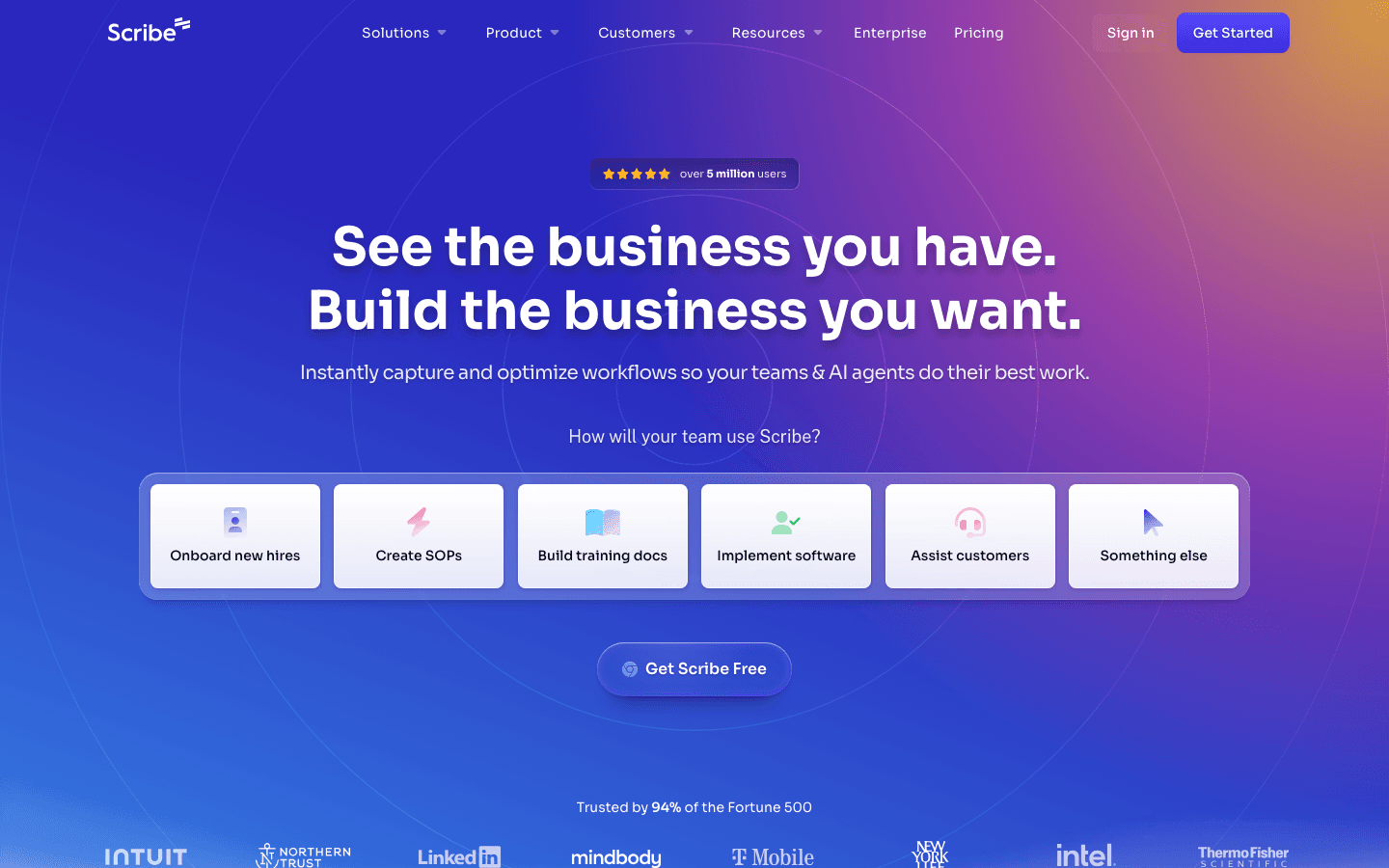
Scribe's strength is workflow fit for visual processes. SOPs, onboarding guides, repetitive admin workflows: capture once, edit captions, publish. The output is human-readable, the editor is simple, the team adoption curve is low. The Basic free tier covers light use, the Pro Team tier at $23 to $29 per user per month with a 5-seat minimum is reasonable for small teams, and the Enterprise tier adds auto-redaction of PII and PHI, SAML SSO, SCIM provisioning, and language translation.
Scribe's weakness is structural. Screenshots are pixels, not code references. When the underlying UI changes (button rename, menu restructure, workflow update), the screenshots silently lie. The team has no signal that the guide is wrong until a customer complains or an internal user gets confused. The per-user pricing model also scales unevenly: Pro Team at $23 per user annual versus $29 per user monthly creates a meaningful commitment for cash-flow-sensitive teams.
Scribe: Pricing tiers (current as of October 2026)
| Tier | Price | What is included |
|---|---|---|
| Basic | Free | Works with any web app, quick customization, shareable with link and embed |
| Pro Personal | $25/month per seat (annual) or $35/month (monthly) | Basic plus web/mobile/desktop apps, custom branding, edit and redact screenshots, export to PDF/HTML/Markdown |
| Pro Team | $23/user/month annual or $29/user/month monthly (5 seat minimum, so $115/month annual or $145/month monthly at the floor) | Pro Personal plus team collaboration via comments |
| Enterprise | Custom (demo required) | Auto-redaction of PII and PHI, SAML SSO, SCIM provisioning, role-based access, IP whitelisting, language translation, guide verification workflow, multiple workspaces |
Annual billing saves roughly 20 to 30% over monthly on the paid tiers.
Scribe: Pros
- Fast capture for visual SOPs and step-by-step process documentation.
- Low team adoption curve; non-technical users contribute easily.
- Useful for onboarding documentation and repetitive admin workflows.
- Free tier covers light use.
- Enterprise tier includes auto-redaction of PII and PHI, important for regulated industries.
Scribe: Cons
- Screenshots break silently when the UI changes.
- No code or DOM signal for drift detection.
- Per-user pricing scales fast on a growing team.
- Best paired with a maintenance tool for production help centers.
- Domain migration from scribehow.com to scribe.com created link-rot risk for existing documentation.
What real users say about Scribe
- An operations lead on r/SaaS: "Scribe is a great recorder. It is not a help center. We use it for internal SOPs and accept that screenshots will be wrong six months later."
- A support manager on the freshness problem: "Every time our app shipped a new release, half the Scribe guides showed the old UI. Customers stopped trusting them."
- A docs engineer on Reddit: "Scribe captures, but does not maintain. That is the whole story."
See why screenshot documentation breaks every release for the deeper structural argument.
Best for: SOP and onboarding documentation where the workflow is visual and repetitive, especially for Enterprise teams that need PII and PHI redaction out of the box.
Skip if: You need documentation that stays accurate across UI changes, or your product ships weekly.
What real teams say on Reddit and in support forums
The Reddit and community-forum conversation about AI documentation tools in 2025 and 2026 splits along audience lines. On r/programming and developer-tool subreddits, the debate is Mintlify versus ReadMe for API documentation, and Mintlify versus Docusaurus for performance. The recurring quote pattern is some version of "Mintlify is incredibly fast, supports complex React components inside your docs, like interactive API playgrounds." The pushback is on price: with the 2026 restructure, the old $150 and $550 tiers disappeared, and the jump from free Starter to a $450/month Pro is a meaningful friction point for smaller teams.
On r/technicalwriting and docs-tools subreddits, the conversation tilts toward GitBook for editor experience and Document360 for structured product documentation. A DevToolReviews comparison put the GitBook case bluntly: "Excellent block-based editor that writers genuinely enjoy using." The Document360 counter-argument shows up across multiple threads: "Document360 doesn't connect to your codebase, doesn't create pull requests when documentation drifts, doesn't analyze support tickets." That gap is what every maintenance-first tool tries to close.
On r/SaaS and r/programming, the most-cited problem is the maintenance gap itself. One Reddit user described the SOP-writing burden as "between 150 to 300 hours to write 1 document due to the fact I need to refer to at least 10 different documents." Multiple writers have switched to Claude for internal documentation tasks because Claude's extended context window handles legacy codebases better than most purpose-built tools and helps reduce the documentation debt that accumulates across years of releases.
On the Intercom community forum, the Fin hallucination thread that ran from November 2025 into January 2026 is the canonical example of retrieval-without-maintenance. Multiple users reported Fin "suddenly hallucinating" despite unchanged source articles. Experienced consultants in that thread reached the same conclusion the rest of the customer-support community is reaching: the model is rarely the failure mode. The grounding layer below it is.
The throughline across every subreddit and forum: editor polish matters for the first month of writing. Keeping documentation synchronized with the product matters every month after that. Teams that pick on editor polish often re-evaluate within a year because the help center has decayed and the chatbot is leaking accurate documentation gaps to customers in real time.
What support and documentation leads tell us in customer conversations
Four anonymized customer conversations shaped the structure of this guide more than the SERP did. The pattern is consistent enough that it deserves its own section.
“We do not measure documentation maintenance in hours. Sometimes more, sometimes less. That is the problem. It just disappears between releases.
”
The dimension that surprised us is how invisible the maintenance work is until something breaks. Three of the four interviewees could not give us an hours-per-week estimate for documentation upkeep. Two said it lives somewhere between "ad hoc" and "when a customer complains."
“Where can I change X or Z? That is just not how it works anymore. Our chatbot keeps telling customers something we removed three releases ago.
”
The shift from "documentation as a content problem" to "documentation as an AI accuracy problem" is what is moving budgets in 2026. AI chatbots make stale documentation visible at scale. When the bot confidently cites the old UI, every customer who asks the same question gets the wrong answer in the same week. The math compounds.
“Manual documentation updates eat half a working day, every cycle. I cannot keep doing this and ship the next product.
”
Single-owner documentation is the norm, not the exception, for SaaS teams below 100 people. When that one person has any other responsibility (and they always do), maintenance is the first thing to slip.
“A colleague spent five hours writing a single feature guide. I felt physically sick watching it.
”
The hidden cost is not just upkeep. It is the new-article cost. The Word-document to Intercom copy-paste workflow most teams still run is what makes weekly publishing impossible. By the time the article is written, the next release is in production.
Scoring matrix
Every other "best AI documentation tool" guide rates tools without disclosing how the rating is built. The matrix below uses five dimensions weighted by what customer interviews told us actually drives long-term value. Maintenance is weighted highest because every interview surfaced it as the load-bearing problem. AI quality is weighted lowest because every tool is shipping improvements monthly and today's gap is next quarter's parity.
| Tool | Maintenance (35%) | Setup (20%) | Pricing transparency (20%) | Integrations (15%) | AI quality (10%) | Composite |
|---|---|---|---|---|---|---|
| HappySupport | 9 | 8 | 9 | 7 | 8 | 8.5 |
| Mintlify | 7 | 8 | 8 | 9 | 9 | 8.1 |
| Document360 | 5 | 8 | 5 | 9 | 8 | 7.1 |
| Swimm | 9 | 6 | 4 | 6 | 7 | 7.3 |
| Promptless | 9 | 7 | 5 | 6 | 8 | 7.1 |
| GitBook | 5 | 8 | 6 | 7 | 7 | 6.4 |
| DocuWriter.ai | 4 | 9 | 8 | 4 | 6 | 6.0 |
| Scribe | 3 | 9 | 7 | 5 | 5 | 5.5 |
Methodology notes: HappySupport scores 9 on maintenance because Git Handoff finds the affected articles and drafts the change, leaving the team only the review step, 7 on integrations because the catalog is shorter than Mintlify's or Document360's, and 8 on AI quality because the retrieval grounding is bounded by the freshness signal it controls. Mintlify scores 9 on integrations because the developer-tool ecosystem is broadest there. Document360 dropped to 5 on pricing transparency after the November 2024 move to quote-only pricing. Swimm scores low on pricing transparency because the lines-of-code model is opaque, and its 2025 repositioning toward code modernization changes the buyer journey. Promptless and Swimm tie on maintenance because both close the drift gap structurally. Scribe and DocuWriter.ai score lowest on maintenance because both are pure creation tools.
Free AI documentation tools
Of the eight tools ranked here, Scribe has the most useful free AI: its Basic plan turns a recorded browser workflow into a written step-by-step guide, with unlimited guides, at no cost. Mintlify's free Starter plan has no AI, and GitBook's Free plan includes only 10 GitBook Agent messages a week; on both, the full AI features start on the first paid tier. HappySupport, Mintlify Pro and Promptless offer 14-day free trials, and DocuWriter.ai a 7-day trial.
| Tool | Free option | AI included free? | Where AI starts |
|---|---|---|---|
| Scribe | Basic plan, unlimited guides, web apps only | Yes, AI step-by-step capture | Every plan, including Basic |
| Mintlify | Starter plan, $0, 5 editor seats | No | Pro, $450/month |
| GitBook | Free plan, $0 per site, 1 user | Limited: 10 GitBook Agent messages a week (LLM optimizations and MCP server are included) | Essential, $65 per site/month |
| HappySupport | 14-day free trial | Yes, during the trial | Starter, EUR 129/month flat |
| DocuWriter.ai | 7-day free trial, no credit card | Yes, during the trial | Professional, $49/month |
| Document360 | None, free tier removed November 2024 | No | Quote-based |
The Scribe, Mintlify, GitBook and DocuWriter.ai rows were checked against their pricing pages (Scribe, Mintlify, GitBook, DocuWriter.ai) on October 15, 2026.
A free plan is enough for internal process documentation that rarely changes, which is where Scribe's Basic plan and Tango's free plan (capped at 5 shared workflows) are the usual starting points; our AI SOP generator comparison covers that case. For technical reference generated from code, the free option is not AI at all: Doxygen, Sphinx, JSDoc and TypeDoc generate reference documentation from source at no cost. For customer-facing docs on a product that ships weekly, no free plan covers the part that costs the most, which is keeping guides current after each release.
Key features to look for
Seven features separate AI documentation tools that solve real problems from tools that wrap a chat interface around a wiki. The features users actually adopt at scale (versus the ones that look great in a demo and never get touched again) cluster around maintenance signals and integration depth, not editor polish.
Auto-update capabilities
Does the tool detect when documentation is outdated, or does it assume a human will check? Auto-update is the dividing line. Without it, every article begins to age the moment it ships, and the team is back to manual audits within a quarter. Tools that pass: HappySupport, Swimm, Promptless, Mintlify Workflows (for code-pattern matches), DocuWriter.ai Autopilot (Enterprise tier).
Repository sync
Does the tool connect to the source code repository? Tools that read commits, pull requests, and code diffs can flag affected articles before customers hit the stale page. Tools that operate purely at the article level cannot. Repository sync is what Promptless, Mintlify, GitBook, and HappySupport bake into the workflow.
AI-ready output
Is the documentation served in a format that AI agents can ingest cleanly? llms.txt, MCP, and structured Markdown matter for AI search visibility. Pages that are only readable by humans are increasingly invisible to the AI agents customers actually use. Mintlify and GitBook lead on llms.txt out of the box; HappySupport handles AI-readable output via the publishing layer and an MCP server.
Analytics and tracking
Does the tool surface what users searched for, what they clicked, and where they gave up? Search analytics, popular articles, dead-end queries, and behavior data are the feedback loop that turns a static archive into a living system. Mintlify Enterprise, Document360 Business, and HappySupport include these by default.
Multi-format output and templates
Templates for the common article types (how-to, troubleshooting, FAQ, release note, feature overview) reduce blank-page paralysis and keep formatting consistent across hundreds of articles. Templates also speed up multilingual support and segmented access. Document360 leads on multilingual breadth; HappySupport supports up to 10 additional languages on Scale, and translations update automatically when the source article changes.
Integration with the customer-facing layer
Does the documentation tool connect to a chatbot, an in-app widget, or a help-center surface that customers actually visit? AI-powered search and support for multiple languages across 30 to 100 plus options are now table-stakes at higher tiers, and integration matters more than raw retrieval quality. HappyWidget is the only in-product layer in this ranking: it brings published articles, search, AI answers (from Professional) and a contact form into the app, with guided in-app tours built from articles marked Soon.
Honest behaviour when the AI does not know
Ask a vendor what their AI does with a question the documentation does not answer. Hallucination risk is what separates a production-ready AI feature from a demo feature. The right behaviours are "I don't know", a citation back to source content the user can verify, or escalation to a human. The wrong behaviour is a confident answer with no citation.
A freshness signal tied to a system of record
Ask where the freshness signal comes from. If the answer is "we send a review reminder every 90 days", the product does not do maintenance, it does calendar reminders. If the answer ties to a system-of-record signal such as a code commit, a UI change or a workflow update, the product is doing real maintenance.
Self-hosted models for security and compliance
For regulated industries and security-strict enterprises, the next dimension after maintenance is whether the documentation tool offers self-hosted models. Documentation tools provide self-hosted models to ensure security and compliance, keeping customer content inside the buyer's infrastructure boundary rather than passing it through a multi-tenant SaaS endpoint. The category splits along three lines:
- Cloud-only with contractual no-training (HappySupport, Mintlify, Document360, Scribe). Customer content stays in the cloud, but contracts with model providers contractually exclude that content from training third-party models. HappySupport never uses customer content for AI training, hosts on EU infrastructure (AWS Frankfurt, Netcup in Germany) and offers a DPA; AI features are processed by OpenAI in the USA under the EU-US Data Privacy Framework.
- Code-local execution (Swimm, parts of Promptless). Static analysis runs on the customer's repository, with the AI layer operating on extracted metadata rather than raw source. Useful for regulated engineering teams.
- Bring-your-own-model (Docusaurus self-hosted, custom RAG setups). The buyer hosts the entire stack, including the model. Maximum control, maximum operational burden.
For most SaaS teams, contractual no-training plus EU hosting and a DPA is the practical compliance answer; teams that need SOC 2 or HIPAA attestations should check each vendor's current reports, since not every tool here has them (HappySupport does not). Full self-hosting is overkill for documentation content and typically reserved for source code or trade secrets.
Centralized knowledge bases and cross-functional trust
Centralized knowledge bases enhance cross-functional trust among team members. When sales, customer success, and engineering all reference the same accurate documentation, friction between teams drops measurably. The pattern shows up in every customer interview: when documentation is wrong, sales blames product, product blames support, support blames docs. When documentation is right and synchronized with the product, the blame loop dissolves because everybody is working from the same source of truth. AI documentation tools that span both internal knowledge and customer-facing help centers (Document360, GitBook, and HappySupport with private and internal articles next to the public help center) reduce the number of separate knowledge bases a team has to maintain, which compounds the trust effect over time.
Who needs an AI documentation tool
Four personas map cleanly onto the eight tools above.
SaaS founders shipping weekly without a doc team
The maintenance problem is the load-bearing one. HappySupport is the natural fit. The HappyRecorder turns a click-through into a finished guide, Git Handoff connects code changes to affected articles and drafts the update for review, and the flat fee from EUR 129 per month avoids the per-seat tax. Ticket inbox and in-app widget are part of the suite, with AI answers from Professional; an existing helpdesk (Intercom, Zendesk, Help Scout, Freshdesk) can stay, but does not have to.
Developer-relations and API teams
The audience is engineers. Mintlify is the default. Docs-as-code, MDX, branch-based publishing, llms.txt for AI search visibility, interactive API playgrounds, and a customer wall that includes Coinbase, Anthropic, HubSpot, and Zapier. Pair with Promptless if the maintenance signal needs to follow the pull-request workflow.
Support and documentation teams at scale
The audience is customers, the team is large enough to support a dedicated writer, and structure matters. Document360 is the natural fit. Approval workflows, role-based publishing, multilingual support, deep helpdesk integrations. Plan the maintenance workflow separately because the platform will not catch drift on its own.
Engineering teams documenting internal code paths and modernization projects
The audience is internal engineers, the docs live next to the code, and breaking the build is preferable to breaking customer expectations. Swimm is the natural fit, especially for mainframe and legacy modernization projects with named enterprise customers (Akamai, Optum, Merck, Fifth Third Bank).
Common mistakes when buying AI documentation tools
Four mistakes show up repeatedly in evaluations.
Buying for editor quality, not maintenance
Every demo showcases the editor. Editor quality matters for the first month, when the team is writing initial articles. After that, the maintenance question dominates. Teams that pick on editor polish often switch tools within a year because the help center has decayed.
Underestimating the freshness problem
Most teams assume they will keep articles current themselves. Few do. The work is invisible until customers complain about wrong instructions, by which point the damage is already shipping in the chatbot's answers. Plan for the auto-update workflow before launch, not after.
Bolting AI onto a static help center
Adding an AI chatbot to a help center that has not been audited in six months produces faster wrong answers, not better support. The right sequence is to audit content, fix the freshness signal, then enable AI search and chat. The piece on how to audit a help center walks through the cleanup checklist.
Treating creation and maintenance as the same problem
The most common mistake. Teams shop for "an AI documentation tool" without separating the writing job from the keeping-current job. Most tools solve one. Almost none solve both. Decide which problem is your bottleneck before the demo, not during it.
When NOT to invest in an AI documentation tool
Five anti-patterns where AI documentation tools fail to deliver value:
- Team under five people, fewer than 20 articles total. A Notion page or a shared Markdown repository is sufficient. Platform overhead is not worth it yet.
- No documentation owner. If nobody on the team is accountable for keeping articles current, the platform will not save you. Decay starts on day one.
- Pre-product-market-fit teams. The product is changing too fast for documentation to be worth writing. Wait until the surface stabilizes.
- Existing chatbot deployed on a stale help center. Audit and clean the articles first. Adding AI documentation tools on top of decayed content produces faster wrong answers, not better support.
- One-time reference content (compliance docs, legal disclosures). A content-management system is a better fit than an AI documentation platform.
Decision tree: which tool should you pick
One sentence per tool. Pick the first one that fits.
- Pick HappySupport if you ship product changes weekly to a web product and lack a dedicated documentation team.
- Pick Mintlify if your audience is developers, your docs live as code, and you need interactive API references.
- Pick Document360 if you have a dedicated technical writer, need approval workflows plus multilingual support, and can tolerate a quote-only sales cycle.
- Pick Swimm if your audience is internal engineers or you are running a mainframe or legacy modernization project.
- Pick Promptless if your docs already live in a repository (or a PR-compatible vendor) and you want maintenance updates as pull requests.
- Pick GitBook if your team mixes engineers and non-engineers and you need one tool for both customer docs and internal wikis.
- Pick DocuWriter.ai if you need a fast first draft from source code at $49 per month and will host the result elsewhere.
- Pick Scribe if your documentation need is visual SOPs and process recordings, and you accept that screenshots break on the next release.
ROI of AI documentation tools
The ROI math comes from two places: faster creation and reduced support volume. Creation savings are real but bounded. Going from 4 hours per article to 30 minutes saves roughly $200 per article at a $60 per hour rate, which adds up across hundreds of articles. The bigger savings come from ticket deflection.
Support tickets cost $15 to $25 fully loaded for SaaS teams. A help center that deflects 30% of repetitive tickets at 500 tickets a month equals 150 fewer tickets, or $2,250 to $3,750 a month in saved cost. SuperOffice's customer service benchmark report puts the cost of a self-service interaction at around $0.10 against $8 to $13 for a live support contact. The Mintlify customer wall makes the upside concrete: Coinbase cut doc update time from 20 minutes to 60 seconds, HubSpot reduced documentation engineering resources by 50%, Layers saved 40 to 60 hours per month. These are real outcomes from real deployments.
The catch: ticket deflection rates collapse when the help center is outdated. An AI chatbot grounded on stale articles generates confidently wrong answers, customers escalate, and support volume goes back up. The ROI of an AI documentation tool is bounded by the freshness of the content underneath it.
Implementation best practices
Three practices separate teams that get value from AI documentation tools from teams that pay for shelfware.
Audit existing content first
An AI agent grounded on outdated articles will generate confidently wrong answers from the first day. Run a content audit, identify the 20% of articles that drive 80% of traffic, fix those first, and only then enable retrieval features. The audit checklist covers the workflow.
Track failed queries from week one
Every dead-end search is a content gap or a freshness gap. Tools without analytics make this invisible. Tools with analytics make the gap measurable, which is the first step to closing it.
Decide who owns freshness before launch
Without an owner, decay sets in immediately. Either a person or an automated system has to take responsibility for keeping articles current. The piece on who owns documentation covers the trade-offs of each model.
Other tools considered (also-rans)
Twelve tools entered the evaluation, eight made the final ranking. Four did not, with explicit reasons.
- ReadMe. Strong API-documentation platform with an interactive API playground that is unmatched in the category. Cut because the AI maintenance story is thinner than Mintlify's, and the audience overlap with Mintlify is high. If you need an API-first platform, evaluate ReadMe as a Mintlify alternative.
- Docusaurus. Open-source docs framework with the fastest page loads in the category. Cut because it requires significant engineering ownership to host and maintain, and the AI features are bring-your-own. Worth considering if you have engineers willing to own the stack.
- Notion AI. Useful for internal wikis but not a help-center product. The customer-facing surface is too thin, and the maintenance signal is absent.
- Helpjuice. Knowledge base with solid feature breadth, but overlaps Document360 at higher prices without a uniquely-true differentiator in 2026. Document360 takes the slot.
Three more tools were checked in October 2026 for the question of which automated documentation tools keep guides synced with GitHub. They are not scored in the ranking, and the GitHub sync section above compares them in detail.
- uptodate. Opens a pull request with the documentation fix after every change merged to GitHub, for Markdown, MDX, GitBook, Mintlify and ReadMe docs. Not ranked because uptodate maintains developer docs that already live in Git and has no help center or customer answer layer.
- Ma'at. Open-source (Apache-2.0) check that fails CI when code, docs and AI-agent instructions drift apart. Not ranked because Ma'at detects drift without drafting the fix.
- Pageloop. AI agent that turns support tickets, Slack, Linear or Jira and GitHub activity into help center updates, either on its own hosting or on an existing help center such as Zendesk or Intercom. Not ranked because it was not part of the original evaluation, so it has no composite score yet.
Where HappySupport fits in your stack
HappySupport covers the customer-facing side in one product: help center, AI chat with citations, ticket inbox and in-app widget, all from one content source at one flat price. Engineering teams pair it with Mintlify or Swimm for developer docs, because API reference is not its job. An existing ticketing system (Intercom, Zendesk, Help Scout, Freshdesk, HubSpot, or Front) can stay if you want it, and existing help center articles import with automatic redirects, but it does not have to: the ticket inbox is included.
Most tools on this list assume a human will keep articles current. HappySupport assumes the opposite, because for most lean SaaS teams that assumption is wrong. The HappyRecorder Chrome extension captures workflows as DOM snapshots at the moment an article is written. Months later, when a developer ships a change, Git Handoff reads the new commits in the product repository, sums them up as a plain-language topic, finds the help center articles the change affects and drafts the update as a diff. A human reviews and accepts it before anything is published. The health audit catches what code cannot tell you: dead links, missing images, stale articles. Automatic screenshot updates are marked Soon. The result is an AI documentation agent that keeps the help center accurate at the speed your product ships, not the speed your documentation team can audit. For teams shipping weekly without a dedicated technical writer, the maintenance dimension is the one that decides whether the help center stays trustworthy. See how self-updating help centers work and how Git Handoff connects code to docs for the technical details.
What about non-AI documentation tools?
"Documentation tools" covers four different surfaces, and the AI-first list above concentrates on two of them. If your need is one of the others, the established non-AI picks are still the right answer:
- Developer portal: Mintlify, GitBook, and Redocly, covered above. Redocly remains the OpenAPI specialist if the spec is your source of truth.
- Customer-facing help center: the surface this list ranks. HappySupport, Document360, Help Scout Docs.
- Internal wiki: Notion for companies under roughly 100 people, Confluence for enterprise organizations already on Atlassian, Slab for mid-size engineering teams that want stronger search than Notion with less overhead than Confluence.
- Technical reference: the source-driven generators. Doxygen (C/C++/Java), Sphinx (Python), JSDoc or TypeDoc (JavaScript/TypeScript), Swagger UI (OpenAPI rendering). Free, deterministic, no LLM involved, and still the correct choice for open-source libraries and internal API reference.
The reason the AI tools dominate the first two surfaces is maintenance pressure: developer portals and help centers describe a product that keeps changing, while wikis and generated references either tolerate drift or regenerate from source for free.
AI-drafted, event-driven, or validated: three meanings of "automated"
Three patterns share the "automated documentation" label, and mixing them up is how buyers end up disappointed three months after rollout:
- AI-drafted. The tool generates a first version from a prompt, recording, or spec. Nearly every platform ships this now; the failure mode is polished drafts with plausible details that do not match actual product behavior.
- Event-driven. The tool watches a source (repository, OpenAPI spec) and updates content when it changes. Fewer tools do this genuinely; the failure mode is incomplete detection, catching API changes but missing UI changes.
- Validated. The tool compares published content against the live product and flags drift. Very few ship this credibly; it is the dimension the scoring matrix weighs heaviest, because it is the one that keeps a help center trustworthy after launch.
When you evaluate any tool on this list, ask which of the three it actually does. Most cover one. The self-updating documentation approach exists because drafting was never the hard half of the problem.
Frequently asked questions
These are the questions buyers ask most often when comparing AI documentation tools, taken from the search queries this guide already ranks for. Each answer stands on its own.
What is the best AI documentation tool in 2026?
No tool wins for every team. HappySupport fits weekly shippers without a documentation team and spans both creation and maintenance: the HappyRecorder generates documentation automatically from screen captures, and Git Handoff proposes updates for the articles a code change affects. Mintlify fits developer-focused API documentation with the broadest customer wall (Coinbase, Anthropic, HubSpot, Zapier, PayPal). Document360 fits structured knowledge management for SaaS teams with a dedicated writer, but moved to quote-only pricing in November 2024. Swimm fits internal teams documenting code or running mainframe modernization. The right answer depends on your release cadence, who owns documentation, and whether the audience is customers or engineers.
What is the difference between AI documentation creation and maintenance?
Creation tools generate first drafts faster, going from 4 hours per article to 30 minutes. Maintenance tools detect when articles drift out of sync with the product, using signals like code changes, UI changes, or broken references. Creation tools solve the easy half of documentation work. Maintenance tools solve the hard half, which is keeping articles trustworthy after launch. HappySupport, Swimm, Promptless, and Mintlify's Workflows agent are the maintenance-native options.
How much do AI documentation tools cost in 2026?
Pricing splits four ways as of October 2026. Per-user runs $23 to $35 (Scribe). Per-site fees run $65 to $249 plus $12 per user (GitBook). Flat platform fees run $49 to $500 and up (DocuWriter.ai, HappySupport from EUR 129, Promptless from $500). Mintlify now sells a free Starter, a $450/month Pro with credit-metered AI, and custom Enterprise. Code-volume pricing is custom (Swimm), and Document360 is fully quote-based. The hidden cost is article maintenance labor, often $25,000 to $37,000 a year for a 200-article help center with weekly releases.
Do AI documentation tools keep articles up to date automatically?
Most do not. The majority of AI documentation tools are creation-focused and assume a human will keep articles current. A small group, including HappySupport, Swimm, Promptless, parts of Mintlify, and DocuWriter.ai Enterprise (Autopilot), provides auto-update capabilities by detecting code changes or UI drift. For teams shipping weekly, auto-update is the dividing line between a help center that stays trustworthy and one that decays in 12 weeks.
Which AI documentation generators help teams update guides quickly as the product changes?
Four, and they detect change from different sources. Swimm watches the repository and flags documentation whose referenced code moved. Promptless listens to merged pull requests and opens documentation updates as suggested changes. Mintlify's Workflows agent drafts updates from repository activity for developer portals. HappySupport's Git Handoff reads new commits, describes the change in plain language and drafts updates for the customer-facing help articles it affects, which a human reviews as a diff before publishing. Everything else on this list assumes a human notices. If your guides describe a user interface rather than an API, make sure the tool maps code changes to how-to articles, not only to reference pages.
Which automated documentation tool keeps guides synced with GitHub?
The right tool depends on where the guides live (checked October 2026). For developer docs stored in the repository, Mintlify and GitBook Git Sync keep the docs in GitHub, and Mintlify automations can open a documentation pull request when code merges. For docs that already live in Git, Promptless and uptodate propose documentation updates as pull requests from code changes, and the open-source Ma'at fails CI when docs drift. For customer-facing help centers, HappySupport's Git Handoff reads commits and pull requests on GitHub, GitLab or Bitbucket, finds the affected help articles and drafts updates that a human reviews as a diff before publishing. Pageloop is the closest alternative for help centers.
What are the best AI documentation tools for a small engineering team with no technical overhead?
For a team of five to fifteen engineers with nobody assigned to documentation, the question is what you have to operate afterwards. Mintlify is the lowest-overhead developer portal: docs live in the repository, the site builds itself, and there is no CMS to administer. GitBook is the lowest-overhead option when non-engineers also need to edit, because the editor is genuinely usable by someone who does not write Markdown daily. HappySupport fits when the audience is customers rather than developers, because the recorder produces the guides and Git Handoff flags what a release broke, which is the part a small team otherwise skips. Avoid anything that requires a docs-as-code pipeline you then have to maintain, and avoid quote-only vendors while you are still small: the sales cycle costs more engineering hours than the tool saves.
What is the highest rated AI documentation generator for building a clean product docs site fast?
Mintlify for developer-facing documentation and GitBook for mixed audiences are the two that get a polished site live in a day without design work. Both ship defaults that look professional without configuration, which is the real constraint when there is no design resource. Engineers rate Mintlify highly for output quality (clean typography, working code blocks, API playgrounds generated from an OpenAPI spec) and rate it lower on pricing predictability since the 2026 move to a $450/month Pro tier with credit-metered AI. GitBook rates well on editing experience and less well on deep API reference. If the docs site has to be live this week, either gets you there; the difference shows up in month three, when someone has to keep it accurate.
Which documentation tools produce retrieval-friendly output for AI search?
Retrieval-friendly means something specific: content chunked at a section level with headings that survive extraction, one topic per page, explicit dates and versions, stable anchors, and structured markup rather than screenshots carrying the meaning. Markdown-native platforms (Mintlify, GitBook, Docusaurus) do this well by construction, because the source is already structured text. Screenshot-first tools do it badly, because the load-bearing content of the guide is inside an image no retriever can read. The failure that costs the most is a PDF export used as the canonical source: it looks like documentation and retrieves like a brick. If you want to see what the requirements look like in detail, documentation built for AI consumption covers the structure side and structured docs for RAG covers the chunking side.
Our developer docs are accurate at ship time but drift badly within 60 days. What actually fixes that?
Version control does not fix drift, because a correctly versioned document can be entirely wrong. Three mechanisms do, in increasing order of coverage. Repository-linked detection (Swimm, Promptless, Mintlify Workflows) catches drift caused by code changes and misses interface changes made in a design system or a feature flag. Live comparison against the product (the DOM and CSS approach) catches interface drift including changes nobody committed to your repository. Failed-query monitoring catches drift your tooling missed entirely, because customers ask about the gap before anyone else notices it. Teams that hold accuracy past 60 days run at least two of the three, and they attach the documentation review to the release rather than to a calendar. A quarterly audit on a weekly release cadence is arithmetic that has never worked.
Is an AI chatbot enough without an AI documentation tool?
No. An AI chatbot trained on outdated articles generates confidently wrong answers, which is worse than no chatbot at all. Retrieval quality is bounded by article quality. Audit content first, fix the freshness signal with auto-update tooling, then enable AI search and chat. The right sequence is documentation, then maintenance, then retrieval.
Is there a free AI documentation tool?
Yes. Scribe has the most useful free AI in this ranking: its Basic plan turns a recorded browser workflow into a step-by-step guide, with unlimited guides. Mintlify's free Starter plan (5 editor seats) has no AI, and GitBook's Free plan (1 user) includes only 10 GitBook Agent messages a week; their full AI features start at $450/month and $65 per site/month. HappySupport, Mintlify Pro and Promptless offer 14-day free trials, and DocuWriter.ai a 7-day trial.
What is the best AI tool for process documentation?
For process documentation such as SOPs and onboarding guides, a step-by-step recorder fits better than a docs platform. Scribe is the strongest of the eight tools here for that job: it records a workflow and writes the guide automatically, free on its Basic plan and $25 per seat per month on Pro Personal billed annually. Tango is the closest alternative; see our process documentation software comparison. HappySupport's HappyRecorder also records step-by-step guides and regenerates the screenshots when the interface changes, which matters once the process is customer-facing.