Most "best documentation tools for developers" guides rank ten products on the same dimensions: Markdown support, Git sync, API reference, theming. They all matter. None of them answer the only question that decides long-term value: who keeps the docs current after launch, and what does the tool do when the code underneath them ships every week.
This guide splits the field two ways. By cost (free and open source vs paid SaaS), and by use case (general developer documentation vs API-first). Free section covers MkDocs, Docusaurus, Sphinx, Read the Docs, and BookStack. Paid section covers Mintlify, GitBook, ReadMe, and Redocly. Then an honest read on whether developer docs and customer docs should live in the same tool, or in separate platforms that talk to each other.
What is developer documentation software?
Developer documentation software is a platform for authoring, hosting, and maintaining technical documentation for engineers, API consumers, or internal teams. The category covers static site generators (Docusaurus, MkDocs, Sphinx), API-first tools (ReadMe, Redocly, Stoplight), and end-to-end developer portals (GitBook, Mintlify).
What separates developer documentation tools from general knowledge base software is the docs-as-code workflow: Markdown or MDX files live in a Git repository, pull requests trigger preview builds, and the production site rebuilds on merge. The author works in their IDE, the reviewer comments on a pull request, and the publish step is a CI/CD job. SuperOffice's customer service benchmark report puts the cost of a self-service interaction at around $0.10 against $8 to $13 for a live ticket. That gap is what good developer documentation should widen, and it cannot widen if the docs are wrong.
What changed in 2026
Two things shifted the developer documentation tool market in the last twelve months. AI agents now read docs as a primary source. ChatGPT, Claude, Cursor, and Perplexity ground their answers on whatever documentation is publicly indexable, which means a developer tool that publishes poorly structured Markdown loses traffic to one that publishes well-structured Markdown with good metadata. The second shift is maintenance pressure. The GitLab DevSecOps Report found 65 percent of teams ship weekly or more frequently. Documentation that is not regenerated on every release falls out of sync within a quarter. Most tools still treat freshness as the writer's problem.
How we evaluated these tools
Eight dimensions, weighted by what actually decides whether a developer documentation tool earns its keep two years after adoption:
- Markdown or MDX support, because Markdown is the only authoring format every developer already knows
- Git sync, bidirectional, so the docs and the code share a source of truth
- OpenAPI rendering, for API reference generation from a single spec file
- Versioning, so v1, v2, and v3 of the API or product can ship side by side
- Search quality, including AI-generated answers grounded in the docs
- Cost model, free, open source self-hosted, or paid SaaS
- Maintenance discipline, what the tool does when the underlying code or product changes
- Developer experience, local previews, hot reload, CI/CD friendliness
Free documentation tools for developers
Free in this category means three different things: fully open source and self-hosted, free tier on a paid SaaS, or community-supported with paid hosting. Each comes with its own maintenance bill.
1. Docusaurus
Open-source static site generator built and maintained by Meta under the MIT license. Uses Markdown and MDX for content, React for customization, and ships with built-in versioning, internationalization, search via Algolia, and a blog. Best for engineering-led open-source projects and product docs that need full design control. Weakness: requires React knowledge to customize beyond the default theme, and you own the hosting, build pipeline, and search index forever.
2. MkDocs
Free Python-based static site generator that turns a directory of Markdown files into a static site. The Material for MkDocs theme has become the de facto standard for Python project documentation and now supports search, dark mode, and admonitions. Best for Python projects, small open-source libraries, and teams that want lightweight technical docs without a JavaScript build chain. Weakness: no visual editor, no managed hosting, and API reference requires plugins or external tools.
3. Sphinx
The Python documentation standard, used by Python itself, NumPy, SQLAlchemy, and Django. Uses reStructuredText by default (Markdown via plugins), supports cross-references, automatic API doc generation from docstrings, and outputs to HTML, PDF, and EPUB. Best for libraries that need rigorous cross-reference handling and multi-format output. Weakness: reStructuredText is unfamiliar to developers used to Markdown, and the learning curve is steeper than MkDocs or Docusaurus.
4. Read the Docs
Free hosting platform for Sphinx and MkDocs sites, with automatic builds on Git push, versioned docs, and search. The community version is the default Python project docs host. Read the Docs Business adds private docs, custom domains, and SSO from $150 per month. Best for open-source projects that want managed hosting without infrastructure work. Weakness: branding and ads on the free tier, and customization is limited compared to running Docusaurus yourself.
5. BookStack
Open-source self-hosted knowledge base with a book-chapter-page structure, WYSIWYG editor, role-based permissions, and full-text search. Free under the MIT license, with optional paid hosting from third parties. Best for technical teams that want full data control without per-seat fees and need a structured wiki rather than a docs-as-code workflow. Weakness: not designed for API reference, no Git-native workflow, and the AI features that ship standard in commercial tools are absent.
Paid documentation tools for developers
Paid tools trade money for managed hosting, polished UI, search infrastructure, AI features, and active product development. The cost ranges from $69 per month for small teams to enterprise contracts in the five figures annually.
1. Mintlify
Docs-as-code platform built for developer-only documentation, used by Anthropic, Cursor, and Perplexity. MDX source lives in the Git repository, with bidirectional sync so edits in the web editor commit back to main. The free Starter plan covers basics without AI, and Pro costs $450 per month billed annually with metered AI credits. Best for engineering teams that own their documentation and want a polished public-facing developer portal. Weakness: the MDX-only authoring model creates a high barrier for non-technical contributors, and the editorial workflow assumes developers will write the docs themselves.
2. GitBook
Cross-functional documentation platform with a Notion-like visual editor and Git sync, used by both engineering teams and product writers. Free tier for small teams, paid plans start at $65 per month per site. Ships with an AI Agent that reviews docs for gaps and outdated content. Best for teams where developers and PMs both contribute, and where the documentation needs to serve both a developer portal and a customer help center. Weakness: heavier interface than Docusaurus or Mintlify, and the AI Agent is reactive (flags issues) rather than predictive (catches them at the source).
3. ReadMe
API-first developer hub with an interactive API explorer that lets developers make live API calls directly from the documentation. Pioneered the "Try It" interactive pattern that competitors copied. Free tier for small APIs, paid plans start at $79 per month per team. Best for product teams shipping a public API that want self-serve onboarding for developers. Weakness: not designed for general product documentation, and pricing climbs fast at enterprise scale.
4. Redocly
OpenAPI-native documentation platform with a rendering engine that turns large API specs into responsive developer portals. Git-native authoring in Markdown, deployment through CI/CD pipelines, and tooling for linting, bundling, and validating OpenAPI specs. Free tier for small teams, paid plans start around $69 per month per seat. Best for enterprise API programs with large, complex OpenAPI specs and a CI/CD culture. Weakness: best-fit when API reference is the primary deliverable; less suited to long-form tutorials or marketing-style docs.
Pricing comparison
The headline pricing is rarely the real cost. Hosting bills, search infrastructure (Algolia at $500 per month for medium sites), CI/CD time, and the labor cost of keeping articles current add up. The table below shows the starting price and the realistic best-fit.
| Tool | Starting price | Best fit | Main weakness |
|---|---|---|---|
| Docusaurus | Free (OSS) | Engineering-led OSS projects | React knowledge required |
| MkDocs | Free (OSS) | Python projects, lightweight docs | No visual editor |
| Sphinx | Free (OSS) | Python libraries needing cross-refs | reStructuredText learning curve |
| Read the Docs | Free / $150/mo | Managed Sphinx + MkDocs hosting | Ads on free tier |
| BookStack | Free (self-hosted) | Self-hosted structured wiki | Not designed for API reference |
| Mintlify | Free / $450/mo | Developer-only portals | High barrier for non-developers |
| GitBook | Free / $65/mo per site | Cross-functional docs at scale | Heavier than Docusaurus |
| ReadMe | Free / $79/mo | Public API onboarding | Not for general product docs |
| Redocly | Free / $69/mo per seat | Enterprise API programs | API-reference focused |
| HappySupport | From 129 EUR/mo (flat) | Self-updating help center with AI chat and tickets | Smaller integration catalog |
The labor cost behind the sticker price matters more than the sticker price itself. A 200-article developer documentation portal with weekly product releases costs roughly 8 to 12 hours of writer time a week to keep current, which at a $80 per hour fully loaded rate is $33,000 to $50,000 a year. That is the budget a maintenance-native tool replaces. The math sits in our piece on the cost of documentation decay.
Key features that actually matter
Most marketing pages list 40 features. The four below are the ones that decide whether the tool still works after the third product release.
Markdown or MDX as the source format
Markdown is the only authoring format every developer already knows. MDX adds React components inside Markdown, which lets a docs page embed an interactive playground, a callout box, or a live API call without dropping into a custom CMS. Tools that require a proprietary editor (or a vendor-specific YAML schema) create switching costs. Tools that store source as Markdown in Git keep the docs portable. Every tool on the list above supports Markdown; only Mintlify, GitBook, and Docusaurus support MDX natively.
Bidirectional Git sync
One-way Git import (pull from repo on publish) is table stakes. Bidirectional sync (edits in the web editor commit back to the repo) is the discipline that keeps the docs and the code aligned. GitBook and Mintlify both do this well. Docusaurus and MkDocs assume you edit in your IDE and push commits manually, which is fine for small teams and friction at scale.
OpenAPI rendering and the "Try It" explorer
Any tool serious about API documentation generates reference pages from an OpenAPI spec file. ReadMe and Redocly do this well, with the "Try It" explorer letting a developer make a live API call directly from the documentation page. Mintlify ships an OpenAPI renderer; Docusaurus needs the docusaurus-openapi-docs plugin. Without a spec-driven reference, API documentation rots: every endpoint added in code creates a hand-edited page that no one updates.
AI search and AI-readiness
AI search is now table stakes for developer documentation. GitBook ships an AI Agent that reviews docs for gaps. Mintlify ships an AI search trained on the indexed corpus. Algolia and similar embed-and-rank services power the search on Docusaurus and MkDocs sites. The deeper question is whether the tool publishes structured Markdown that LLMs can ingest for grounding. LLM grounding works only when the source content is fresh; a tool that publishes outdated content hurts every AI search system that crawls it.
Should developer docs and customer docs share a tool?
The two audiences want different things. Developers want a Markdown source in Git, fast local previews, and OpenAPI reference. End-customers want browsable how-to articles, video tutorials, screenshots, and a search bar that handles natural-language questions. The tools that try to serve both (GitBook, Document360) compromise on each side: the developer experience is heavier than Docusaurus, the customer experience is heavier than a dedicated help center.
The pragmatic split most teams land on is two tools talking to each other. Developer documentation in Docusaurus, Mintlify, or Redocly. Customer-facing help center in a dedicated tool like HappySupport, Help Scout, or Document360. The two share branding and a search bar but live on separate domains (docs.yoursite.com and help.yoursite.com), with different owners, different update cadences, and different metrics. Our piece on help center vs knowledge base walks through the split in more detail.
How to pick the right tool for your team
Three questions filter the field faster than any feature checklist.
Who writes the docs?
Engineering-only: Mintlify, Docusaurus, MkDocs, or Sphinx. Mixed engineering and PM: GitBook or Document360. Customer support team writes customer docs, engineering writes API reference: pair a dedicated help center with a docs-as-code tool.
What is the primary deliverable?
Long-form tutorials and guides: Docusaurus or GitBook. API reference from OpenAPI: ReadMe, Redocly, or Mintlify. Cross-referenced library docs: Sphinx or Read the Docs. Self-hosted wiki: BookStack. Customer-facing help center: dedicated help center tool, not a developer doc platform.
How often does the product change?
Monthly or slower releases: any tool can keep up with manual effort. Weekly or daily releases: docs-as-code with CI/CD-driven publish is the floor. Multiple deploys per day with significant UI churn: the maintenance dimension dominates everything else, and tools that detect staleness automatically pull ahead.
The HappySupport approach
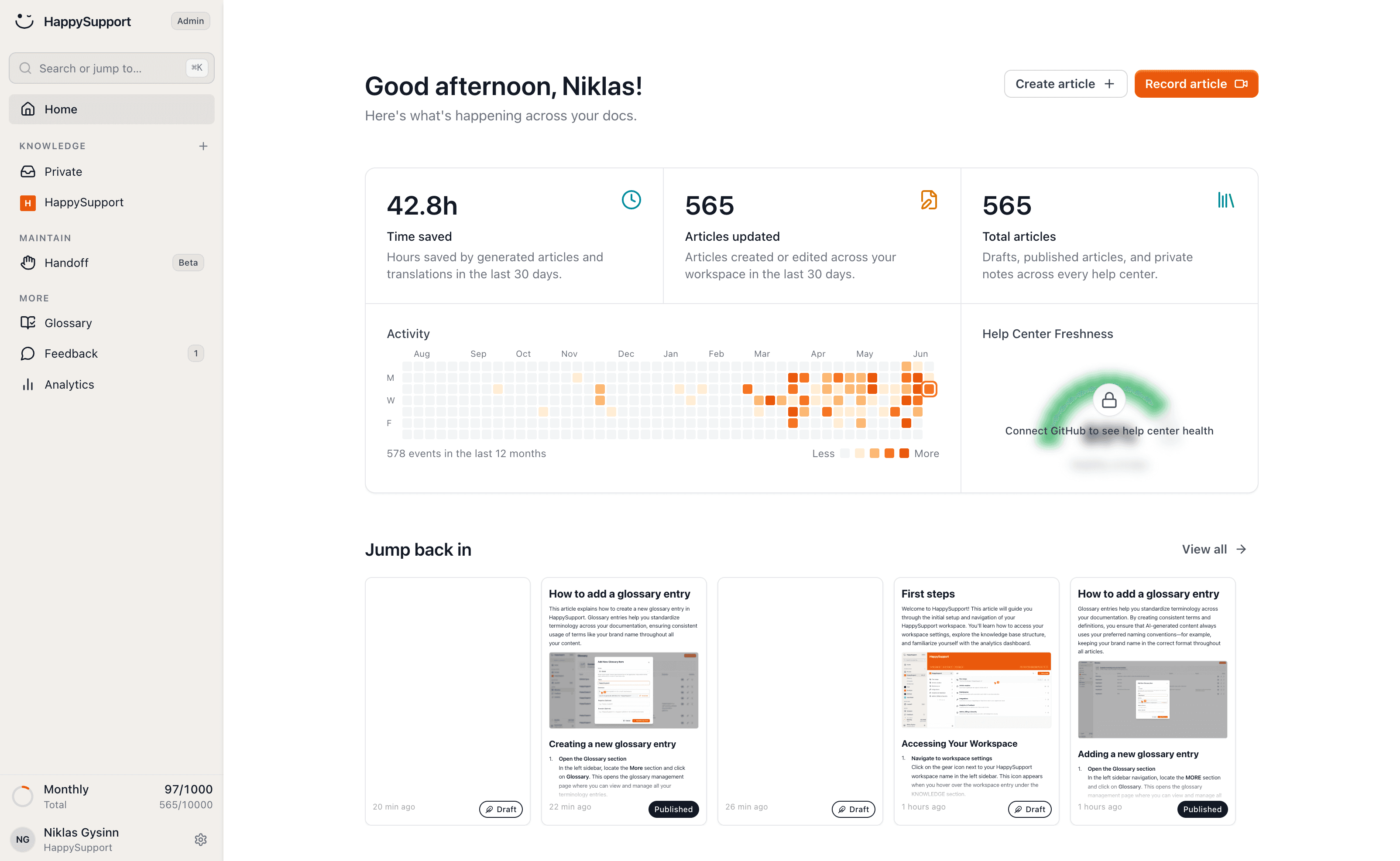
Every developer documentation tool on this list assumes a human keeps the docs current. The Mintlify, GitBook, and Docusaurus teams have all built solid editorial workflows around that assumption. HappySupport takes a different approach for the customer-facing help center that usually sits next to the developer portal. The HappyRecorder captures workflows as click steps with screenshots plus DOM and CSS selectors at the moment a help article is written. When a developer ships a change, Git Handoff reads the commits and pull requests on GitHub, GitLab or Bitbucket, finds the help center articles the change affects and drafts update proposals that a human reviews before anything is published. Developer docs still live in Mintlify or Docusaurus where they belong. The customer-facing help center stays in sync with the product at the speed your product ships, instead of the speed your documentation team can audit. The help center, AI chat answering only from your own articles, ticket inbox and in-app widget ship in one product at a flat monthly price from 129 EUR, hosted in the EU. That makes HappySupport the right buy for SaaS teams that want customer-facing help, AI answers and tickets from one source without per-agent pricing, and not the right buy for API-reference developer docs, where Mintlify, ReadMe and Redocly do the better job. See how self-updating help centers work and how Git Handoff connects code to docs.
 Book a demo