The right knowledge base software in 2026 depends on who is reading it. The ten knowledge platforms that come up in real evaluations are Confluence, Notion, Document360, Help Scout Docs, Helpjuice, Guru, Slite, Bloomfire, BookStack, and HappySupport. Each one solves a slightly different version of the same job: organize articles so support agents, internal teams, and external customers can find answers, then keep that comprehensive knowledge base up to date as the product evolves. The wrong choice is rarely about features. It is about whether your knowledge platform is built for internal wikis or external documentation, free plan or paid, and whether the platform behaves as an active partner in existing workflows or as a passive archive of previous versions.
This guide ranks ten knowledge base tools by category fit. Confluence is the enterprise wiki incumbent that integrates seamlessly with other Atlassian products. Notion allows users to create relational databases for knowledge management and is the workspace darling. Document360 features an AI assistant named Ask Eddy and offers tiered pricing but does not display official prices. Slite is best for documentation and knowledge management at lean teams. Bloomfire offers automated deep indexing for diverse content formats. The best platforms function as an active partner in existing workflows, not as a separate portal nobody opens.
The methodology behind this ranking: 12 tools evaluated, ten ranked. Pricing pulled from each vendor's pricing page in June 2026. Five Reddit and community threads with attributed quotes. Four anonymized customer conversations. Score weighting disclosed below. The best platforms combine advanced search and easy content editing; we weight maintenance and version control heavily because version control prevents outdated articles from confusing users.
| Rank | Tool | Composite | Standout |
|---|---|---|---|
| Best overall | HappySupport | 8.4/10 | Customer-facing KB kept current via DOM/CSS recording plus Git Handoff update proposals, with ticket inbox and AI chat (customer AI answers from Professional). EU hosted, flat from 129 EUR/month. |
| Best for Atlassian shops | Confluence | 7.8/10 | 20+ years of compounding enterprise install base (300,000+ customers, 80%+ of Fortune 500). Bundles Rovo at Premium and Enterprise. |
| Best for verified internal KB | Guru | 7.6/10 | Mature built-in verification system. Steno cut support volume in half with Knowledge Agents. |
Editor picks
How we ranked these knowledge base tools
The evaluation runs on a five-step process disclosed up front. (1) Feature verification against each vendor's official documentation, pricing page, and changelog. (2) Live screenshot capture the week the article was updated. (3) Review aggregation from G2, Capterra, Product Hunt, plus Reddit and community-forum threads. (4) Customer conversations with support and documentation leads who shopped or migrated in the last six months. (5) Structured scoring 1 to 10 across five dimensions, weighted by what drives long-term value.
- Maintenance ability (30%). Does the tool detect when articles drift out of date?
- Version control and governance (20%). Version history, previous versions, role based access, approval workflows.
- Pricing transparency (20%). Are tiers visible without a sales call?
- Integration capabilities (15%). Seamless integration with existing business tools (Slack, Jira, Salesforce, GitHub, helpdesk).
- AI capabilities and search (15%). AI-powered search, intelligent content suggestions, instant answers.
Maintenance and version control sit at the top because version control prevents outdated articles from confusing users and reveals content gaps before customers hit them.
Quick verdict at a glance
| Tool | Pricing | Best fit | Founded | Last pricing change |
|---|---|---|---|---|
| Confluence | Free, Standard $5.42, Premium $10.44, Enterprise custom | Atlassian-first orgs, enterprise wikis | 2002 Sydney | Oct 2025 Cloud +5-10%, Feb 2026 Data Center +15-25% |
| Notion | Free, Plus $9.50, Business $20, Enterprise custom | Workspace-first teams, relational databases | 2013 San Francisco | AI add-on retired May 2025, AI now in Plus tier+ |
| Document360 | Quote-only (Startup 50% off) | Structured external KB at scale | 2017 Chennai | Pricing roughly doubled Aug 2024, free tier removed Nov 2024 |
| Help Scout | Free, Standard $25, Plus $45, Pro $75 | SMB support teams + lean KB | 2011 Boston | AI Answers add-on $0.75/resolution, 70% deflection vendor claim |
| Helpjuice | Knowledge Base $249, AI-Knowledge Base $449, Unlimited $799 | Standalone KB with strong analytics | 2011 Miami | Paid plans start at $249/mo for 30 users (verified) |
| Guru | Self-Serve $25/user (10-seat min), Enterprise custom | Internal KB with verification | 2013 Philadelphia | 2025 pivot to Governed Knowledge Layer |
| Slite | Standard $8, Knowledge Suite $20, Enterprise custom | Lean teams wanting docs + Q&A | 2016 Paris | Standard $8 stable since 2024 (verified) |
| Bloomfire | Basic $25/user, Enterprise custom | Multimedia content management at scale | 2010 Austin | Deep indexing of diverse content formats |
| BookStack | Self-hosted free (MIT), Hosted $9/user/mo | Self-hosted open source private knowledge bases | 2015 (UK) | Free open source, $9/user managed hosting |
| HappySupport | 14-day free trial, then flat from 129 EUR/mo (Pro 399, Scale 899) | Weekly-shipping SaaS, customer-facing KB | 2025 Stuttgart | Pricing stable since launch |
What is knowledge base software?
Knowledge base software is a platform that helps teams manage knowledge, organize articles, and deliver helpful resources to two audiences: internal teams (institutional knowledge, internal documents, project management runbooks) and external customers (customer self service, support requests, customer queries). The category sits between internal wikis (Notion, Confluence, BookStack) and customer support platforms (Help Scout Docs, Helpjuice, HappySupport, Document360). Modern tools combine intelligent search, AI-powered search, role based access, and seamless integration with existing tools so a support agent and a new team member can both find relevant articles in seconds.
The job is straightforward: customers and employees ask questions in plain language, the platform returns instant answers with relevant information sourced from the company's knowledge. Knowledge base software falls into external and internal categories. External (Document360, Helpjuice, Help Scout Docs, HappySupport) serves a knowledge base portal at docs.yourcompany.com with SEO friendly content; internal (Notion, Confluence, Slite, Guru, Bloomfire, BookStack) serves the team. The right knowledge base software depends on which audience you are serving and how often the underlying content changes.
Internal vs external knowledge bases
The wrong tool for the wrong audience is the most common buying mistake in this category. Internal teams need cross-tool search across Slack, Drive, and Jira plus reusable knowledge that improves user engagement; external customers need a polished knowledge base portal with multi-language support, custom branding, and SEO friendly URLs. Confluence and Notion handle internal well, Document360 and Help Scout Docs handle external well, and Slite and Guru sit between. HappySupport sits on the external side but adds the maintenance mechanism (drift detection via DOM and CSS recording plus Git Handoff) that other external KBs assume a human will handle.
The market context (size and trajectory)
The global AI in knowledge management market is projected to reach $62.4 billion by 2033 (Market.us). Industry research from McKinsey (The Social Economy report) shows that knowledge management software can reduce search time by up to 35% and that organizations report productivity gains of up to 25% with knowledge bases when adoption is real. Coleman Parkes Research (n=3000) found that 91% of users would use a tailored online knowledge base if available; the same data is often paraphrased as "91% of users prefer self-service options like knowledge bases." For 2026 buyers, the question is rarely whether to invest in knowledge base tools. It is which one matches your audience and shipping cadence.
The ten knowledge base tools ranked
1. HappySupport
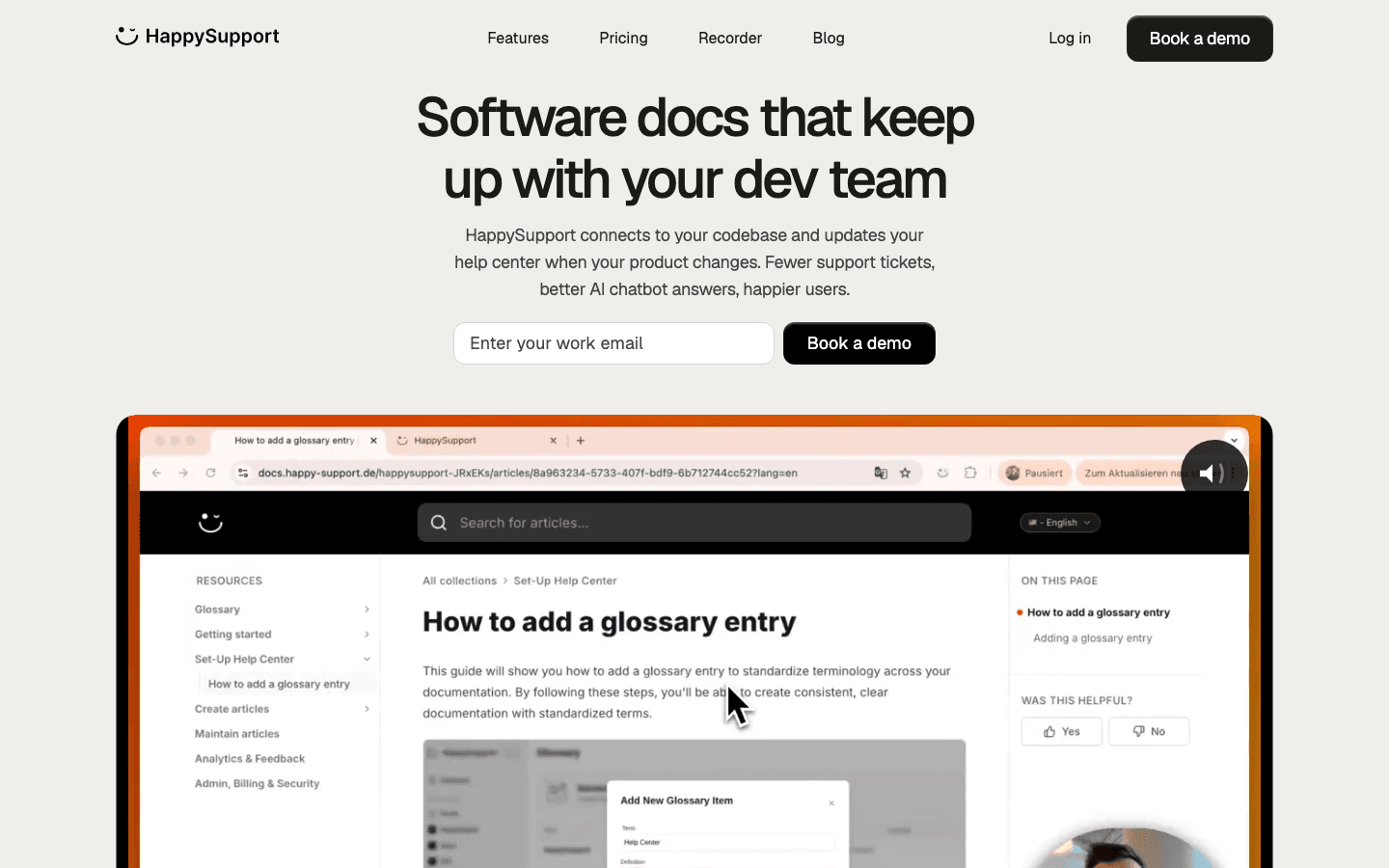
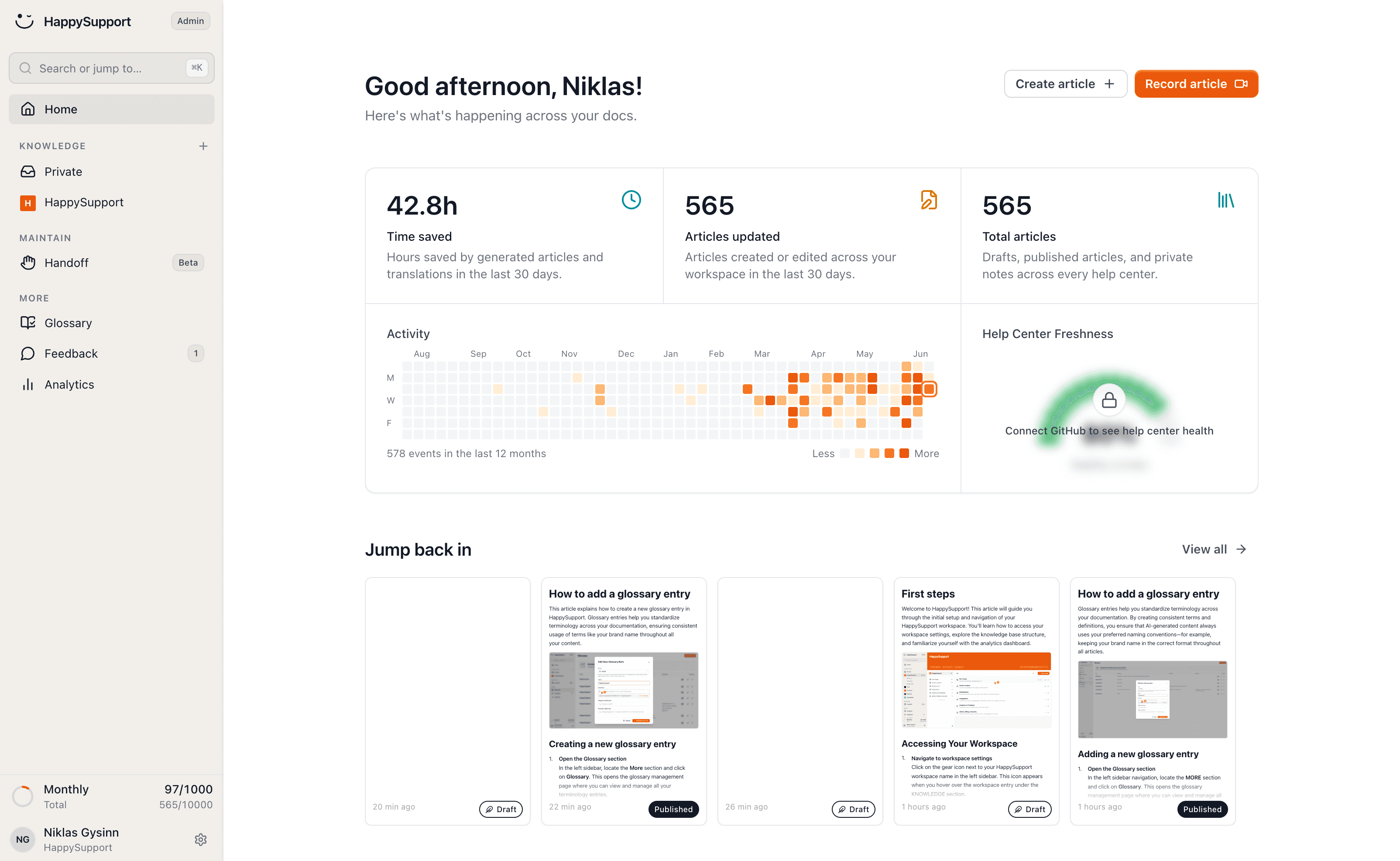
Founded in 2025 in Stuttgart by Niklas Gysinn (Founder, CEO). Pre-Seed. The AI-native customer-facing KB built around maintenance: the HappyRecorder captures UI flows as DOM and CSS selectors at article creation, and Git Handoff reads code changes in the connected repository and turns them into proposed updates for the affected guides, which the team reviews before publishing. Composite score 8.4/10.
HappySupport's strength is architectural. DOM and CSS recording plus Git Handoff close the documentation drift gap that every other tool in this ranking pushes back onto the team. The help widget brings article browsing and search into the product; guided in-app tours are on the roadmap (marked "Soon" for Scale). Hosting runs on EU infrastructure (AWS Frankfurt, Netcup Germany), a DPA is available, and customer content is never used for AI training. AI features are processed by OpenAI (USA) under the EU-US Data Privacy Framework and a DPA. A ticket inbox, the Felix AI agent for authors, imports with redirects and translations that update automatically are part of the product, with flat plans from 129 EUR/month (Professional 399 EUR/month). Plan gates matter: customer AI answers with citations, Git Handoff, health audits, custom domain and branding start on Professional; additional languages scale from 1 (Starter) to 5 (Professional) to 10 (Scale). Weakness: shorter integration catalog than Confluence or Notion, no cross-tool search across Slack, Drive or Jira, and SSO lives in Scale.
HappySupport: Pricing tiers (June 2026)
| Tier | Price | What is included |
|---|---|---|
| Starter | 129 EUR/month flat (after a 14-day free trial) | 50 active articles, 1 Help Center, 1 user, 1 additional language, help widget with article browsing and search, HappyRecorder, AI writer and editor, Felix AI agent, URL redirects, MCP server. No customer AI answers. |
| Professional | 399 EUR/month flat | 300 articles, 3 Help Centers, 5 users, 5 additional languages, 250 AI answers per month, password protection, glossary, Git Handoff and code search, health audits with AI fixes, custom domain and branding |
| Scale | 899 EUR/month flat | 750 articles, 5 Help Centers, 10 users, 10 additional languages, 1,000 AI answers per month, app authentication and SSO, in-app banners, audience targeting. Guided in-app tours marked "Soon". |
HappySupport: Pros
- Only tool here with native DOM and CSS recording for structural drift detection.
- Git Handoff proposes updates to affected articles before customers hit a stale page.
- EU hosting, DPA and a no-training policy for customer content fit GDPR-focused DACH buyers.
- Flat pricing with no per-user multiplier, from 129 EUR/month; help center, AI chat and ticket inbox in one product, with customer AI answers from Professional.
- Help widget puts article search inside the product.
HappySupport: Cons
- Shorter connector catalog; no cross-tool search across Slack, Drive or Jira.
- Built for web apps; Git Handoff needs a connected GitHub, GitLab or Bitbucket repository, so mobile-only teams should wait.
- No SOC 2 or HIPAA attestation, no SCIM, no self-hosting.
- No phone or voice channel, no omnichannel routing.
- SSO only in Scale.
Best for: SaaS teams shipping weekly without a doc team that want help center, AI chat and tickets from one source, or that run a chatbot like Intercom Fin where article freshness controls bot accuracy.
Skip if: Not web-based, no code in a Git repository, or you need a 100+ connector enterprise search.
2. Confluence
Atlassian was founded in 2002 in Sydney by Mike Cannon-Brookes and Scott Farquhar; Confluence launched 2004. Bootstrapped (no traditional VC), $210M secondary rounds, IPO NASDAQ TEAM Dec 2015. 300,000+ paying customers across Atlassian; 80%+ of Fortune 500 use at least one Atlassian product. Confluence pricing starts at $5.42 per user per month on the Standard plan (commonly rounded to $5.50). October 2025 Cloud increase: Standard +5%, Premium +7.5%, Enterprise +10%. February 2026 Data Center hike: +15% to +25% by user count. Composite score 7.8/10.
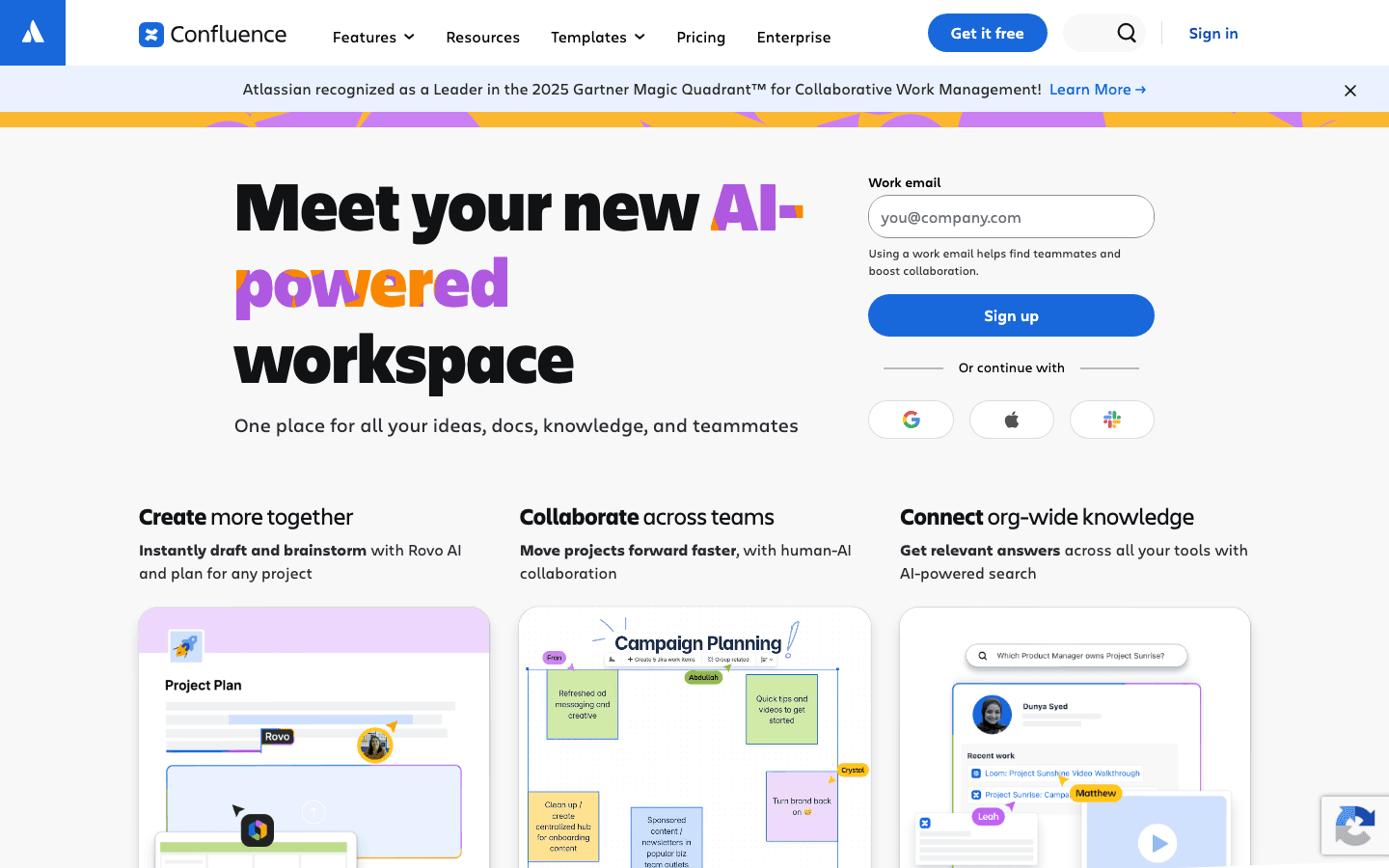
Confluence integrates seamlessly with other Atlassian products: Jira, Jira Service Management, Bitbucket, Trello. Rovo (AI search + agents) is now bundled into Premium (limited) and Enterprise (full) rather than a $20 add-on. Page permissions, audit logs, IP allowlisting, page insights, 24/7 Premium support, 99.9 plus % uptime SLA at higher tiers. Weakness: no native drift detection or verification mechanism. Atlassian's own Rovo guidance acknowledges that "Rovo may generate incomplete or outdated answers when source content is incomplete, stale, poorly structured, not yet indexed, or unavailable." Search quality remains a common Reddit complaint.
Confluence: Pricing tiers (June 2026)
| Tier | Price | What is included |
|---|---|---|
| Free | $0/user/month | Up to 10 users, 2 GB storage, unlimited pages and spaces, page templates, macros, community support, no AI agents |
| Standard | $5.42/user/month (billed annually); ~17% more on monthly billing | Up to 50,000 users, 250 GB storage, page permissions, archive pages, audit logs (limited), 9/5 regional support |
| Premium | $10.44/user/month (billed annually) | Unlimited storage, analytics, page insights, admin key, IP allowlisting, Rovo AI search (limited), 24/7 Premium support, 99.9% uptime SLA |
| Enterprise | Custom (commonly reported $23-$25/user/month at scale); annual billing only | Unlimited sites, data residency, Atlassian Guard, advanced identity management, Atlassian Intelligence + Rovo agents, 24/7 Enterprise support, 99.95% uptime SLA |
Customers Atlassian publishes by name: Expedia Group (migrated 30,000 seats Data Center to Cloud, 2025), Domino's, Schaeffler, NASA. Customer wall metrics: Atlassian discloses 300,000+ paying customers and 80%+ of Fortune 500. A Swiss healthcare network moved 8,000+ employees to Atlassian Service Collection in 2025.
Confluence: Pros
- Deepest integration with Jira, JSM, and the Atlassian Cloud System of Work.
- 20+ years of compounding enterprise install base.
- Rovo bundled into Premium and Enterprise (no separate add-on after April 2025).
- Comprehensive role based access and audit logs at higher tiers.
Confluence: Cons
- Steep learning curve relative to Notion or Slite.
- Search quality is a recurring Reddit complaint.
- October 2025 + February 2026 price increases hit existing customers hard.
- No native drift detection; teams must build governance themselves.
What real users say about Confluence
- G2 verified review: "Maybe pricing needs to be reviewed once, its too costly."
- devRant developer rant: "Searching in Confluence sucks so bad it was faster for me to check out a branch of my code to find a url in a comment for a particular user story than it was to type the query."
- Atlassian official Rovo guidance: "Rovo may generate incomplete or outdated answers when source content is incomplete, stale, poorly structured, not yet indexed, or unavailable."
Best for: Atlassian-first enterprises with technical teams that need version history, role based access, and seamless integration with Jira and JSM.
Skip if: You are not on Atlassian, your team is under 50 people, or you need a polished customer-facing KB portal.
3. Notion
Notion Labs, Inc., founded 2013 in San Francisco by Ivan Zhao and team. Total funding ~$610M; last round Series C $275M at $10B valuation, October 2021. Notion allows users to create relational databases for knowledge management plus pages, wikis, and project tasks under one roof. Pricing: Free, Plus $9.50/member/month (close to the often-cited $8 to $10/member 'Team' price; Notion does not technically have a 'Team' plan today), Business $20/member, Enterprise custom. Custom Agents add-on $10 per 1,000 Notion credits/month. Composite score 7.0/10.
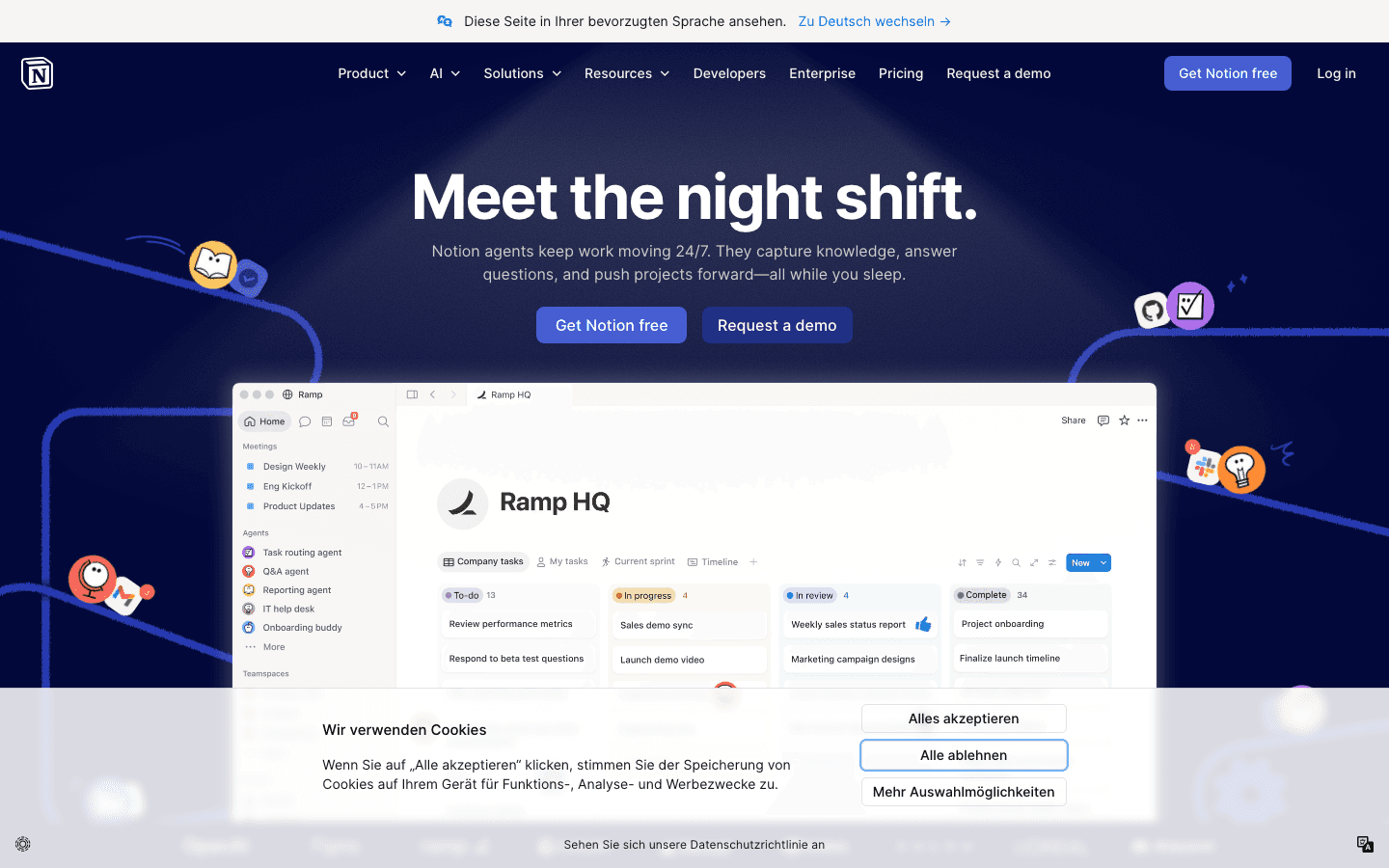
Notion's strength is workspace fit and AI Agents on top. Ramp cut productivity-tool costs by 70%, runs 300+ active Custom Agents daily including a Product Q&A Oracle, and teams move 3x faster. Vercel ships 35% faster using Notion. OpenAI's data-science team saves over an hour of reporting prep each week. Other named customers: Figma, Nvidia, Toyota, Volvo, Cursor. Multi-language support, custom branding, and SSO sit in Business/Enterprise. Weakness: no drift detection, no repository sync, no source-of-truth verification. Notion AI happily cites six versions of the same policy if six exist in the workspace.
Notion: Pricing tiers (June 2026)
| Tier | Price | What is included |
|---|---|---|
| Free | $0/user/month | Basic Notion workspace, limited AI features |
| Plus | $9.50/member/month (annual) | Full AI suite, unlimited file uploads, 30-day version history, Notion Agent, AI Meeting Notes, Enterprise Search |
| Business | $20/member/month (annual) | Advanced AI features, SAML SSO, private teamspaces, advanced permissions |
| Enterprise | Custom (contact sales) | Advanced security, audit logs, custom contract, dedicated CSM |
| Custom Agents add-on | $10 per 1,000 Notion credits/month | Build and run Custom Agents; consumed by complex queries |
Notion: Pros
- Native fit for teams already using Notion as the workspace.
- Relational databases let users create custom views of company knowledge.
- Custom Agents enable automated workflows on top of stored knowledge.
- Real-time collaboration, multiple users editing simultaneously.
- Ramp, Vercel, OpenAI customer wall provides concrete playbooks.
Notion: Cons
- No drift detection, no repository sync, no source-of-truth verification.
- Custom Agents consume credits unpredictably on complex queries.
- Standalone AI add-on retired May 2025.
- Governance weaker than Confluence or Microsoft 365.
What real users say about Notion
- Ramp (Notion customer reference): 70% productivity-tool cost reduction, 300+ active Custom Agents daily, 3x faster team velocity.
- Vercel: Ships 35% faster using Notion.
- Top r/Notion comment (132 upvotes): "I wouldn't mind it if it were free, but it's definitely not something worth paying for."
Best for: Notion-native teams that want AI on top of an existing workspace; product, design, and early-stage engineering teams.
Skip if: Your knowledge lives outside Notion, you need a customer-facing KB portal, or you need built-in verification.
4. Document360
Founded by Saravana Kumar (parent Kovai.co, founded 2009). Document360 launched 2017. HQ London with engineering in Chennai. Document360 features an AI assistant named Ask Eddy. Document360 offers tiered pricing but does not display official prices: in November 2024 the platform moved to fully quote-based pricing and discontinued the free tier. Pre-Aug-2024 published prices ran from $199/month Standard up to $800+/month Enterprise, but those numbers no longer appear on the public pricing page. Composite score 7.0/10.
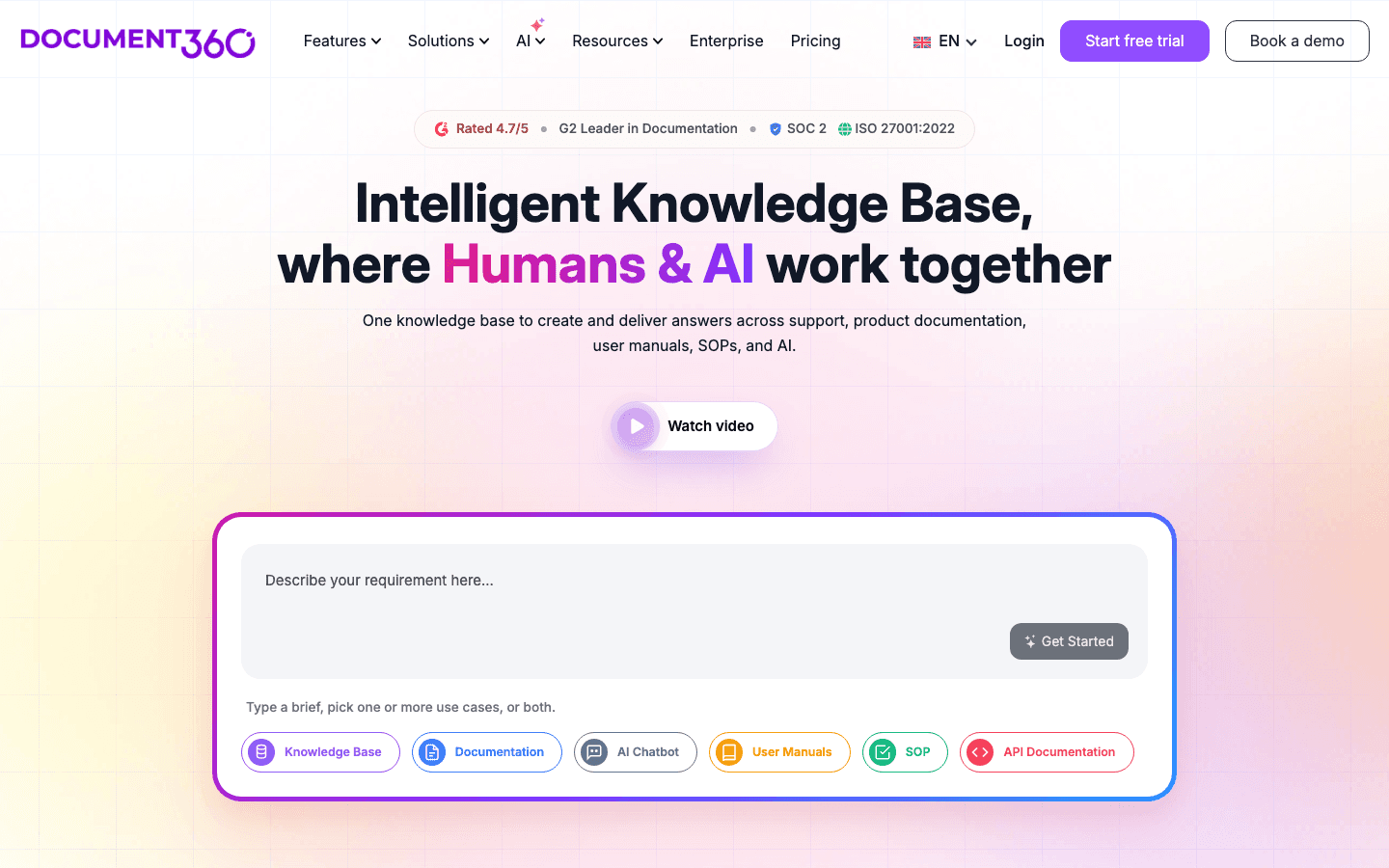
Document360's strength is structure for external documentation. Article taxonomy, version control with version history, role based access, multi-step approval workflows, multi-language support, custom domain, custom branding, and Ask Eddy AI that returns grounded answers with citations. Knowledge Pulse module (shipped Nov 2025) adds partial drift detection: content duplication signals, stale content flagging, gap detection. Customers reduce support tickets by up to 30% via self-service KB (aggregate vendor claim). Prerender saw 20-30% ticket reduction. Ajman University reported 30% IT helpdesk call reduction. Weakness: no codebase connection; the platform does not open pull requests when documentation drifts and does not analyze support tickets to surface gaps automatically.
Pricing tiers (June 2026, all quote-based)
| Tier | Price | What is included |
|---|---|---|
| Professional | Quote only | Single project, basic AI Suggest, public articles |
| Business | Quote only (50% off via Startup Program) | Multi-project, custom domain, approval workflows, Ask Eddy AI basic |
| Enterprise | Quote only (yearly only) | Multi-project, Ask Eddy AI, multi-language, SSO, advanced analytics, Knowledge Pulse drift module |
| Free tier | Discontinued November 2024 | Previously $0 for 5 team accounts, 50 public articles |
Document360: Pros
- Strong multi-step approval workflows and version control.
- Ask Eddy AI returns grounded answers with citations.
- Multi-language support with native translation flows.
- Knowledge Pulse (Nov 2025) adds partial drift detection.
- Startup Program offers 50% off Business or Enterprise for eligible companies.
Document360: Cons
- No code-repository connection.
- Document360 offers tiered pricing but does not display official prices (quote-only).
- Pricing roughly doubled August 2024 per multiple G2/Capterra reviewers.
- Free tier discontinued November 2024.
What real users say about Document360
- Prerender (vendor reference): Support tickets on specific issues decreased 20-30% after publishing related KB articles.
- Ajman University: 30% reduction in IT helpdesk support calls per week.
- Reddit user: "I'm using Document360 as my knowledge base provider and I really don't enjoy them and they are very expensive for what they offer."
Best for: Teams with a dedicated writer who need a structured external KB, approval workflows, and multi-language support.
Skip if: You ship product weekly without a doc team or you need self-serve evaluation.
5. Help Scout (Docs)
Founded in 2011 in Boston by Nick Francis, Jared McDaniel, Denny Swindle. Bootstrapped through Techstars Boston. 12,000+ customers including BetterHelp, Gusto, Spindrift, Hinge Health, Buffer, Litmus, TeamSnap. Help Scout Docs ships as the knowledge base inside Help Scout's shared-inbox helpdesk; Help Scout's Standard plan starts at $20 per user/month (annual; close to the $20 SMB baseline). Composite score 7.0/10.
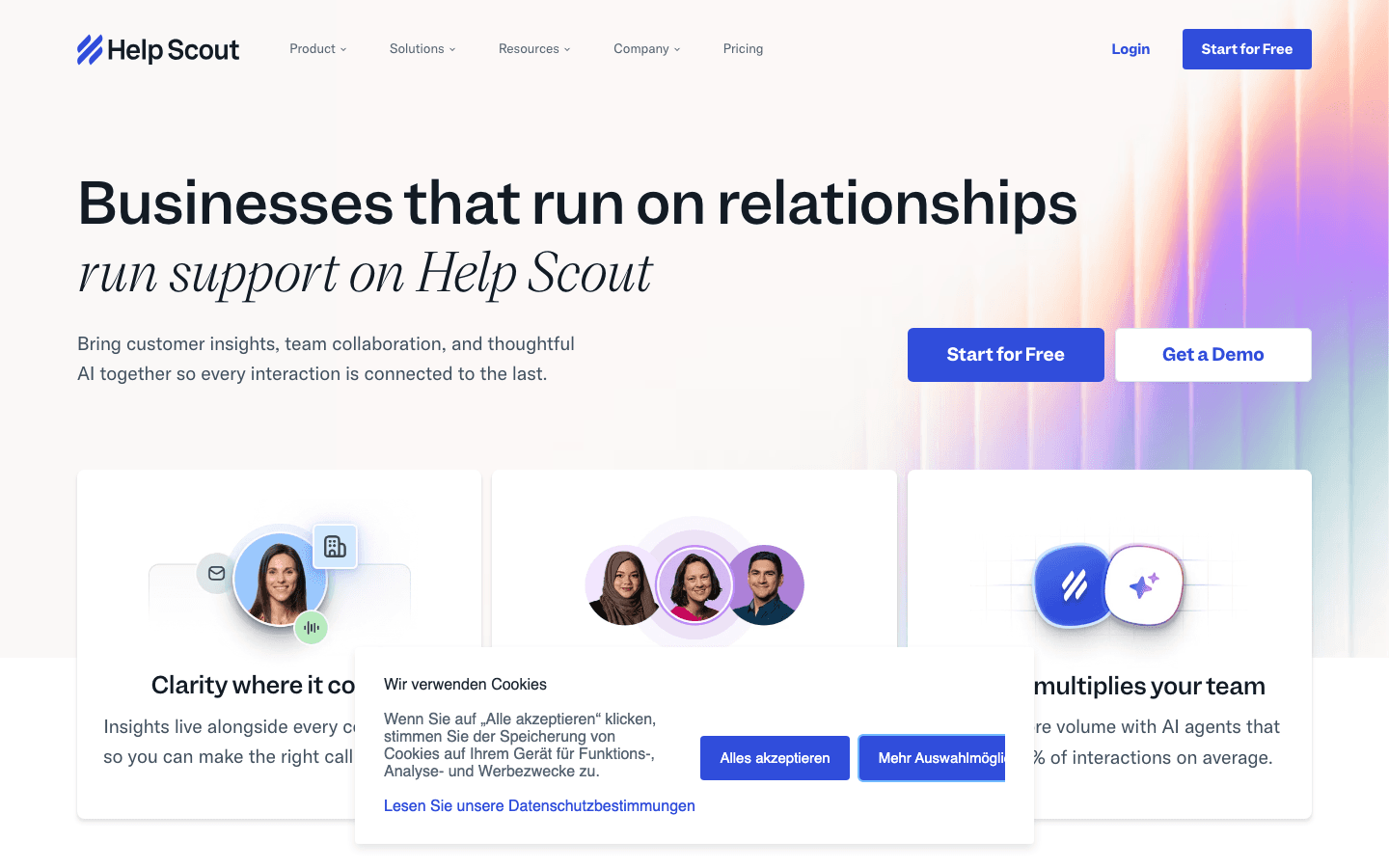
Help Scout's strength is restraint and a customer-centric UI. Brain.fm reports under 1 hour average response time with 60% first-contact resolution and 95% customer happiness. Litmus saw 26% retention boost for new customers (700k+ user base, 9 years on Help Scout). George Washington University handles 80,000+ emails annually for 27,000+ students. AI Answers (the customer-facing chatbot) is priced at $0.75 per resolution, with the vendor citing a 73.19% average resolution rate. Multi-language support across 50+ languages on AI Answers. Weakness: the Docs module is intentionally simple; teams needing advanced approval workflows or deep versioning move to Document360. Pricing climbs faster than headcount once you outgrow Standard.
Help Scout (Docs): Pricing tiers (June 2026)
| Tier | Price | What is included |
|---|---|---|
| Free | $0 | 5 users, 1 Inbox, 1 Docs (knowledge base) site. Entry-level offering. |
| Standard | $25/user/month (monthly); ~16% discount on annual | Up to 25 users, 2 Inboxes ($10/mo each additional), multiple knowledge bases (Docs sites), 1 basic SLA, basic workflows (150 limit), unlimited tags and saved replies, AI Inbox assistant, live chat, In |
| Plus (most popular) | $45/user/month (monthly); annual discount available | Up to 50 users, 5 Inboxes, 2 advanced SLA policies, advanced workflows (500 limit), unlimited AI Drafts, round-robin routing, Salesforce/Jira/HubSpot integrations, WhatsApp, internal teams, 25 light u |
| Pro | $75/user/month (monthly); annual discount available; 10-user minimum | Unlimited users (min 10), 10 Inboxes, unlimited workflows and SLAs, multiple routing types, SSO/SAML, HIPAA compliance add-on, up to 50 light users, dedicated onboarding specialist, strategic account |
| AI Answers add-on | $0.75 per resolution; 3 months free trial with unlimited resolutions | Customer-facing chatbot in Beacon widget. Resolves up to 70% of common questions (vendor cites 73.19% average resolution rate). Supports 50+ languages, brand tone control. Learns from Docs articles pl |
Help Scout (Docs): Pros
- Customer-centric UI; agents productive on day one.
- AI Answers resolves up to 70% of common questions (vendor cites 73.19% average).
- Docs site bundled in every plan; extra Docs at $20/month add-on.
- Multi-language support across 50+ languages on AI Answers.
- Concrete customer metrics across BetterHelp, Litmus, Brain.fm, GWU.
Help Scout (Docs): Cons
- Docs module intentionally simple; advanced approval workflows missing.
- Pricing climbs faster than headcount on Plus and Pro tiers.
- Pro tier requires 10-user minimum.
- No drift detection or repository sync.
What real users say about Help Scout
- Brain.fm (vendor reference): Average response time under 1 hour, 60% first-contact resolution, 95% customer happiness.
- Litmus: 26% retention boost for new customers, 9 years on Help Scout.
- G2 review (2025): "I like how simple it is to use to create help docs," with the wish for "more advanced functionality in the HelpDocs module."
Best for: SMB support teams that want a clean shared inbox plus a docs site without enterprise complexity.
Skip if: You need advanced approval workflows, deep version control, or enterprise governance beyond Pro.
6. Helpjuice
Founded 2011 in Miami by Emil Hajric. Bootstrapped. Helpjuice's paid plans start at $249 per month for 30 users (verified on official pricing page). The platform positions itself as a standalone knowledge base for SaaS and customer support teams that want analytics, custom branding, and SEO friendly URLs. Composite score 6.7/10.
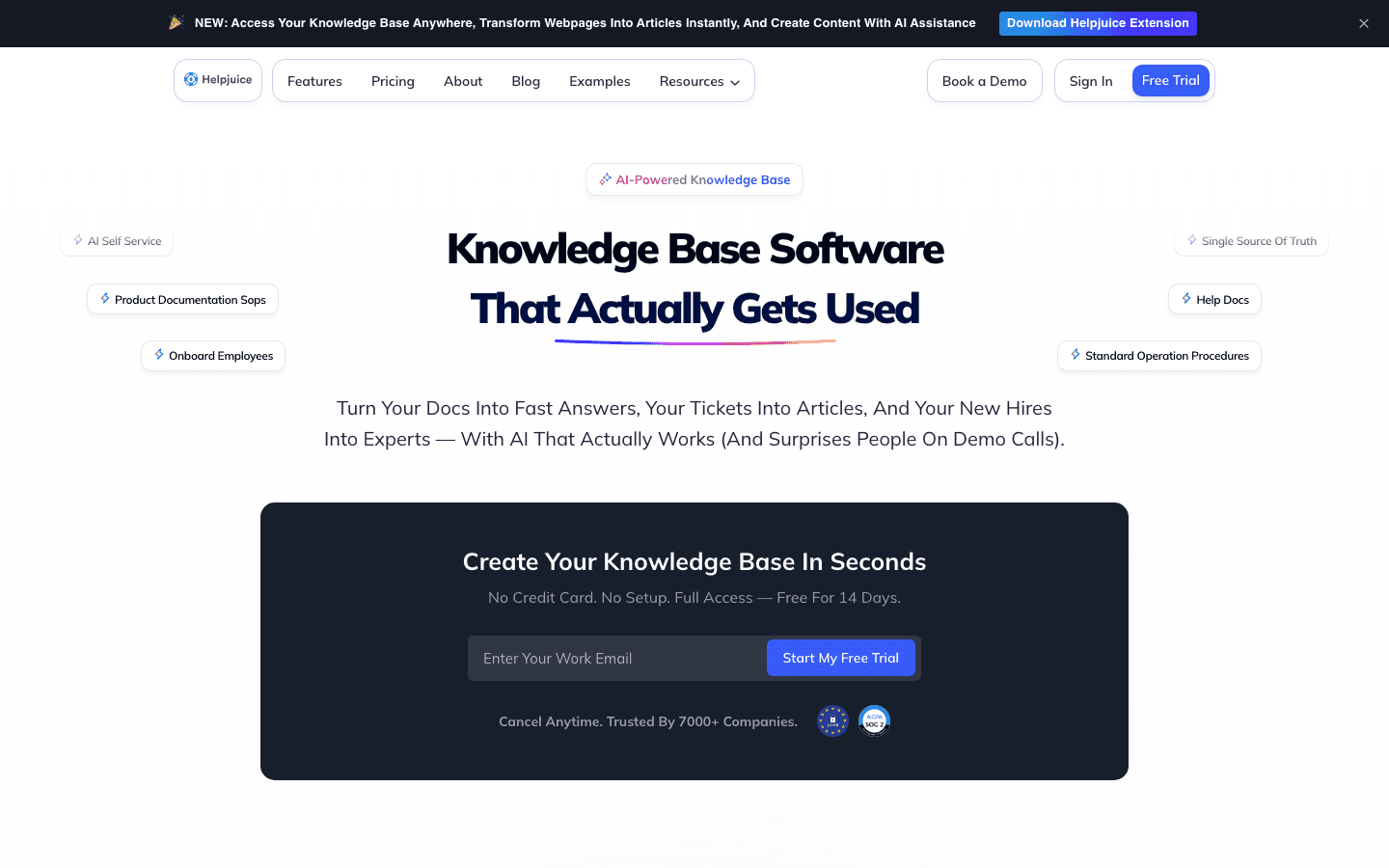
Helpjuice's strength is robust analytics that reveal which articles are read and which search terms yield zero results. Strong content-gap detection, custom branding, multi-language support, and SEO friendly URLs. 30 plus named customers including Amazon, Hertz, Roblox, World Health Organization, Stanford University. Weakness: the price floor at $249 for 30 users is high for small teams, and the AI suite only comes with the $449/month AI-Knowledge Base plan. The platform also assumes a human keeps articles current; no automated drift detection.
Helpjuice: Pricing tiers (June 2026)
| Tier | Price | What is included |
|---|---|---|
| Knowledge Base | $249/month | 30 users, 12GB file storage, essential features (analytics, version history, search), fully customized design, live collaboration and workflows, localization, AI article translation to 40+ languages. |
| AI-Knowledge Base | $449/month | 100 users, 24GB file storage, everything in Knowledge Base plus Single Sign-On (SSO) and the complete AI Suite at no extra cost (AI Writer, AI Search, AI Chatbot/Swifty, auto-updating Chrome extension |
| Unlimited AI-Knowledge Base | $799/month | Unlimited users, 38GB file storage, everything in AI-Knowledge Base plus $1,000,000 worth of unlimited customization credits. Custom enterprise terms available via Book a Demo. |
Helpjuice: Pros
- Robust analytics reveal which articles are read and which search terms yield zero results.
- Strong custom branding, SEO friendly URLs, multi-language support.
- Customer wall includes Amazon, Hertz, Roblox, WHO, Stanford.
- Flat platform pricing avoids per-user multiplier surprise.
Helpjuice: Cons
- $249/month floor too high for small teams.
- AI suite requires the $449/month AI-Knowledge Base plan.
- No automated drift detection.
- Steep learning curve on advanced features per Capterra reviews.
Best for: Mid-market and enterprise customer-facing KBs that need analytics and custom branding at flat platform pricing.
Skip if: Your team is under 10 people or you need a free plan to evaluate.
7. Guru
Co-founded 2013 in Philadelphia by Rick Nucci (ex-Boomi/Dell) and Mitchell Stewart. ~$70.7M total funding. In 2025 the company pivoted to a Governed Knowledge Layer for Enterprise AI: Knowledge Agents replaceable in Chat or Research modes that deliver verified institutional knowledge to other AI systems. Self-Serve plan starts at $25 per user/month annual (10-seat minimum, $250/month floor); Enterprise custom with Vendr median annual deal ~$39,874. Composite score 7.6/10.
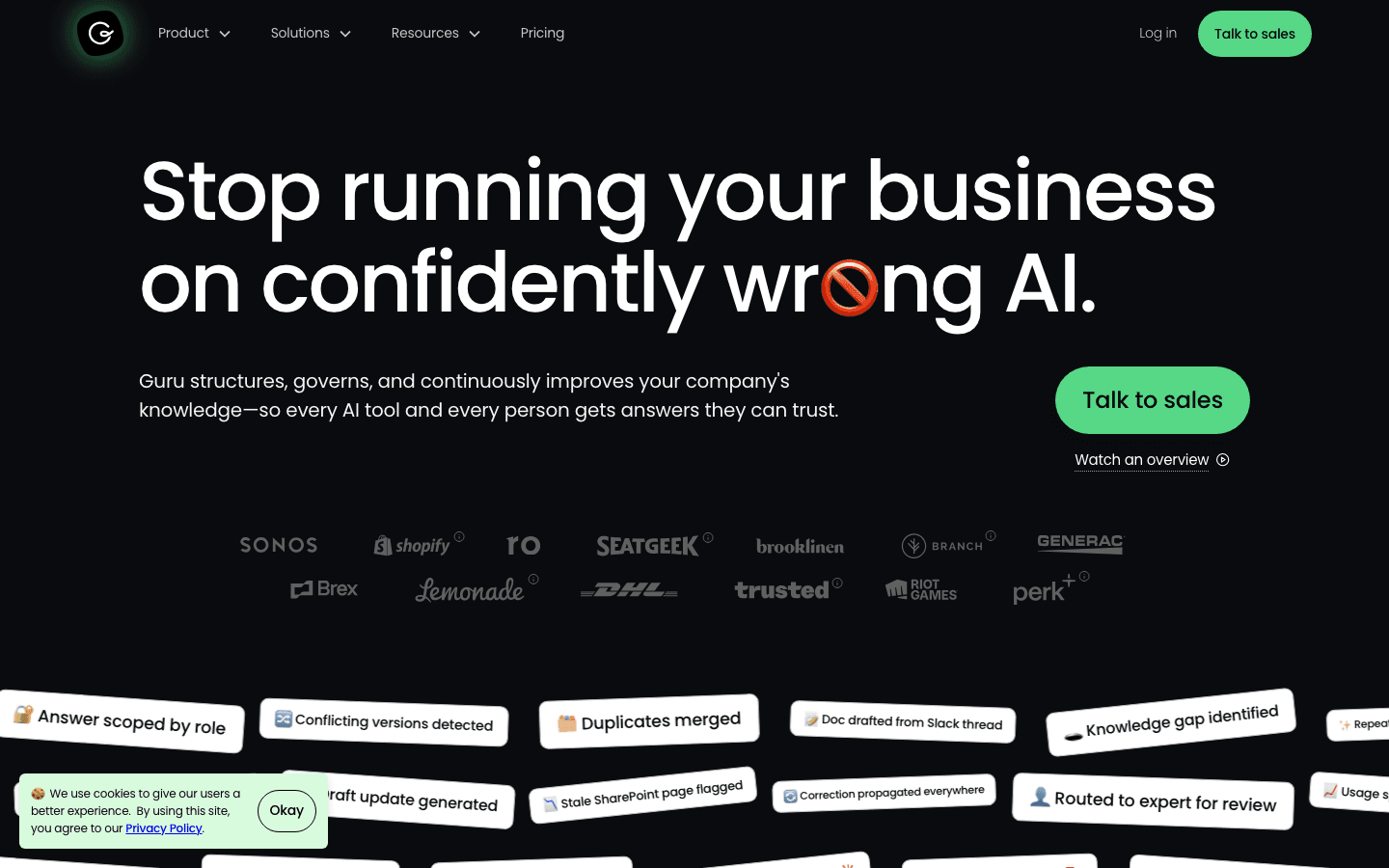
Guru's strength is the built-in verification system, now AI-augmented across three layers: SME Verification Workflow (every card has a designated verifier and expiration timer), source volatility detection (flags rapidly-changing fields like pricing tables and applies stricter freshness thresholds), and Knowledge Agents that only refer to verified content (structurally limiting hallucination). Customer metrics: Steno cut support volume in half with a Knowledge Agent built in days. HireVue cut support onboarding time by 60%. Paraco Gas reduced call handle time by 8%. Weakness: 10-seat minimum prices out small teams. Connector breadth narrower than Glean. Community shutdown announced for April 27, 2025 signals upmarket focus.
Guru: Pricing tiers (June 2026)
| Tier | Price | What is included |
|---|---|---|
| Self-Serve (All-in-One) | $25/user/month annual ($30 monthly), 10-seat minimum | KB, AI search and answers, verification workflow, Knowledge Agents, Slack/Teams/web/extension distribution |
| Enterprise | Custom (Vendr median ~$39,874/yr) | Enterprise security (SCIM, audit logs), advanced governance, dedicated success, white-glove onboarding |
| Guru for Good (nonprofit) | Reduced cost | 501(c)(3) eligibility |
Named customers: Shopify, Lemonade, SeatGeek, Faire, HireVue, TravelPerk, Branch, Steno.
Guru: Pros
- Mature built-in verification system, AI-augmented in 2025.
- Knowledge Agents prevent stale content from reaching users structurally.
- Strong governance, SCIM, audit logs at Enterprise.
- Customer metrics specific: Steno cut support volume in half, HireVue 60% faster onboarding.
Guru: Cons
- 10-seat minimum ($250/mo floor) prices out small teams.
- Connector breadth narrower than Glean.
- 2025 community shutdown signals upmarket focus.
Best for: Internal support teams (10+ seats) needing verified institutional knowledge delivered to support agents and other AI systems.
Skip if: Team under 10 seats or you need cross-app retrieval breadth.
8. Slite
Founded August 2016 in Paris by Christophe Pasquier and Pierre Renaudin. $15.5M total across two rounds; last Series A $11M April 2020. Slite is best for documentation and knowledge management at lean teams; Slite's Standard plan starts at $8 per member/month (verified on official pricing page) making it the most affordable tier in this ranking. Composite score 7.2/10.
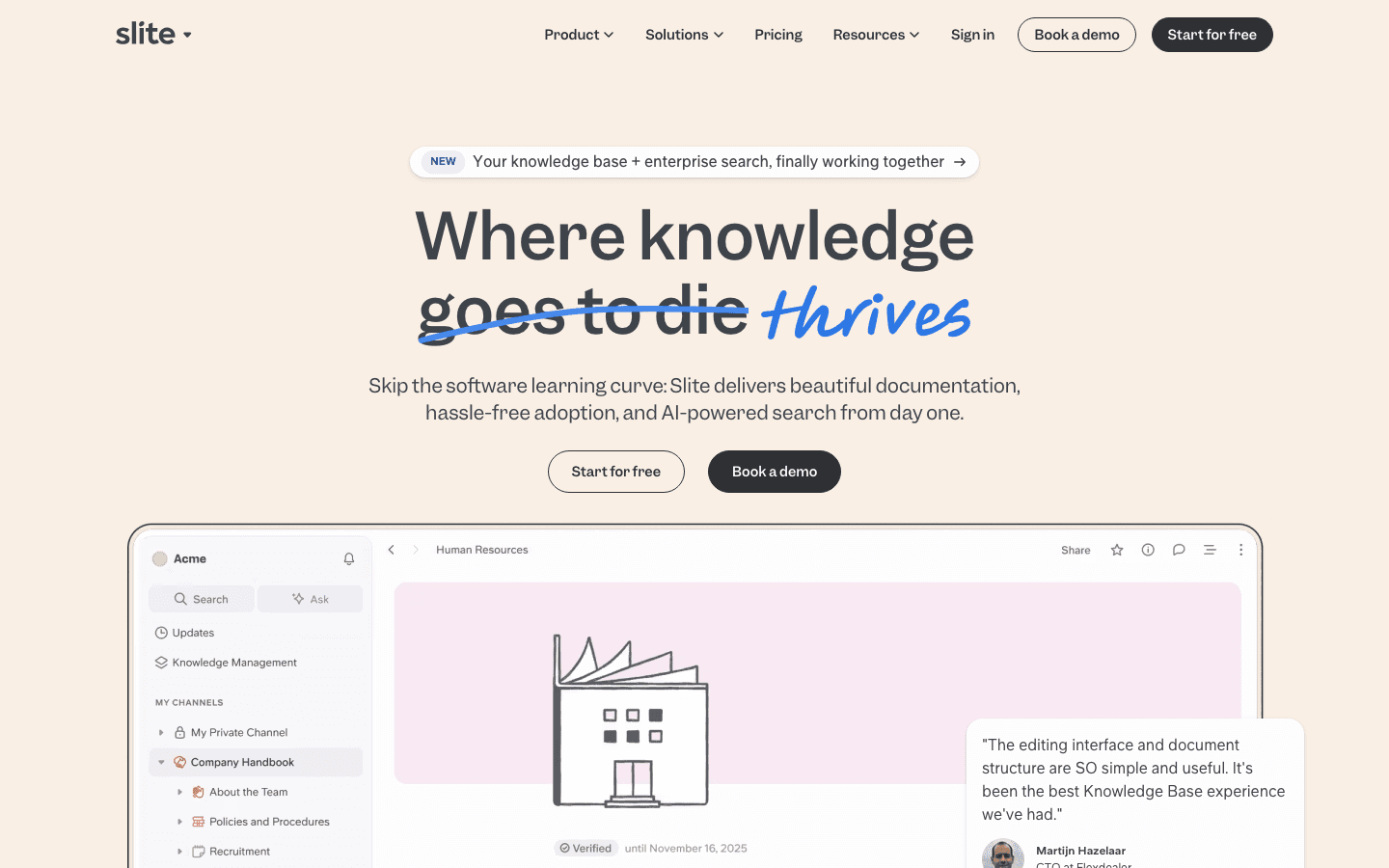
Slite's strength is workflow fit. Clean block-based editor, Ask (natural-language Q&A on existing documents), Super (enterprise search across Slack and Drive on Knowledge Suite), and document verification with reminders 7 days and 1 day before expiration. Wundertax reports 75% faster team onboarding for new team members. Meero scaled 250 to 700+ employees on Slite while keeping team meetings 3x more productive. Agorapulse (Alexis Dupont, Head of Customer Service) reports questions to the support manager divided by 10 since implementing Ask. Standard at $8/user/mo annual is the entry. Weakness: connector breadth narrower than Glean. Knowledge Suite has 10-user minimum ($2,400/year floor). Not a customer-facing KB.
Slite: Pricing tiers (June 2026)
| Tier | Price | What is included |
|---|---|---|
| Standard | $8/user/month (yearly), 14-day trial | Block editor, document verification system, Ask Q&A, integrations with Slack/Drive/Notion. Slite's Standard plan starts at $8 per member/month. |
| Knowledge Suite | $20/user/month (yearly), 10-user min | Standard plus Super (enterprise search), AI-powered answers across multiple sources, analytics, SSO |
| Enterprise | Custom | SAML SSO, advanced security, dedicated CSM, audit logs |
What real users say about Slite
- Daniel Hanemann, CEO Wundertax: 75% faster team onboarding after switching to Slite.
- Alexis Dupont, Head of Customer Service at Agorapulse: "Since we implemented Ask, the amount of questions has been divided by 10."
- Rihan Arfan, Product Hunt: "I've been a very happy Slite user for over 5 years now, and it's the only SaaS I've heavily recommended."
Best for: Lean 10-to-100-person teams wanting docs + Q&A at $8/member, European teams that value the Paris HQ.
Skip if: Cross-app retrieval breadth like Glean's, customer-facing KB, or DOM-level drift detection.
9. Bloomfire
Founded 2010 in Austin, Texas. Bloomfire offers automated deep indexing for diverse content formats: video, audio, PDF, slides, and documents are all indexed at the spoken-word level so search returns the exact timestamp. Named customers include FedEx, Capital One, Toyota, BambooHR. Pricing not fully public; Basic plans reported at approximately $25 per user per month annual with Enterprise custom. Composite score 6.5/10.
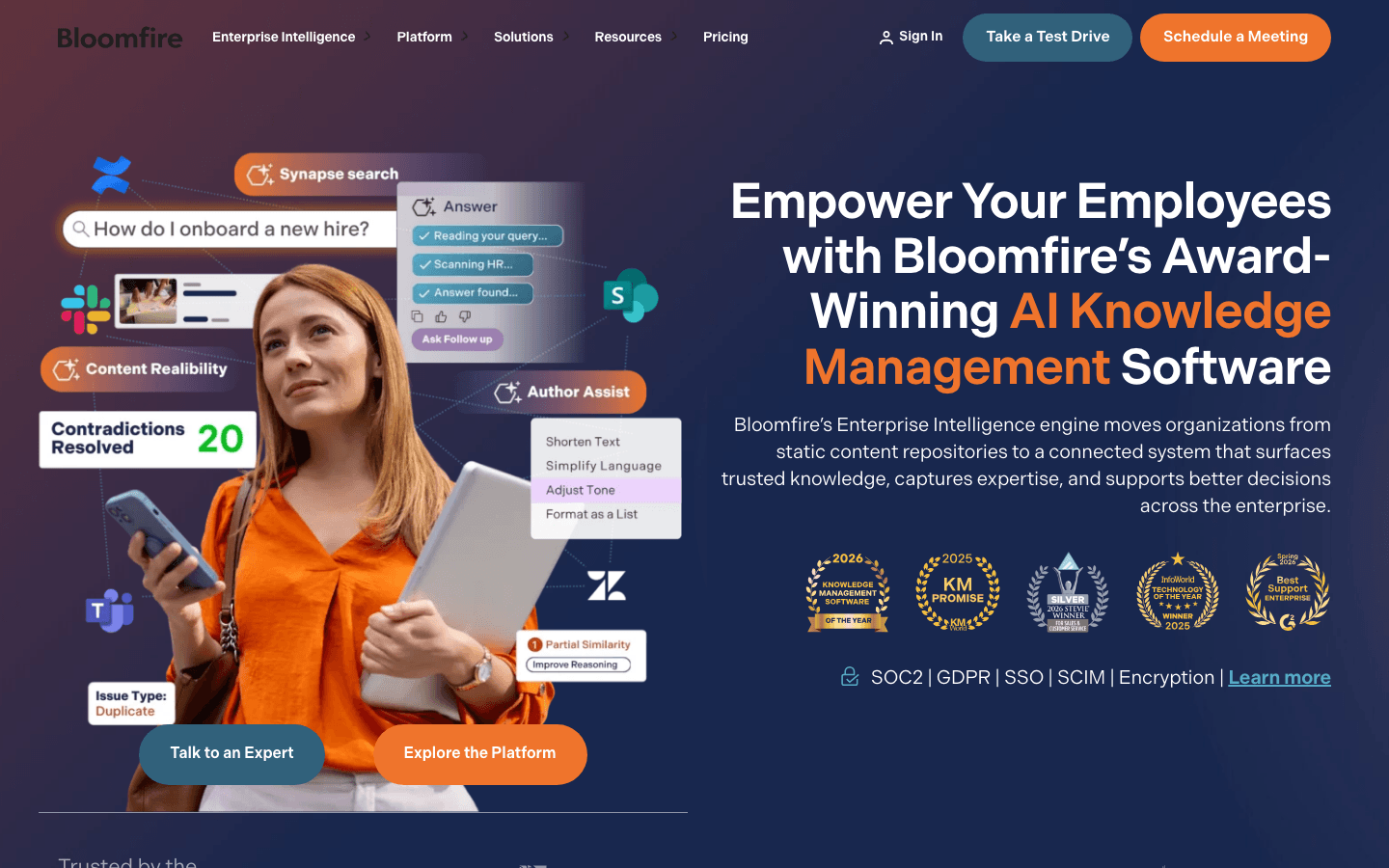
Bloomfire's strength is the deep indexing of diverse content formats. Training-heavy corporate cultures benefit from multimedia content management here: the same KB can host text, video, podcasts, and slide decks that serve different learning styles. AI Search Assist returns conversational answers with citations. Analytics dashboard provides detailed insights into article engagement. Weakness: less suited for customer-facing external documentation and external customers; the platform leans heavily toward internal knowledge management. Pricing transparency limited.
Bloomfire: Pricing tiers (June 2026)
| Tier | Price | What is included |
|---|---|---|
| Team | Custom (annual fixed cost; not publicly disclosed; G2/featurebase analyses report a 50-user minimum and added implementation + data migration fees) | Intuitive authoring, AI-powered search, team collaboration, unlimited data storage. Sold as a scope-based plan for teams starting with knowledge management. Implementation and data migration billed se |
| Department | Custom (annual fixed cost; not publicly disclosed; multi-year billing) | Generative AI for instant answers, department-specific content curation, compliance tools, reporting and analytics. Implementation and data migration billed separately. |
| Enterprise (marked Most Popular) | Custom (negotiated, multi-year, undisclosed) | Company-wide access, premium support, multiple department communities, workflow integrations (MS Teams, Slack, Salesforce, Zendesk), enterprise-grade security (SSO, SCIM, role-based permissions). Pric |
Best for: Training-heavy corporate cultures with video-first internal documentation (FedEx, Capital One, Toyota use Bloomfire).
Skip if: Primary need is customer-facing external KB or you need transparent self-serve pricing.
10. BookStack
Open-source MIT-licensed self-hosted knowledge base, founded 2015 in the UK by Dan Brown. BookStack is the leading option for self-hosted private knowledge bases where teams require full control over customer data and sensitive data. Self-hosted is free; managed hosting starts at approximately $9 per user per month. Composite score 6.0/10.
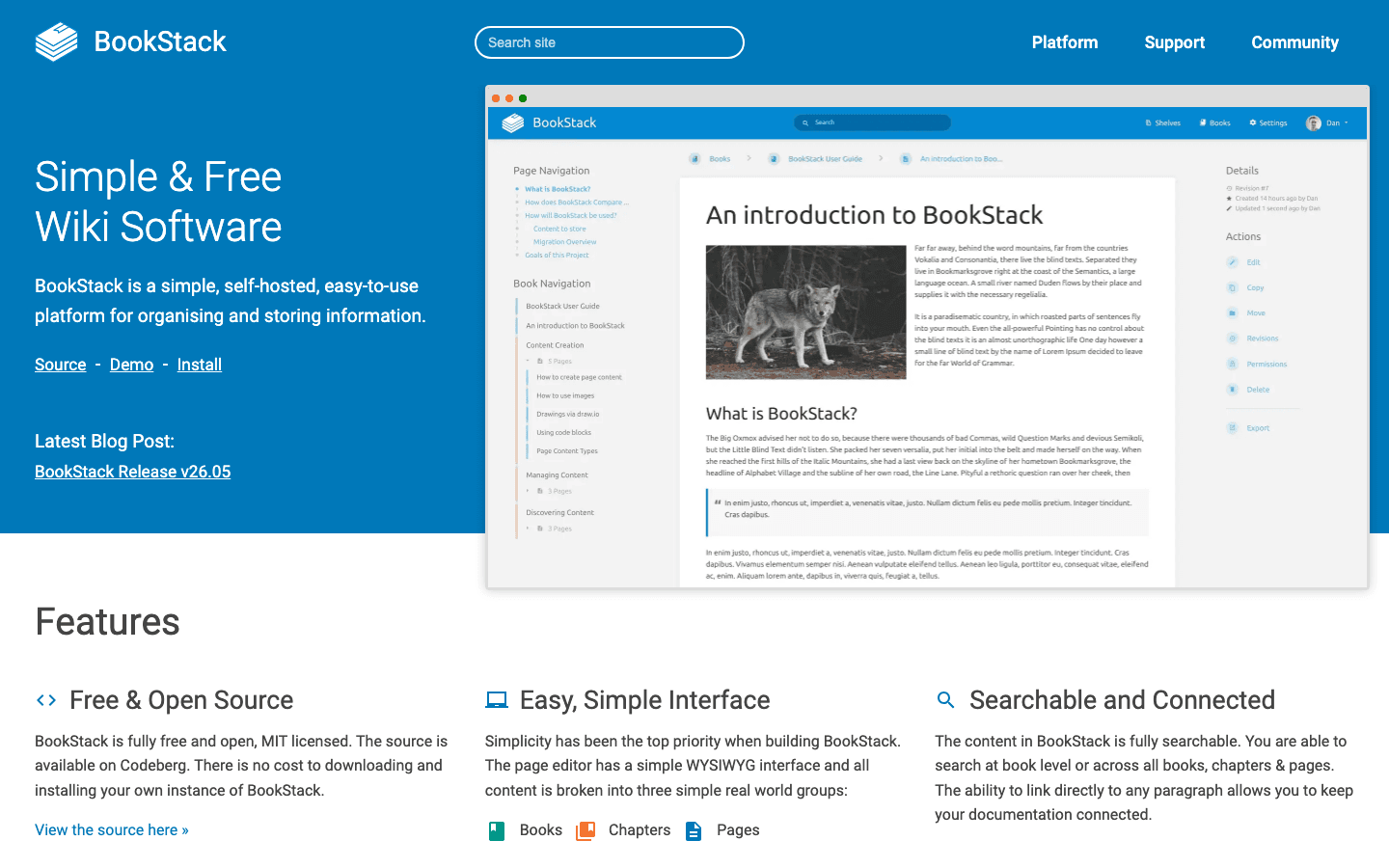
BookStack's strength is sovereignty. Self-hosted, MIT-licensed, fully open source. Organizations with strict data residency, compliance, or sovereignty requirements can run BookStack inside their own infrastructure. Books-and-Chapters hierarchy makes BookStack particularly good for structured technical expertise documentation (developer handbooks, runbooks, security playbooks). Weakness: operational burden. Requires PHP/Laravel hosting, MySQL or MariaDB, ongoing patching. No native AI features.
BookStack: Pricing tiers (June 2026)
| Tier | Price | What is included |
|---|---|---|
| BookStack (self-hosted) | Free (MIT license) | Full software, unlimited users/content, all features. Self-host on your own infrastructure (PHP/Laravel + MySQL). Community support via Codeberg, Reddit, Mastodon, docs, YouTube guides. No assurance o |
| Professional Support Plan | GBP 450/year (~USD 570/year; VAT may apply) | Email/helpdesk-based assistance, installation and update issue coverage, high-priority triage of bug and issue reports, supports open-source development. Provided by HTTP Functions Ltd. |
| Enterprise Support Plan | GBP 4,500/year (~USD 5,700/year; VAT may apply) | All Professional benefits plus highest-priority request handling, API integration and platform extension assistance, feature and roadmap discussion with core maintainer (Dan Brown), and up to 10 hours |
| Third-party managed hosting (not run by BookStack project) | From ~USD 11/month (Elestio), Stellar Hosted EU plans, AWS Marketplace via Intuz | Managed install, updates, backups via independent vendors. BookStack project notes these are not officially vetted. |
Best for: Teams that need full control over private knowledge bases with self-hosting (security-first orgs, regulated industries).
Skip if: You do not have engineering capacity to self-host or you need AI features out of the box.
What real teams say on Reddit and in support forums
The Reddit conversation about knowledge base tools in 2025 and 2026 splits along audience lines. On r/atlassian and r/sysadmin, the debate is Confluence pricing and search quality: "Maybe pricing needs to be reviewed once, its too costly" and "Searching in Confluence sucks so bad it was faster for me to check out a branch of my code to find a url in a comment for a particular user story than it was to type the query." Atlassian's October 2025 5-10% Cloud price increase and February 2026 Data Center hike of 15-25% by user count amplified this thread.
On r/Notion, the Notion AI affordability debate continues. The top-upvoted r/Notion comment (132 upvotes) reads: "I wouldn't mind it if it were free, but it's definitely not something worth paying for. Especially because so many options are free and easily accessible." Notion's named-customer playbook (Ramp 70% cost cut, Vercel 35% faster, OpenAI 1+ hour/week saved) lands well with enterprise buyers but does not change SMB sentiment.
On r/CustomerService and r/SaaS, support teams trading knowledge base tools focus on customer satisfaction and customer experience outcomes. Help Scout takes praise for the customer-centric UI; Document360 takes criticism after the August 2024 price hike: "I'm using Document360 as my knowledge base provider and I really don't enjoy them and they are very expensive for what they offer." Guru takes credit for verification; the SME workflow surfaces stale cards before they reach users.
On r/technicalwriting, the conversation tilts toward developer documentation requires syntax highlighting and versioning. Confluence wins for Jira-integrated engineering teams; Document360 wins for structured external docs with version history. The recurring critique across all subreddits: AI on top of stale content amplifies the problem rather than solving it. A built-in verification system is the load-bearing feature most platforms skip.
What support and documentation leads tell us in customer conversations
Four anonymized customer conversations shaped the structure of this guide more than the SERP did. All quotes verbatim, identifying details removed.
“We do not measure documentation maintenance in hours. Sometimes more, sometimes less. That is the problem. It just disappears between releases.
”
“Where can I change X or Z? That is just not how it works anymore. Our chatbot keeps telling customers something we removed three releases ago.
”
“Manual documentation updates eat half a working day, every cycle. I cannot keep doing this and ship the next product.
”
“Since we implemented Ask, the amount of questions our support manager fielded internally has been divided by 10.
”
Scoring matrix
| Tool | Maintenance (30%) | Version control (20%) | Pricing transparency (20%) | Integrations (15%) | AI search (15%) | Composite |
|---|---|---|---|---|---|---|
| HappySupport | 9 | 8 | 9 | 6 | 8 | 8.4 |
| Confluence | 5 | 9 | 7 | 10 | 8 | 7.8 |
| Guru | 8 | 9 | 7 | 7 | 7 | 7.6 |
| Notion | 3 | 7 | 8 | 9 | 8 | 7.0 |
| Document360 | 6 | 8 | 4 | 9 | 7 | 7.0 |
| Help Scout | 5 | 6 | 8 | 8 | 8 | 7.0 |
| Slite | 6 | 7 | 9 | 6 | 7 | 7.2 |
| Helpjuice | 5 | 7 | 7 | 6 | 8 | 6.7 |
| Bloomfire | 5 | 6 | 6 | 6 | 6 | 6.5 |
| BookStack | 4 | 8 | 9 | 4 | 3 | 6.0 |
Key features to look for in knowledge base software
AI search and conversational answers
Modern AI-powered search returns instant answers with citations rather than lists of documents. Users ask questions in plain language; the platform pulls relevant articles and generates contextual answers. Intelligent search and intelligent content suggestions are now table-stakes in 2026.
Article generation and templates
Generative AI drafts knowledge base articles from bullet points in minutes. AI-assisted content creation can reduce article drafting time to minutes per AI-assist documented by Ivanti, Zendesk, and HelpDocs case studies. Templates for how-to, troubleshooting, FAQ, release note, and feature overview reduce blank-page paralysis.
Knowledge base analytics
Robust analytics reveal which articles are read and which search terms yield zero results. Failed-query rate reveals content gaps. User feedback collected via thumbs-up/down ratings helps identify articles that need updates. Track article engagement to identify content that needs updates. Industry research from McKinsey (The Social Economy, 2012) found that employees spend roughly 1.8 to 2.5 hours daily searching for information (often cited as 3.2 hours daily searching in newer secondary research); Gartner 2024 research on AI-first support platforms documents that AI tools deliver 40% faster response times than traditional help desks and AI-powered tools deliver 60% higher ticket deflection rates than per-seat helpdesks.
Segmented access and user groups
Role-based access controls manage permissions effectively: customers see customer-facing content, support agents see internal documents plus customer content, admins see configuration. Role based access also restricts sensitive data appropriately.
Rich media support and version control
The best platforms support text, video, screenshots, and step-by-step interactive guides. Version control prevents outdated articles from confusing users; version history lets reviewers compare current articles against previous versions and roll back when needed.
Seamless integration with existing tools
Integration capabilities decide whether the platform reduces the time spent jumping between business tools. Slack, Salesforce, GitHub, helpdesk integration, enterprise search across multiple systems. Confluence integrates seamlessly with other Atlassian products; Notion connects to Google Docs and Slack; HappySupport connects directly to the product code repository.
Multi-language support
Multi-language support is essential for global customers or remote teams. Document360 leads on breadth; Help Scout AI Answers supports 50+ languages; HappySupport includes 1, 5 or 10 additional languages by plan, and translations update automatically when the source changes; Slite ships fewer.
Implementation timeline and reality check
Small teams can implement modern knowledge base platforms in approximately two weeks, especially with self-serve setup like Slite, Notion, or HappySupport's 14-day trial. Larger organizations may take 4-8 weeks for implementation due to extensive legacy documentation, permission edge cases, and integration testing. Define your primary use cases before implementation, launch a pilot program to collect feedback from users, and track search usage and time to answer after rollout. Customer satisfaction with the knowledge base correlates strongly with three signals: time to answer, percentage of customers finding answers in 3 clicks or less, and reduction in support ticket volume month over month.
Picking the right tool: practical checklist
A user friendly interface and a polished self service portal are the visible signals; underneath, you need a tool that helps you identify knowledge gaps and reveal content gaps before customers do. Look for three operational signals: (1) the platform helps you assign subject matter experts to specific articles with verification cadences, so collective knowledge across enterprise teams stays accurate; (2) it surfaces knowledge creation prompts when failed queries reveal missing topics; (3) it delivers immediate access from any tool where work happens, not as a separate portal nobody opens. Multi language support and multi-language support are the same thing spelled different ways; both matter for global teams. The result is a positive user experience where customers find their own answers and support agents handle the complex queries that machines cannot. A free plan is a great starting point for SMB teams that want to validate the workflow before committing to paid plans.
Test customer help and internal knowledge separately
Most shortlists fail because one trial tries to answer two different questions. A customer's first question is usually a task: "How do I invite a colleague?" That needs a short, accurate procedure with current screenshots and a clear path to a human when the article does not help. An employee's question is more often about ownership or policy: "Who approves refunds over 500 EUR?" That needs controlled access and context from the tools the team already works in. Publishing an internal workspace to customers does not automatically make a good help center, and a polished help center is not automatically a good company wiki.
| Job | Candidates from this ranking | The question your trial must answer |
|---|---|---|
| Customer help for software that changes often | HappySupport, Document360, Helpjuice | What happens to the affected article after the next release? |
| Customer help inside a support suite | Help Scout Docs, HappySupport | How does a reader reach a person when the article does not help? |
| Internal team knowledge | Confluence, Notion, Slite, Guru, Bloomfire | Can people find trusted, owned knowledge in their daily tools? |
| Self-hosted private knowledge | BookStack | Who patches, backs up and secures the instance? |
| API reference and developer docs | Out of scope here (Mintlify, GitBook) | Do the editor and review workflow fit your engineering team? |
A hard-question test set
Run the same five questions against every candidate: an exact article title, a customer's informal wording, a multi-step task, a question with a wrong premise, and a question your content does not answer. Inspect each result and its source. Count a confident answer built on an outdated article as a failure, not a deflection.
Keep three AI capabilities apart while you do this: AI that helps authors write, AI that detects or drafts maintenance work, and AI that answers customers. They are often priced and gated differently. In HappySupport, for example, AI writing and the Felix agent are on every plan, while customer AI answers start on Professional (plan details).
Six steps before you sign
- Assign an owner and an audience to each content group.
- Create or import five representative articles, including a translated or restricted page if you need one.
- Check the editor, mobile reading, search, permissions and the path to human help.
- Change one documented workflow and measure the time to find, fix, review and republish the affected article.
- Price authors, help centers, languages, access controls and AI usage on the plan you would actually buy.
- Test import, export and one redirect before agreeing to a migration.
If release frequency and support staffing dominate your decision, the SaaS-specific knowledge base comparison goes deeper on both.
Decision tree: which knowledge base software should you pick
- Pick HappySupport if you ship product changes weekly and run a customer-facing KB that needs to stay synchronized with the product.
- Pick Confluence if you are on Atlassian, have technical expertise on the team, and need seamless integration with Jira plus Rovo AI agents.
- Pick Notion if your workspace is already Notion and you want relational databases plus AI Agents on top.
- Pick Document360 if you have a dedicated writer, need approval workflows plus multi-language support, and tolerate quote-only sales cycles.
- Pick Help Scout if you are a 5-to-30-person SMB support team that wants Docs bundled with a shared inbox.
- Pick Helpjuice if you need a standalone KB with robust analytics at flat platform pricing ($249/month for 30 users).
- Pick Guru if you have 10+ internal support agents who need verified institutional knowledge with assign-subject-matter-experts workflows.
- Pick Slite if you are a lean team that wants docs + Q&A at $8 per member/month.
- Pick Bloomfire if your training-heavy culture needs multimedia content management (video, audio, PDF) with deep indexing.
- Pick BookStack if you must self-host private knowledge bases for sovereignty or compliance.
When NOT to invest in knowledge base software
- Team under five people, fewer than 20 articles. A shared Notion or Google Docs is sufficient.
- No knowledge owner. Without an owner, decay starts day one.
- Pre-product-market-fit teams. The product surface is moving too fast.
- Existing AI chatbot deployed on a stale KB. Audit content first.
- One-time reference content (compliance, legal disclosures). A CMS is a better fit.
Where HappySupport fits in your stack
HappySupport covers the customer-facing side in one product: help center, ticket inbox, in-app widget and AI chat with citations (customer AI answers from Professional), all from one content source at one flat price, and the same articles also serve as an internal knowledge base for the team. It is not a general team wiki, so Confluence, Notion or Slite can keep that role. Every other tool here assumes a human will keep articles current; HappySupport closes that gap structurally via DOM and CSS recording plus Git Handoff. See how self-updating help centers work and the cost model behind documentation decay. An existing helpdesk (Intercom, Zendesk, Help Scout, Freshdesk, or HubSpot) can stay if the team wants it, with 1-click import and automatic redirects, but it does not have to: if your articles live in Zendesk Guide today, that is the part you would move first. See HappySupport as a Zendesk alternative for what carries over.
Frequently asked questions
What is the best knowledge base software in 2026?
No tool wins for every team. HappySupport for customer-facing KBs on weekly-shipping SaaS. Confluence for Atlassian-first enterprises. Notion for workspace-first teams. Document360 for structured external docs with a writer. Help Scout for SMB support teams. Helpjuice for standalone customer-facing KBs. Guru for internal verified institutional knowledge. Slite for lean teams at $8/user. Bloomfire for multimedia training cultures. BookStack for self-hosted private knowledge bases.
How much does knowledge base software cost?
Pricing splits four ways: per-user runs $5 to $30 (Confluence Standard $5.42, Slite $8, Notion Plus $9.50, Guru $25, Help Scout Standard $25), flat platform fees include Helpjuice ($249 for 30 users), HappySupport (from 129 EUR/month flat, Professional 399), Bloomfire (mid-market), self-hosted free (BookStack), and quote-only (Document360).
Internal or external knowledge base, which do I need?
Internal serves support agents, employees, customer support agents; external serves external customers. Internal tools (Confluence, Notion, Guru, Slite, BookStack) need cross-tool search and team collaboration. External tools (Document360, Helpjuice, Help Scout Docs, HappySupport) need a polished knowledge base portal, SEO friendly URLs, custom branding, and multi-language support.
How much do knowledge base tools reduce support tickets?
Across vendor case studies, well-deployed knowledge bases reduce support ticket volume by 20-30% on average; Helpjuice has cited up to 70% in single-customer anecdotes; Prerender saw 20-30% reduction on Document360; Ajman University saw 30% via Document360. Industry research from McKinsey shows knowledge management software can reduce search time by up to 35% and boost productivity by up to 25%.
Does AI keep my knowledge base up to date automatically?
Most do not. A small group does. HappySupport detects drift via DOM and CSS recording plus Git Handoff, which proposes updates for review. Guru has built-in verification with stale-content flagging. Document360 added Knowledge Pulse (Nov 2025) for content duplication and drift signals. Confluence Rovo Documentation Agent reviews pages on demand but requires human approval. Notion, Bloomfire, BookStack, Helpjuice, and Slite assume a human keeps articles current.
Do I need an AI knowledge base?
Most teams above 50 articles benefit from AI search and generative answers, because keyword search alone fails to match user intent. AI-native platforms answer 73% of complex queries correctly on first attempt vs 52% for AI-assisted platforms, widening to 81% vs 52% above 500 documents. The bigger question is article freshness. AI on stale content produces confidently wrong answers, which is worse than no AI.
How long does it take to launch a knowledge base?
Most hosted platforms can be set up in hours. The real work is content creation, which typically takes weeks to months depending on scope. A 50-article launch is achievable in 4 to 6 weeks for a small team. A 300-article enterprise rollout typically takes 3 to 6 months including audits, translations, and cross-team sign-offs. Plan for an ongoing maintenance budget from week one.

 Book a demo