Most tools that brand themselves as AI help center software have done one thing: bolted a chatbot on top of an existing help center. That covers retrieval. It does nothing about the article underneath the chatbot, which still ages the moment your product ships its next release. AI help center software that actually works has to solve two problems at once: surface answers fast, and keep the underlying content correct. Almost nothing on the market today does both.
This guide separates the AI-enhanced layer (a chatbot on top of static articles) from AI-native architecture (a help center that knows when its own content is wrong). It covers what AI help center software is, how it works, the features that matter, the seven tools support teams actually compare, pricing, and the freshness problem nearly every other guide skips.
What is AI help center software?
AI help center software is a self-service support platform that uses artificial intelligence to surface relevant articles, generate draft answers, route tickets, and resolve customer queries without a human agent. The category sits between traditional knowledge base tools (where humans read articles) and AI agents (where bots resolve tickets autonomously), and most products combine both layers.
A useful working definition: any platform that combines a knowledge base, a generative AI search or chat layer, and analytics that show which questions are getting answered and which are not. The minimum bar for "AI" here keeps moving. Two years ago, fuzzy keyword search counted. Today, large language model answers grounded in your help center articles is the floor.
AI-enhanced vs AI-native
An AI-enhanced help center is a static help center with a chat widget over it. The articles are written by humans, edited by humans, and grow stale exactly as fast as humans can keep up. An AI-native help center treats freshness itself as the AI problem: the system knows when an article is stale because it tracks the underlying product (DOM, CSS, code repo) and flags articles that no longer match reality. The first model improves discovery. The second model improves accuracy. They solve different problems.
How does AI help center software work?
AI help center software ingests your articles, indexes them with vector embeddings, and matches incoming customer queries against that index in real time. When a customer asks a question, the system retrieves the most relevant articles, passes them to a large language model, and returns an answer grounded in your content rather than the model's training data. This is retrieval-augmented generation, and it is the standard architecture across Intercom Fin, Zendesk AI agents, Freshdesk Freddy, and Help Scout's AI features.
The pipeline has four stages. Indexing pulls every article into a searchable database. Retrieval surfaces the top matches per query. Generation writes a coherent answer in the customer's language. Analytics feeds back which questions failed, which articles were cited, and which gaps need new content. Stage four is where most teams find out their help center is more broken than they thought.
The retrieval layer
Retrieval quality is bounded by knowledge base quality. If an article is wrong, the chatbot answers wrong with confidence. If an article is missing, the chatbot either hedges or makes something up. The Consortium for Service Innovation's Knowledge-Centered Service methodology notes that the useful life of a typical support knowledge article is around six months. That is the half-life your AI help center is fighting against.
The generation layer
The model itself (GPT, Claude, Gemini, or vendor-tuned variants) matters less than the grounding. A weaker model with fresh, well-structured articles will outperform a stronger model with stale, ambiguous content every time. This is why every vendor in this space talks about "grounded" answers. Without grounding, generative AI hallucinates.
Key features of AI help center software
AI help center software combines knowledge base creation, AI search, ticket deflection, agent assist, and analytics into one platform. The features that actually move metrics are narrower than the marketing pages suggest.
AI-powered search and chat
Conversational search that understands intent, not just keywords. Customers ask "how do I cancel" and the system returns the cancellation flow article, regardless of whether the article uses the word "cancel" or "subscription termination." Multilingual support is table-stakes here, with real-time translation across 20+ languages now standard.
Article generation and templates
Most platforms now ship templates for the common help center article types: how-to, troubleshooting, FAQ, release note, feature overview. Generative AI fills in drafts from a prompt or a recorded interaction. Templates reduce blank-page paralysis and keep formatting consistent across hundreds of articles.
Draft replies and ticket routing
For tickets that escalate to humans, AI drafts a reply based on the customer query and existing articles. The agent reviews, edits, sends. Ticket routing assigns the conversation to the right team based on intent, language, or sentiment. Both features sit at the agent productivity layer rather than self-service.
Knowledge base analytics and tracking
Search analytics surface what customers searched for, what they clicked, and where they gave up. Dead-end queries (searches that returned nothing useful) point to content gaps. Popular articles point to content that is working. This is the feedback loop that turns a help center from a static archive into a living system.
Segmented access and user groups
Different users see different documentation. Customers see the customer help center. Internal agents see the agent-only knowledge base with sensitive workarounds. Admins see configuration docs. Most tools support this, though the granularity ranges from two tiers (public, private) at Help Scout to dozens of permission groups at enterprise platforms like Salesforce Service Cloud.
Media variety
Modern help center articles need video tutorials, screenshots, and animated GIFs to teach different learner types. Reading a paragraph is not the same as watching a 30-second clip. Tools differ on how easily they let you embed video or GIFs without breaking layout, and how those media age (a screenshot taken in March is wrong by April if the UI shifted).
AI-enhanced search and multilingual
Conversational answers in the customer's language, generated on the fly. Document360 ships answers in 50+ languages. Zendesk's AI agents support 100+. Most teams launch in English first, then layer translation, which is the safer order than translating before stabilizing the source.
Benefits of AI help center software
The headline benefit is ticket deflection: customers find answers themselves, support volume drops, agents handle the harder cases. SuperOffice's customer service benchmark report puts the cost of a self-service interaction at around $0.10 against $8 to $13 for a live support contact. That is the gap AI help centers are trying to widen.
Beyond cost-per-ticket, AI help center software changes how teams scale. Instead of hiring agents linearly with customer growth, support teams get sublinear scaling: a 3x increase in customers might mean a 1.5x increase in support headcount, with AI absorbing the gap. Kustomer reports its users save roughly 25% of agent hours after AI implementation, which is consistent with what most well-implemented teams see in the first 6 to 12 months.
Three other benefits matter more than they look on a feature page:
- 24/7 coverage without overnight staff. AI never sleeps, and most simple questions arrive at 2am from a different time zone anyway.
- Faster onboarding for new agents, who use the same AI copilot to find answers as customers do.
- Better data on what customers actually struggle with, because every question gets logged and clustered, not just the ones that escalated to a ticket.
Best AI help center software in 2026
The market splits roughly into three groups: helpdesks with AI bolted on, AI-first platforms, and documentation tools with AI features. The seven below are the ones support teams compare most often.
Intercom (with Fin AI Agent)
Intercom is the most aggressive on AI of the legacy helpdesks. Fin is the autonomous AI agent, priced at $0.99 per resolution on top of the seat license. It resolves customer queries from the help center articles directly, escalating only when grounded confidence is low. Best for product-led SaaS teams that already use Intercom and want a near-instant deflection layer. Weakness: the underlying articles still need a human to keep current.
Zendesk
The enterprise default. AI-powered knowledge base, AI agents, agent copilot, advanced analytics, multilingual support out of the box. Pricing starts around $19/agent/month for Suite Team, climbing to $115 to $169/agent/month for full AI features. Best for companies above 50 agents that need governance, audit logs, and compliance documentation. Weakness: the overhead is real, and small teams pay enterprise complexity tax.
Help Scout
Best for teams that want AI without the corporate weight of Zendesk. AI features include draft replies, summarization, and a conversational AI for the help center. Pricing starts at $25/user/month. Best for SMBs and SaaS teams who want an opinionated, lightweight platform. Weakness: deeper enterprise features are limited, and the self-updating layer is not part of the product.
Freshdesk (with Freddy AI)
Freshdesk's Freddy AI handles ticket routing, draft replies, and a customer-facing chatbot. Pricing tiers from free (limited) to $79/agent/month for Enterprise, with Freddy AI Copilot at $29/agent/month on top. Best for mid-market teams already on Freshworks. Weakness: feature breadth comes with depth gaps, and the AI agent quality lags Intercom and Zendesk.
Document360
A documentation-first knowledge base with AI search and AI article generation. Custom pricing, typically starts around $199/month for Standard. Best for teams whose primary need is structured documentation rather than ticket management. Weakness: it sits next to a helpdesk rather than replacing one, so most teams pay for both.
Mintlify
Developer documentation with AI features. Premium pricing starts around $250/month. Best for API and SDK documentation, where the audience is technical and the content is code-adjacent. Weakness: not built for customer-facing help centers with how-to articles and screenshots, which is a different problem than developer docs.
HappySupport
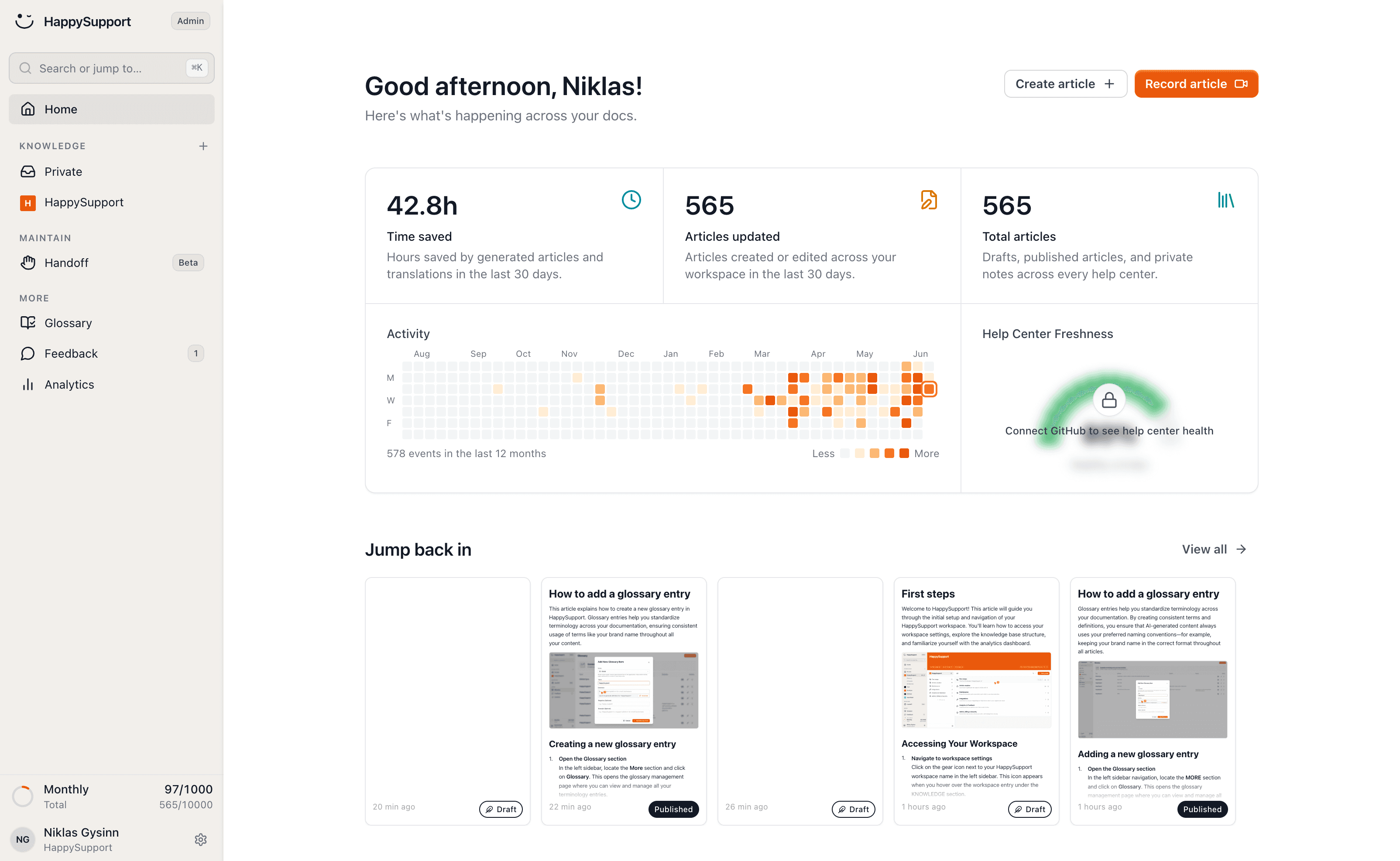
The AI-native option, built specifically for the freshness problem. The Chrome extension records UI flows as DOM and CSS selectors instead of screenshots, so the system knows when an underlying element changes. The GitHub Sync layer connects the help center to the product code repository, flagging articles whose source code has shifted. Pricing starts at €299/month. Best for SaaS teams shipping weekly without a dedicated documentation team. Weakness: smaller catalog of integrations than Zendesk or Intercom, and the team is still building out enterprise governance features. Read more on self-updating help centers and the architecture behind GitHub Sync.
The freshness problem most articles ignore
Every comparison guide on AI help center software covers the same dimensions: features, integrations, pricing, ease of use. Almost none cover the dimension that determines whether your AI help center will still work in six months: who keeps the articles current after launch.
This is the hidden cost most buyers find out about a quarter after the contract starts. The chatbot was great for the first month. By month three, customers started asking questions whose answers were in the articles, but the articles described the old UI. By month six, the chatbot was confidently citing screenshots that no longer matched the product. Trust dropped. Tickets came back.
The decay is structural. Help center articles age fast for one reason: the product underneath them ships. The GitLab DevSecOps Report found that 65% of teams ship weekly or more frequently. Each release ships UI changes that quietly break some subset of the help center. If nobody is auditing 200 articles after every release, decay compounds. The math is in our piece on documentation decay.
What "AI-native" should mean
AI-native should mean: the AI is responsible for keeping the content current, not just retrieving it. That requires two things existing chatbot layers lack:
- A signal that the product changed. DOM and CSS selectors recorded at article creation time, compared against the live product, give the system a structural diff. Screenshots cannot do this. They are images.
- A signal that the code changed. GitHub Sync wires the help center to the repository. When a relevant component is modified, the article that depends on it gets flagged for review.
Without these two signals, "AI-native" is marketing. With them, the help center stays accurate without a documentation team behind it.
How to choose AI help center software
Three questions matter more than any feature checklist.
Who maintains the content?
If you have a documentation team, traditional AI help center software (Zendesk, Help Scout, Document360) works. If you do not, the maintenance overhead is going to fall on someone (probably the support lead) and they will lose. Tools that detect staleness automatically are the only realistic option for lean teams.
How often does your product change?
If your product ships monthly or slower, screenshot-based help centers can keep up with manual effort. If you ship weekly or daily, only DOM/CSS-based systems and code-linked architectures can keep up. The cadence question is the technical-fit question.
What is your real ticket deflection target?
A 30% deflection rate sounds great until you ask what the other 70% looks like. If the AI is deflecting easy tickets and escalating angry confused ones because the articles are wrong, you have made support quality worse, not better. Real deflection requires real article quality.
AI help center software pricing
Pricing falls into three patterns. Per-seat (Zendesk, Help Scout, Freshdesk) charges for every agent, regardless of AI usage. Per-resolution (Intercom Fin, increasingly common) charges only when the AI fully resolves a query without escalation. Hybrid (most enterprise platforms) charges a base license plus AI add-ons.
| Tool | Starting price | AI pricing model | Best for |
|---|---|---|---|
| Intercom | $29/seat/month | $0.99 per resolution | PLG SaaS |
| Zendesk | $19/agent/month | Per-seat add-on | Enterprise |
| Help Scout | $25/user/month | Included in tiers | SMB |
| Freshdesk | $15/agent/month | $29/agent for Copilot | Mid-market |
| Document360 | $199/month | Tier-based | Doc-first teams |
| Mintlify | $250/month | Tier-based | Dev docs |
| HappySupport | €299/month | Flat platform | Self-updating |
The hidden cost is not in the table. It is the labor cost of keeping articles current. A 200-article help center with weekly product releases costs roughly 8 to 12 hours a week of writer time to maintain, which at a $60/hour fully loaded rate is $25,000 to $37,000 a year. That is what a maintenance-native platform replaces.
Implementation tips
Three things to set up on day one.
Audit your existing articles before connecting the AI. An AI agent grounded on stale content will fail visibly on day three. Run a content audit (we have a checklist for this), kill the worst 20%, fix the next 30%.
Track failed queries from week one. Every dead-end search is a content gap. Add new articles or rewrite existing ones to close those gaps. The first 90 days of analytics are the most valuable input you will get.
Decide who owns freshness. If nobody owns it, decay sets in fast. The piece on who owns documentation covers the trade-offs between PM, support, and dedicated technical writer ownership.
Pages with original analytics data and citations were 4.1x more likely to be cited by AI search systems (Superprompt research, 2025), which means good help center analytics is also good distribution. Help centers that surface their own data publicly tend to get more traffic from AI search engines, not less.
The HappySupport approach
Every other tool on this list assumes a human will keep the articles current. HappySupport assumes the opposite. The HappyRecorder Chrome extension captures workflows as DOM and CSS selectors at the moment an article is written. Months later, when a developer ships a UI change, the system compares the saved selectors against the live product and flags every article that no longer matches. The HappyAgent GitHub Sync layer reads the product repository, links code changes to affected articles, and surfaces what needs review before customers hit a stale page. The result is an AI help center that stays accurate at the speed your product ships, not the speed your documentation team can audit. For SaaS teams shipping weekly without a dedicated writer, this changes the economics. See how self-updating help centers work for the full architecture and the cost model behind documentation decay.
 Book a demo