Most multilingual help center guides treat translation as the hard problem. It is not. DeepL, Weglot, Lokalise, and Crowdin solved translation years ago. The harder problem comes after launch, and it kills more multilingual knowledge bases than translation cost ever did.
Here is the math. If your English help articles are 60 days behind the product, your German articles are 60 days behind plus translation lag, your French articles are 60 days behind plus French translation lag, and so on. By month nine, every locale is wrong about something different, and the support team has no idea where to start. This article walks through how to build a multilingual help center that survives that math.
What is a multilingual help center
A multilingual help center is a knowledge base that publishes the same content in multiple languages, typically with a language switcher in the navigation and automatic locale detection based on browser settings or user account preferences. The content includes help articles, troubleshooting guides, video tutorials, and FAQ pages, all kept in sync across languages so customers find answers in their preferred language.
The technical setup looks the same across most platforms. A source language (usually English) with translated versions of every article tied to a locale code. A translation management system handles the workflow between source and target languages. A language detector chooses which version to show by default. The hard part is everything that happens after launch.
Why build a multilingual help center
Three reasons most SaaS teams add languages to their help center, ranked by what actually matters:
- Reduced support ticket volume from non-English markets. Customers who cannot find answers in their language file tickets. Self-service costs around $0.10 per interaction versus $8-13 for live support, per SuperOffice's customer service benchmarks. Multilingual self-service is the only way to push the deflection rate up in markets where English coverage forces customers to email instead.
- Trust and conversion in non-English markets. Customer support in the buyer's language is a baseline expectation in DACH, France, Japan, and most of LATAM. A help center that exists only in English signals that the company is not serious about that market.
- Customer satisfaction at parity across regions. Customers in non-source-language markets typically rate support lower because the experience is structurally worse. A multilingual knowledge base closes that gap.
Reasons not to build a multilingual help center: revenue from non-English markets is below 10%, the team has no plan to maintain translations after launch, or the source-language help center itself is already stale. Adding more languages amplifies whatever maintenance gap exists in the source.
The hard problem: freshness, not translation
Translation is solved. DeepL Pro produces output close to professional human quality for most languages. Weglot handles website-level translation as a service. Lokalise and Crowdin manage the workflow between developers, copywriters, and translators. The translation step costs money but does not require novel infrastructure.
The unsolved problem is keeping translated articles in sync with source articles when the source articles change. Three failure modes show up repeatedly:
- Source drifts, locales do not. An English article gets updated to reflect a UI change. Nobody triggers retranslation. The German version still describes the old UI for the next four months.
- Source goes stale, locales inherit. An English article was last updated six months ago and is wrong. The German translation is correct relative to the English source but wrong relative to the product. Translation cannot fix a stale source.
- Locale-specific changes never propagate. A German screenshot needs a German UI screenshot, not an English one. Most translation pipelines do not handle this. The German help center ends up with English screenshots, which kills trust.
The Consortium for Service Innovation's KCS methodology research suggests the typical useful life of a knowledge article is around six months. That number assumes one language. Each additional language adds another timeline that has to stay in sync. Without a maintenance system, a five-language help center is five separate aging timelines.
Step 1: Decide which languages to support
The wrong way to pick languages: copy what competitors offer. The right way: support customers, then in the markets where you have growth ambitions. The list almost always starts shorter than expected.
How to pick the first additional language
Pull two data sets. First, current customer locations and account languages. Second, sales pipeline by country for the last 12 months. The language with the highest combined weight goes first. For most B2B SaaS based in the US or UK, that is German, Spanish, or French. For SaaS based in DACH, the first additional language is usually English.
How to expand beyond the first language
Add a language only when revenue from that market justifies the maintenance burden. The rough rule: a language should produce at least 5% of revenue or be on a 12-month plan to reach that threshold before the help center supports it. Below that, the maintenance cost outweighs the deflection benefit.
Do not over-extend. A multilingual help center across 12 languages where 8 are stale is worse than a help center in 3 languages that are all current. Customer queries in a stale locale produce more tickets than no localized self-service at all, because customers follow incorrect instructions and then file confused tickets.
Step 2: Pick a translation method
Three translation methods, ranked by cost and quality. Most teams end up using a mix.
Machine translation only
Cheapest, fastest, lowest quality. Tools like DeepL or the auto-translate feature in Helpjuice and Zendesk produce passable output for routine help articles. Machine translation handles 70-80% of help center content acceptably. The rest reads as machine-made and erodes trust.
When it works: getting a help center into a language quickly, validating market demand before investing in human translation, low-stakes content like FAQ articles where the question itself is short.
When it fails: branded content, marketing-adjacent help pages, anything where the tone of voice matters, technical documentation with domain-specific terms.
Machine translation with human review
The pragmatic middle. Machine produces the first draft, a human reviewer fixes obvious mistakes and adjusts tone. Cost is roughly 30-50% of full human translation. Quality is close to human-only for most help center content.
This is what most multilingual support teams use in production. A translation management system (TMS) like Lokalise, Crowdin, or Smartling routes machine output to reviewers, captures their edits, and feeds the corrections back into translation memory so the next round needs less human time.
Human translation only
Highest quality, highest cost. Best for the highest-traffic help articles, the homepage of the help center, and any article that touches branding or compliance. For most teams, human translation covers the top 20 articles and machine plus review covers the rest.
Step 3: Build the maintenance plan before launch
The biggest mistake in multilingual help center projects is launching translations without a maintenance plan. Three months later the source is ahead of the locales by 15 articles, nobody knows which locales need retranslation, and the cleanup project takes longer than the original translation did.
The maintenance plan needs four mechanisms in place before any translated article goes live:
- Source change detection. When an article in the source language is updated, the system flags every locale version of that article for retranslation review. This cannot be manual. Manual flagging fails within a quarter.
- Per-locale ownership. Each language has a named owner. The owner is responsible for translation freshness in that locale. Without an owner, articles drift because nobody is responsible.
- UI change detection. When a screenshot or UI element in the source article changes, every locale's screenshot needs an update. If the system captures UI as DOM/CSS references instead of pixel screenshots, this can be automated.
- Translation memory. Tools like Crowdin and Lokalise build a memory of past translations so updated source content reuses prior translation work. Without this, every retranslation starts from scratch.
Step 4: Launch and measure
Launching a multilingual help center without per-locale analytics is launching blind in five languages instead of one. The metrics that matter:
- Per-locale search queries with zero results. Direct content gap signal. If German users are searching for terms that English users are not, the gap may be a missing translation, a missing concept, or a localization issue.
- Per-locale article completion rate. Compare to the source language baseline. A locale where users abandon articles 30% faster than the source language has a translation quality problem.
- Self-service success rate by locale. "Did this answer your question?" yes/no by language. The gap between locales reveals where translation quality is breaking down.
- Translation lag. Time between source article update and locale article update. Above 14 days, the locale is structurally behind. Above 60 days, the locale is functionally broken.
- Per-locale ticket volume. Tickets in each language. A locale where ticket volume is rising while the source is steady is a freshness problem in that locale.
Common mistakes when building a multilingual help center
Five mistakes show up repeatedly. Avoiding these makes the difference between a multilingual help center that works and one that quietly rots.
- Translating before the source is current. If the English help center has 30 stale articles, translating those produces 30 stale articles in German. Fix the source first.
- Auto-translating everything without review. Brand-adjacent content (homepage, getting started) reads as machine-made and damages trust. Reserve auto-translate for routine FAQ and troubleshooting content where users want answers fast and tone matters less.
- Using English screenshots in non-English articles. A German user sees an English UI in the screenshot and assumes the article is wrong, even when the steps are correct. Locale-matched screenshots are non-negotiable for any UI-screenshotting tool.
- No owner per locale. The "the support team handles it" pattern. Works for one quarter, fails by month six when nobody can name the person responsible for German freshness.
- Over-extending. Adding the seventh language before the first three are current. Each additional language multiplies the maintenance burden. Most teams should be in two or three languages, not eight.
How HappySupport handles multilingual maintenance
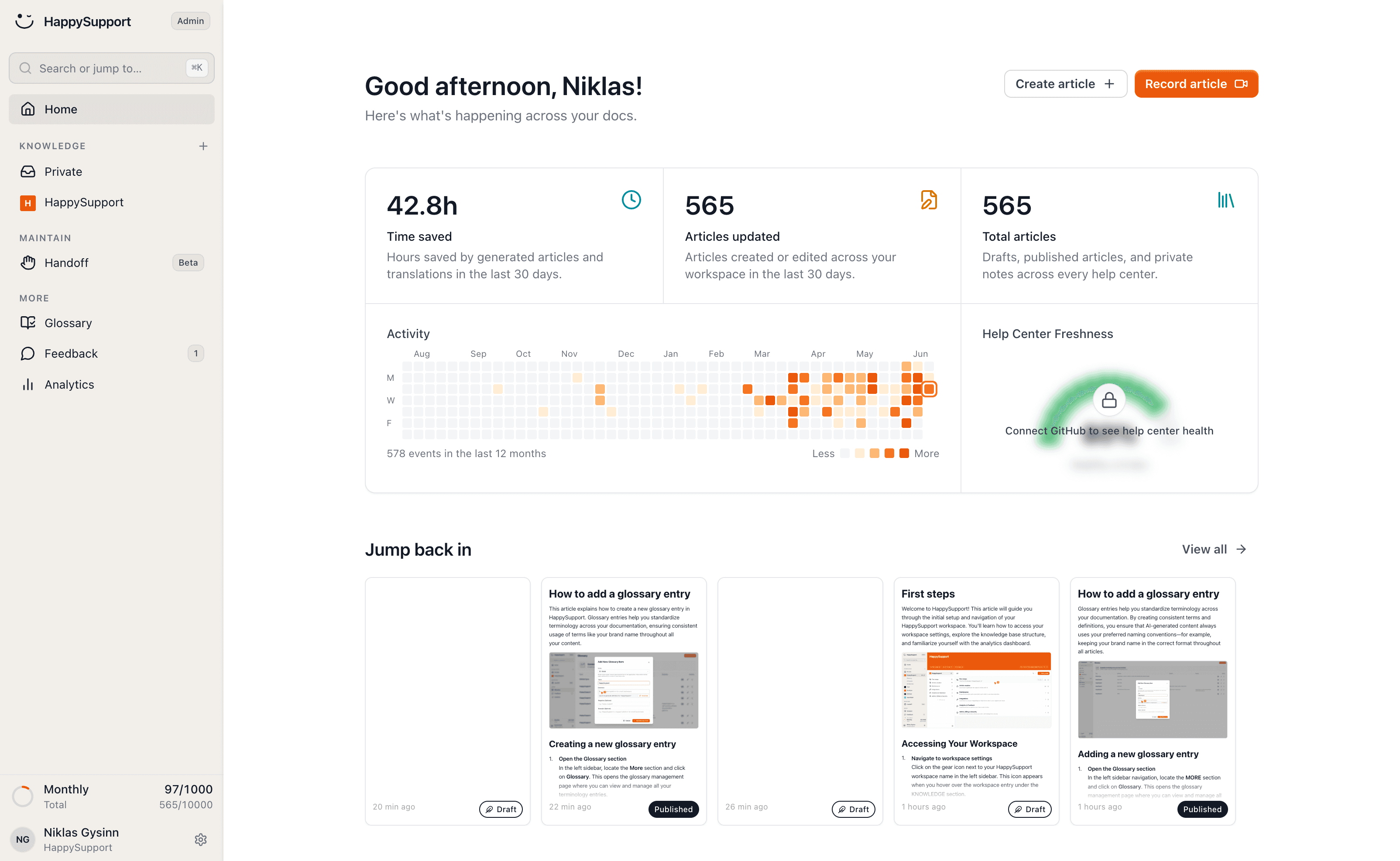
HappySupport is built around the freshness problem that translation tools do not solve. The HappyRecorder Chrome extension captures help articles using DOM/CSS selectors instead of pixel screenshots. When a developer ships a UI change, HappyAgent (the GitHub Sync component) flags the affected articles in every locale, not just the source language. The team retranslates flagged articles instead of guessing which translations drifted. For multilingual support teams running help centers across three or more languages, the difference is between a manageable maintenance load and a project that consumes more time than the original translation did. For more on the freshness problem, see our breakdown of documentation decay as a hidden cost and our overview of how a self-updating help center works. Translation is solved. Multilingual freshness is the part where most help centers still fail, and it is the part HappySupport was designed for.
 Book a demo