The top ai tools for knowledge management in 2026 are HappySupport, Glean, Guru, Slite, Microsoft Copilot for M365, Atlassian Rovo, Notion AI, and Document360. Each of them uses generative AI, machine learning, and natural language processing differently. Each one solves a slightly different problem. The right tool depends on whether you need enterprise search across multiple systems, a built-in verification system for institutional knowledge, a centralized knowledge base for external customers, or all of the above with automated workflows behind it. The wrong tool for the wrong job is the most common buying mistake in this category.
This list ranks only tools with AI at the core, and closes with the non-AI internal wikis and enterprise platforms (Bloomfire, ServiceNow, Viva Topics) that an AI shortlist is usually measured against, so it works as a full knowledge management software comparison in one pass.
Most AI knowledge management tools solve one half of the problem. The retrieval half: pulling knowledge across a sprawl of Confluence, Slack conversations, Google Docs, and Notion in seconds instead of minutes. The other half, maintenance, gets almost no coverage in the buyer guides. Maintenance is the question of whether the answer the AI returns is actually accurate, or whether the underlying article was last updated in 2024 and now describes a feature that no longer exists. For support teams and engineering teams shipping software fast, the maintenance gap is what decides whether the AI is useful or actively dangerous.
This guide ranks knowledge tools by both axes. Intelligent search and AI-powered search quality matter. Maintenance discipline matters more, because ai powered retrieval over outdated content generates confidently wrong answers. The right tool depends on which half of the problem your team actually has, and on whether the audience is internal teams, external customers, or both. The artificial intelligence inside the platform is only half the equation; the company knowledge underneath it has to stay fresh for the AI capabilities to matter.
Editor picks
Three tools every shortlist should compare. Scores reflect the disclosed weighted methodology below.
| Rank | Tool | Composite | Standout |
|---|---|---|---|
| Best overall | HappySupport | 8.2/10 | Customer-facing KB with the only auto-update mechanism in the ranking, plus AI chat and ticket inbox. Flat pricing from 129 EUR/month, EU hosted. |
| Best enterprise search | Glean | 7.7/10 | Indexes across 100+ enterprise platforms. Duolingo saves 500+ hours/month, Super.com 17x ROI. |
| Best verification-first | Guru | 7.7/10 | Internal knowledge with built-in verification system. Steno cut support volume in half. |
How we ranked these tools
The evaluation runs on a five-step process, disclosed up front so the picks are defensible.
- Feature verification. Core product claims checked against each vendor's official documentation, pricing page, and changelog. We do not cite stale aggregator numbers.
- Live screenshot capture. The homepage of every tool was captured the week the article was updated, framed in HappySupport's browser-chrome treatment so every visual is consistent.
- Review aggregation. Written and video reviews from G2, Capterra, and Product Hunt plus Reddit and community-forum threads. Quotes attributed to the source where verbatim is appropriate.
- Customer conversations. Four anonymized interviews with support and documentation leads at SaaS teams who shopped or migrated knowledge tools in the last six months. Quotes appear later.
- Structured evaluation. Each tool scored 1 to 10 across five dimensions, weighted by what actually drives long-term value.
Score weights, disclosed up front:
- Maintenance ability (35%). Does the tool detect when documentation is out of date, or does it assume a human will check?
- Connector breadth (20%). How many existing platforms does the tool index across (Slack, Confluence, Google Drive, Notion, Jira, Salesforce, GitHub, helpdesk)?
- Pricing transparency (20%). Are tiers and AI add-on costs visible without a sales call?
- Governance (15%). Permission models, audit trails, source verification, sensitive data controls.
- AI quality (10%). Draft quality, retrieval grounding, hallucination control.
Maintenance is weighted highest because every customer conversation we ran in 2026 surfaced it as the load-bearing problem. AI quality is weighted lowest because every vendor is shipping improvements monthly; this quarter's gap is next quarter's parity. Define your primary use cases before implementation: an internal enterprise-search rollout has different success criteria than a customer-facing help-center launch.
Quick verdict at a glance
The eight tools, the verdict in one row each. Founders and founding years sourced from Crunchbase plus vendor About pages. Last pricing change is the most recent visible price update.
| Tool | Pricing entry point | Best fit | Founded | Last pricing change |
|---|---|---|---|---|
| HappySupport | 14-day free trial, then flat from 129 EUR/mo (Pro 399, Scale 899) | Weekly-shipping SaaS without doc team | 2025 Stuttgart | Pricing stable since launch |
| Glean | Enterprise search across 100+ apps | 2019 Palo Alto | Series F $150M June 2025, Enterprise Flex launched 2025 | |
| Guru | $25/user/mo (annual), 10-seat min | Internal KB with verification | 2013 Philadelphia | 2025 pivot to Governed Knowledge Layer for Enterprise AI |
| Slite | Standard $8/user/mo, Knowledge Suite $20 | Lean teams wanting docs + Q&A | 2016 Paris | Standard $8/user stable; Super AI shipped 2025 |
| Microsoft Copilot for M365 | $0 Chat, $18 Business, $30 Enterprise | M365-first orgs | Microsoft 1975 (Copilot 2023) | Copilot Chat launched Jan 2025, Agent 365 add-on May 2026 |
| Atlassian Rovo | $5/user standalone, bundled in Standard+ | Atlassian-first orgs | 2002 Sydney (Rovo 2024) | Team 25 bundled Rovo into all Cloud plans, April 2025 |
| Notion AI | $10 Plus, $20 Business, Custom Enterprise | Notion-native teams | 2013 San Francisco | $10 standalone AI add-on retired May 2025 |
| Document360 | Quote-only (Startup 50% off) | Structured external KB | 2017 Chennai | Pricing roughly doubled August 2024, Knowledge Pulse module Nov 2025 |
Sortable ranker: tune the criteria
Editor picks reflect our composite weights. Different teams care about different things. Sort the table below by any column or filter by what matters: free tier, customer-facing, EU hosting, or auto-update. The composite score recalculates from the disclosed weights.
What are AI knowledge management tools?
AI knowledge management tools are software platforms that use large language models, machine learning, and natural language processing to organize, retrieve, and maintain organizational knowledge across multiple systems. The category covers internal-facing tools (Glean, Guru, Microsoft Copilot, Atlassian Rovo) that index across enterprise platforms and customer-facing tools (Document360, HappySupport, Helpjuice) that serve a centralized knowledge base to external customers. Most modern platforms combine semantic search, retrieval-augmented generation, governance controls, and integrations with the systems where company knowledge actually lives.
The core promise is straightforward: employees and external customers ask questions in plain language, and the system returns grounded, cited answers instead of forcing a manual search through multiple systems. Knowledge management tools shift documentation from static archives to active databases that get smarter as content accumulates. The catch most buyers miss is that the answer is only as good as the underlying content. The Consortium for Service Innovation sets the useful life of a typical knowledge article at around six months. AI-powered knowledge management tools break down information silos but they cannot break the freshness problem; they amplify it when the underlying article ages out of sync with the product.
How AI knowledge management has evolved
Generative AI has reshaped this category in 24 months. The first wave (2022 to 2024) wrapped a chat interface around a wiki and called itself AI-native. The second wave (2024 to 2025) added retrieval grounding so answers cited source articles. The current wave (2026) uses ai agents and knowledge agents that proactively act on the knowledge: Glean Agents, Guru Knowledge Agents, Microsoft 365 Copilot Agents, Atlassian Rovo Agents, Notion Custom Agents. Modern knowledge management tools utilize organizational knowledge graphs to connect related documents, decisions, and people. AI capabilities now span context-aware suggestions, automatic tagging via natural language processing, and document summarization. The result is a system that delivers real-time contextual suggestions across applications and provides instant answers to complex queries.
Software, system, platform, knowledge base: what the words mean
Four terms get used interchangeably in this category and they describe different purchases. Being precise about which one you need saves a quarter.
AI knowledge management software is the product you buy: Glean, Guru, Document360, HappySupport. It has a price, a login, and a vendor.
An AI knowledge management system is the whole arrangement: the software, plus the content inside it, plus the connectors to where knowledge actually lives, plus the people who own accuracy and the review cadence they run. An AI based knowledge management system fails far more often on the last two than on the first. You can buy software in an afternoon. You cannot buy a system.
A knowledge platform usually signals the enterprise version of the same thing, with an emphasis on being the layer other applications query rather than a destination people visit.
AI knowledge base software is narrower: one structured repository of articles, usually customer-facing, with search and an assistant on top. Document360, Helpjuice, KnowledgeOwl and HappySupport sit here. Knowledge management is the broader practice of capturing and distributing what an organization knows across every system it uses; a knowledge base is one of the places that knowledge gets written down.
The practical test: if the answer your people need is scattered across Slack threads, tickets, Drive and three wikis, you have a knowledge management problem and you need retrieval across sources. If the answer exists but is written badly, out of date, or missing, you have a knowledge base problem and more retrieval will not help. Buying the first when you have the second is the most expensive mistake in this category, and it is common, because retrieval demos beautifully and maintenance does not.
Knowledge management authoring tools
Authoring is the part of the category the AI buyer guides skip, and it is where teams with real documentation volume end up. Authoring tools optimize for writing and reusing structured content rather than for finding it: single sourcing, so one paragraph maintained in one place appears in twelve outputs; conditional content, so the same source publishes different versions for different audiences or product tiers; and a publishing pipeline that produces a help center, a PDF manual, and in-product help from one repository.
The established names are MadCap Flare, Paligo, Heretto and Author-it, mostly built on DITA or a similar structured model, with Document360 as the lighter modern option. AI has arrived in them as drafting and translation assistance rather than as retrieval.
You need an authoring tool rather than a knowledge base when you publish the same content in multiple formats, when regulated documentation requires strict version and variant control, or when a technical writing team exists and is the bottleneck. You do not need one for a help center of 200 articles with one audience, where the overhead of a structured authoring model costs more than the reuse saves.
The reason authoring tools matter in an AI conversation: single-sourced content cannot contradict itself. The single most common cause of wrong AI answers is two documents that disagree, and structured authoring makes that structurally impossible for the content it covers.
AI knowledge management for a small company's internal operations
Most of this category is priced and designed for organizations with 20-plus SaaS applications and a knowledge sprawl problem. A 15 to 50 person company usually has a different problem: knowledge exists in three or four places and nobody has written it down at all. The tooling answer is correspondingly smaller.
- Do not buy enterprise search yet. Glean's floor is around 100 users. At 30 people, retrieval across four systems is a problem you can solve by consolidating to two.
- Pick one home for internal knowledge and make it the only one. Notion or Slite with AI on top is usually enough, and the AI in the tool you already pay for beats a better AI you have to integrate.
- Separate the customer-facing knowledge base from the internal wiki on day one. They have different audiences, different review cadences and different consequences when wrong. Teams that merge them spend the next year untangling it.
- Spend the effort on capture, not retrieval. At this size the constraint is that nothing is written down. Ten well-maintained articles that answer the ten most repeated questions outperform any search product pointed at an empty corpus.
- Write down the process rules. Refund thresholds, escalation paths, approval limits. These live in founders' heads at this size and they are what new hires and any AI assistant will get wrong.
The trigger to move upmarket is not headcount, it is fragmentation: when the same question has three plausible sources and nobody knows which is current, retrieval across systems starts earning its price.
How to compare knowledge base chat tools for accuracy
Vendor accuracy claims are not comparable, because each vendor benchmarks on its own corpus. Run a small evaluation instead. It takes an afternoon and it is the only number that reflects your content.
- Build a question set of 30 to 50 real questions, taken from your ticket queue and your search logs, not invented. Include five questions your documentation genuinely does not answer.
- Load the same corpus into each tool you are testing. Different content makes the comparison meaningless.
- Score each answer on three axes: correct, grounded (does it cite a source that actually says this), and appropriately refused. The five unanswerable questions are the important ones: a tool that confidently answers them is disqualified regardless of how well it did elsewhere.
- Retest after changing one article. How long until the change is reflected in answers tells you the re-indexing latency, which no pricing page publishes and which decides how the tool behaves on release day.
- Check the citation, not the answer. Read the source it cites for five answers. Plausible answers citing an article that says something else are the failure mode you are looking for, and reading the answer alone will never reveal it.
The tools cluster tightly on the first axis and separate sharply on the third. Refusal behaviour, not answer quality, is what distinguishes a support assistant you can put in front of customers.
The three categories of AI knowledge management tools
Every tool in this category falls into one of three buckets. The category decides whether the tool fits your team's actual problem.
Retrieval tools (find answers across sources)
These platforms index across multiple enterprise platforms and return cited answers in natural language. Glean, Microsoft Copilot for M365, Atlassian Rovo, and Capacity sit here. They reduce the time spent searching for relevant information, often from minutes to seconds. They do not create or maintain the underlying content. Quality is bounded by what is already in the source systems. Intelligent search is the headline; institutional knowledge stewardship is not.
Creation and verification tools (build the source of truth)
These platforms focus on producing and verifying the knowledge that other tools index. Guru, Slite, Tettra, and Notion AI sit here. They include in-app authoring, a built-in verification system, and approval gates. The output is a curated knowledge base that the team trusts. They often lack the cross-app retrieval breadth of pure retrieval tools.
Customer-facing knowledge bases with AI (help center plus chatbot)
These platforms serve a centralized knowledge base to external customers and add an ai assistant and AI-powered search on top. Document360, Helpjuice, Intercom, and HappySupport sit here. The job is different from internal knowledge management: ticket deflection, self-service rates, and external SEO matter. Maintenance matters more because customers see the answer directly, not an internal employee with context to second-guess it. HappySupport is the exception inside this category because the HappyRecorder generates documentation automatically from screen captures (creation) and HappyAgent keeps it synchronized with the product code (maintenance), spanning both axes.
The eight AI knowledge management tools ranked
Order is by composite score from the disclosed weights. Each tool block follows the same shape: founding context, screenshot, strengths, weaknesses, pricing tiers, pros, cons, three attributed quotes, named customer references with metrics where the vendor publishes them, best for, skip if.
1. HappySupport
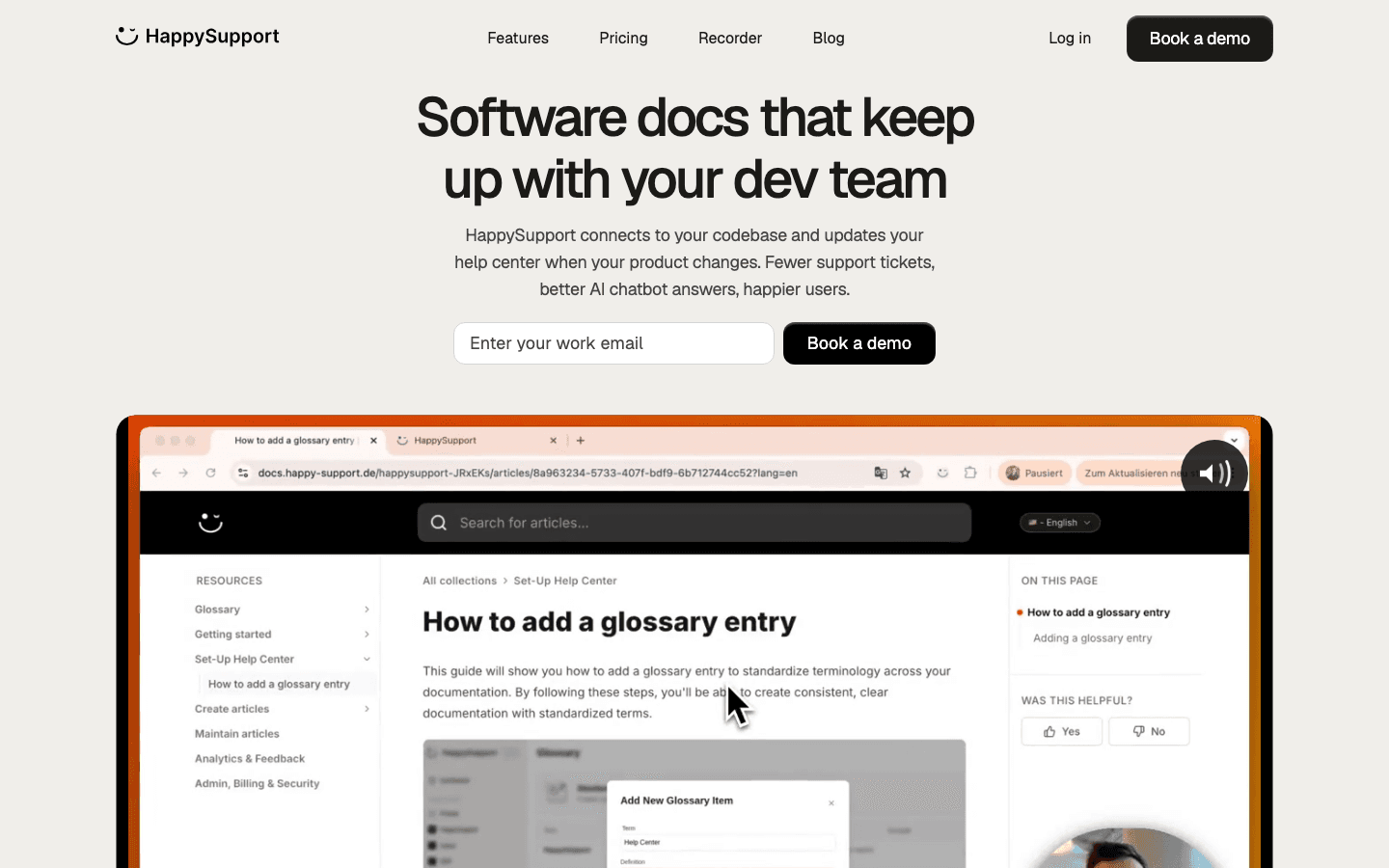
Founded in 2025 in Stuttgart, Germany by Niklas Gysinn (Founder, CEO), HappySupport is the AI-powered knowledge management tool that spans both creation and maintenance. The AI step-by-step recorder generates articles automatically from screen captures, and the HappyAgent keeps documentation synchronized with the product through GitHub Sync. Pre-Seed stage, registered HRB 800795 at Amtsgericht Stuttgart, Wikidata Q139659392. Composite score 8.2/10.
HappySupport's strength is the architectural choice. Two mechanisms work together: (1) HappyRecorder captures every step as a DOM and CSS selector chain rather than pixels or video, so each guide step has a machine-readable anchor to a specific UI element. (2) HappyAgent (the GitHub Sync engine) holds read-only access to the customer's front-end repository, watches commits for selector changes, and rewrites or flags affected guides on every code change. This is structurally different from pixel-based recorders (Loom, Tango, Scribe) and visual-editor DAPs (ProductFruits, Userpilot), which break silently when the UI changes. Stale-doc alerts with age indicator, AI-driven gap detection, and analytics on read rates and ticket reduction sit on top.
EU hosting is the operational story: application on Netcup in Nuremberg, PostgreSQL on Neon in Frankfurt, file storage on AWS S3 in Frankfurt (eu-central-1), browser automation on Browserbase in Frankfurt, logging on Langfuse in Ireland. Customer-data contracts with OpenAI and Anthropic contractually exclude customer content from third-party model training, confirmed in writing in 2026. Named customers as of June 2026: neuroflash, Flip, jupus. HappySupport's weakness is scope outside the customer-facing suite: a shorter integration catalog than Glean or Microsoft Copilot, no cross-tool enterprise search across Slack, Drive or Jira, and SSO only in the Scale plan.
HappySupport: Pricing tiers (current as of June 2026)
HappySupport: Pros
- Only tool in the ranking with native DOM and CSS recording for structural drift detection.
- GitHub Sync flags affected articles before customers hit a stale page.
- EU hosting (Netcup, Neon, AWS Frankfurt, Browserbase, Langfuse) for DACH and regulated industries.
- Contractual no-training policy with OpenAI and Anthropic, in writing.
- Flat platform pricing with no per-user multiplier, from 129 EUR/month, with AI chat, ticket inbox and in-app widget included.
- HappyWidget converts published articles into in-product tours, a workflow no other tool in the list covers.
HappySupport: Cons
- Shorter connector catalog than Glean or Microsoft Copilot; no cross-tool enterprise search across Slack, Drive or Jira.
- Best fit is web-based products on GitHub. Mobile-only or non-GitHub teams should wait.
- No phone or voice channel and no omnichannel routing over WhatsApp or social; the ticket inbox works over email, widget and AI chat.
- SSO lives in the Scale plan, not lower tiers.
What real users say about HappySupport
- Early customer, project-management SaaS we interviewed: "The Help-Center-articles-to-In-App-tour conversion is a gap I have not seen anyone close. The widget there is a real differentiator."
- Team lead at a financial-operations SaaS evaluating HappySupport against Intercom plus Fin: "We do not measure documentation maintenance in hours. Sometimes more, sometimes less. That is the problem. It just disappears between releases."
- Solo documentation owner at a polling-data SaaS: "Manual documentation updates eat half a working day, every cycle. I cannot keep doing this and ship the next product."
Best for: SaaS teams shipping weekly without a dedicated documentation team, especially those that want AI chat, a ticket inbox and in-app help fed by the same articles, or that run another AI chatbot (Intercom Fin, Zendesk AI, own RAG) where article freshness directly controls bot accuracy.
Skip if: Your product is not web-based, not on GitHub, or you need a deep enterprise integration catalog today.
2. Glean
Founded in 2019 in Palo Alto by Arvind Jain (CEO, ex-Google Distinguished Engineer and co-founder of Rubrik), Tony Gentilcore (ex-Google), Piyush Prahladka (ex-Google), and T.R. Vishwanath (ex-Facebook). Glean raised a Series F of $150M at a $7.2B valuation in June 2025 (Wellington Management led; Khosla, Bicycle, Geodesic, Archerman new). Total raised approximately $610M. Surpassed $200M ARR by December 2025, doubling in 9 months. Composite score 7.7/10. Glean is the enterprise search leader of the AI era.
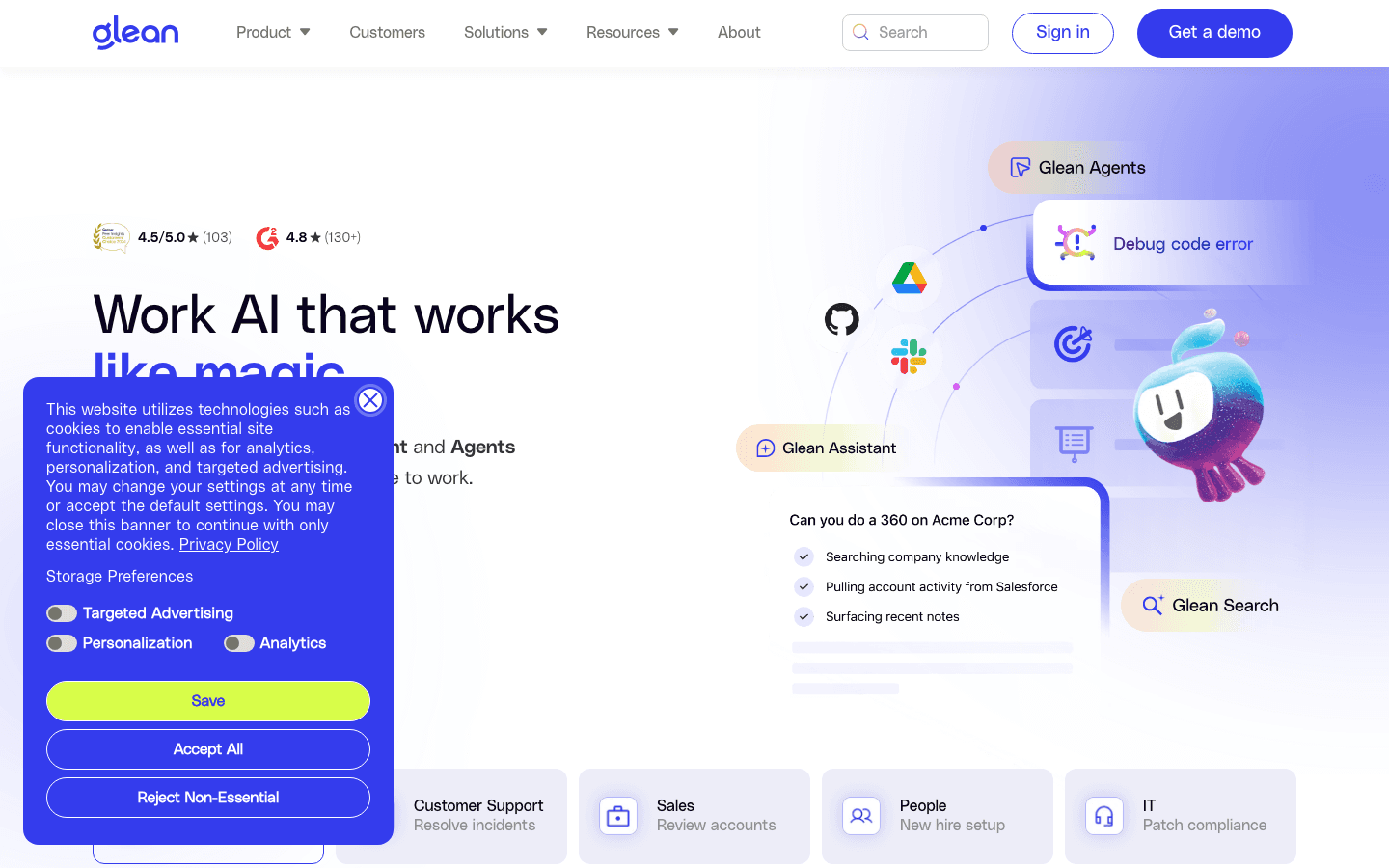
Glean's strength is connector breadth and governance. Permissions-aware retrieval across 100 plus enterprise platforms (Slack, Drive, Confluence, Jira, Salesforce, GitHub, ServiceNow, ZenDesk, and more), a knowledge graph that links people, content, and concepts, and Glean Agents (third-generation Glean Assistant released September 2025) that go beyond Q&A to multi-step task execution. The published customer metrics are concrete: Duolingo saved 500 plus hours per month with over $1.1M in annual time savings and 5x ROI. Super.com saved 1,500 plus hours per month at 17x ROI. Webflow saved 300 plus hours per month at 3x ROI. Pinterest, Reddit, Intuit, Canva, Zapier, Intercom, Grammarly, Instacart, and Rivian are also on the customer wall.
Glean's weakness is opacity and onboarding cost. There is no public pricing; industry estimates run approximately $40 to $50 per user per month with a 100-user minimum, which puts the practical floor around $50K to $60K per year before implementation. Implementation runs $50K to $250K plus for the Professional Services engagement. Connector configuration takes weeks. Customer-hosted deployments exist for data-residency requirements but command a premium. Glean does not create or verify the source content; quality is bounded by what already exists in the indexed systems.
Pricing tiers (current as of June 2026, all custom-quote)
| Tier | Price | What is included |
|---|---|---|
| Enterprise base | Custom quote (industry estimate ~$40-50 per user/month, 100-user minimum) | Work AI platform, 100+ connectors, permissions-aware retrieval, knowledge graph, Glean Assistant |
| Work AI / Advanced Generative add-on | Approximately +$15 per user/month | Glean Agents (30+ prebuilt quickstart agents), agent builder, third-gen Glean Assistant |
| Enterprise Flex (consumption model, 2025-2026) | Per-user seat plus pooled FlexCredits | Unlimited Fast Mode queries, up to 100 Thinking Mode queries/user/week, unlimited agent creation, collections, go links, people directory |
| Glean Protect+ / Premium Support | Site-wide annual fee (approximately 10% of subscription) | Premium support tier and enhanced security/compliance |
| Implementation services + customer-hosted deployment | $50K-$250K+; customer-hosted ~$35/user/mo vs SaaS ~$40/user/mo | Connector configuration, optional self-managed deployment for data-residency |
Customers Glean publishes by name: Databricks, Duolingo, Pinterest, Reddit, Intuit, Canva, Webflow, Zapier, Intercom, Grammarly, Instacart, Rivian.
Glean: Pros
- Deepest connector coverage in the category (100 plus enterprise platforms).
- Permissions-aware retrieval respects every source system's access controls.
- Knowledge graph and Glean Agents handle multi-step tasks, not just Q&A.
- Customer metrics are concrete and disclosed (Duolingo 500+ hrs/mo, Super.com 17x ROI).
- Verification workflow and source volatility detection mark stale content in search results.
- Customer-hosted deployment option for regulated industries.
Glean: Cons
- No public pricing; 100-user minimum makes it inaccessible to SMB.
- Implementation runs $50K to $250K plus before the platform produces value.
- Does not author or verify content. Quality is bounded by what already exists.
- Onboarding is professional-services-heavy; not self-serve.
What real users say about Glean
- G2 verified user (technical writer): "Glean provides better documentation content quality because content is actively searched and reused. When searching for clarification, it provides the right answer rather than forcing users to browse the knowledge base."
- Duolingo (vendor customer case study): 500+ hours saved monthly, more than $1.1M in annual time savings, 5x ROI in the first year.
- Super.com (vendor customer case study): 1,500+ hours saved monthly, 17x ROI from cross-app search consolidation.
Best for: Enterprises with 500+ employees who already run 20+ SaaS apps and want a single ai assistant that searches across all of them with permissions intact.
Skip if: Your team is under 100 people, you need transparent self-serve pricing, or your knowledge actually lives in one or two systems rather than scattered across many.
3. Guru
Co-founded in 2013 in Philadelphia by Rick Nucci (CEO, previously co-founder/CTO of Boomi, acquired by Dell) and Mitchell Stewart (CTO). Total funding approximately $70.7M across Seed through Series C. In 2025 the company pivoted from a knowledge base positioning to a Governed Knowledge Layer for Enterprise AI: Knowledge Agents launched as replaceable AI agents (Chat, Research modes) that deliver verified institutional knowledge to other AI systems. Composite score 7.7/10. Guru's flagship has always been verification; the 2025 pivot pushes that verification into the multi-agent layer.
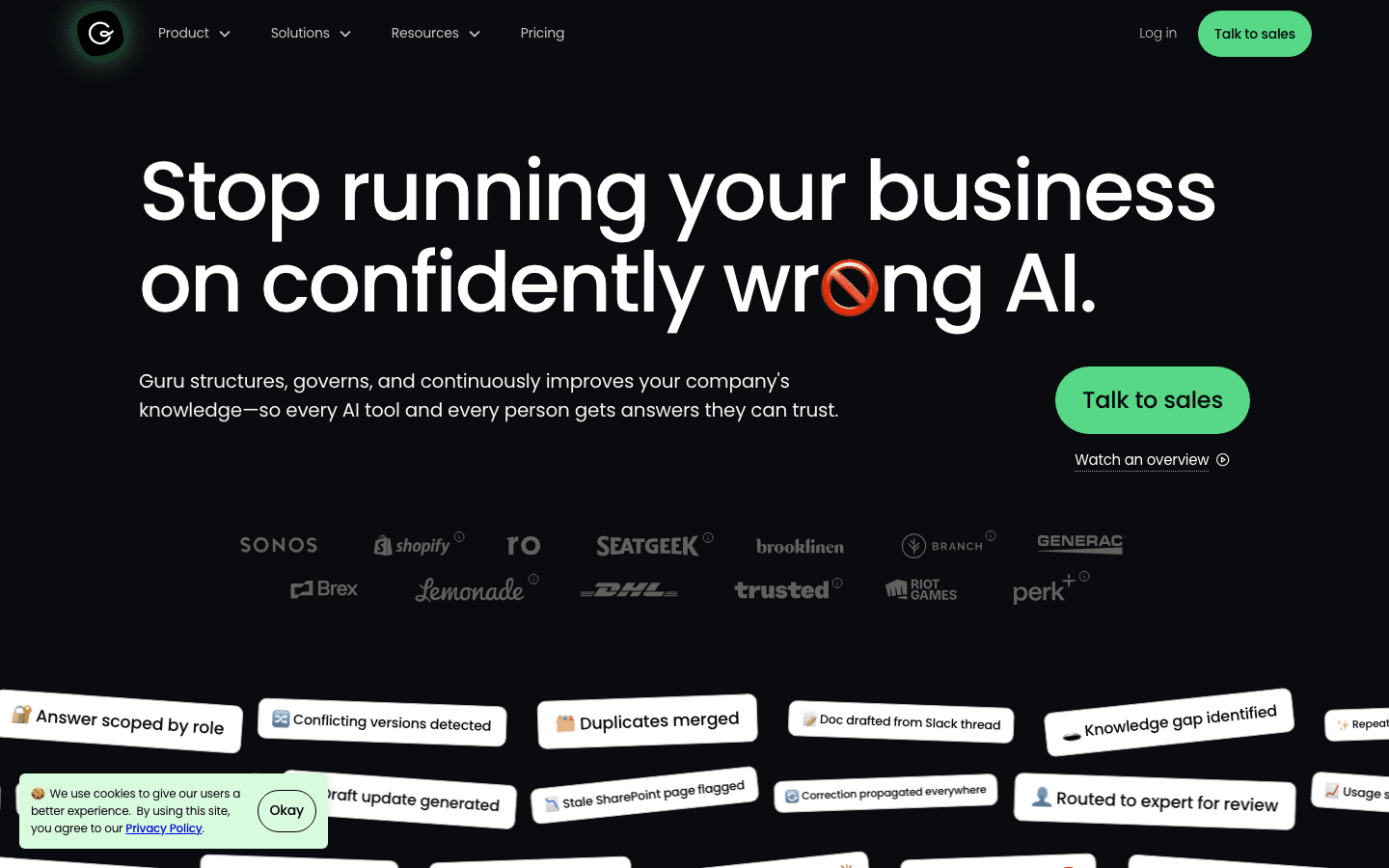
Guru's strength is the verification system, now AI-augmented across three layers. (1) SME Verification Workflow: every card has a designated verifier and an expiration timer, surfacing stale cards before they reach users. (2) Source volatility detection: the system flags rapidly-changing fields like pricing or policy tables and applies stricter freshness thresholds. (3) Knowledge Agents: the AI layer that delivers answers only refers to verified content, which structurally limits hallucination. Published customer metrics: Steno cut support volume in half with a Knowledge Agent built in days. HireVue cut support onboarding time by 60%. Paraco Gas reduced call handle time by 8%.
Guru's weakness is connector breadth and self-serve cost. The 10-seat minimum on the Self-Serve plan creates a $250/month floor that prices out small teams. Connector coverage is narrower than Glean's, focused on the knowledge inside Guru itself rather than indexing every system. The community shutdown announced for April 27, 2025 is a soft signal that the SMB segment is no longer the focus. Enterprise deals (Vendr median annual deal approximately $39,874) suggest the platform now leans upmarket.
Guru: Pricing tiers (current as of June 2026)
Customers Guru publishes by name: Shopify, Lemonade, SeatGeek, Faire, HireVue, TravelPerk, Branch, Steno.
Guru: Pros
- Mature verification system, ai-augmented in 2025, prevents stale content from reaching users.
- Knowledge Agents replace Slack-bot-style chatbots with governed AI delivery.
- Strong governance, audit trails, and SCIM provisioning at Enterprise tier.
- Customer metrics are specific: Steno cut support volume in half, HireVue 60% faster onboarding.
Guru: Cons
- 10-seat minimum ($250/mo floor) prices out small teams.
- Connector breadth narrower than Glean.
- 2025 community shutdown signals upmarket focus.
- Enterprise pricing opaque; Vendr median deal $39,874.
What real users say about Guru
- Steno (vendor customer reference): Cut support volume in half with a Knowledge Agent built in days.
- HireVue (vendor customer reference): Cut support onboarding time by 60% after switching to Guru.
- Paraco Gas (vendor customer reference): Reduced call handle time by 8% after deploying verified Knowledge Agents.
Best for: Internal support teams and customer service teams (10 plus seats) that want verified institutional knowledge delivered to support agents and to other AI systems through a governance layer.
Skip if: Your team is under 10 seats, you need cross-app retrieval breadth like Glean's, or you want self-serve evaluation without a 10-seat commitment.
4. Slite
Founded in August 2016 in Paris by Christophe Pasquier (CEO) and Pierre Renaudin. Slite raised $15.5M across two rounds; the last round was an $11M Series A on April 15, 2020. The platform pivoted heavily in 2024-2026 toward AI-first internal knowledge management; Slite's Standard plan starts at $8 per member/month, making it the most affordable platform in this ranking. Composite score 7.0/10.
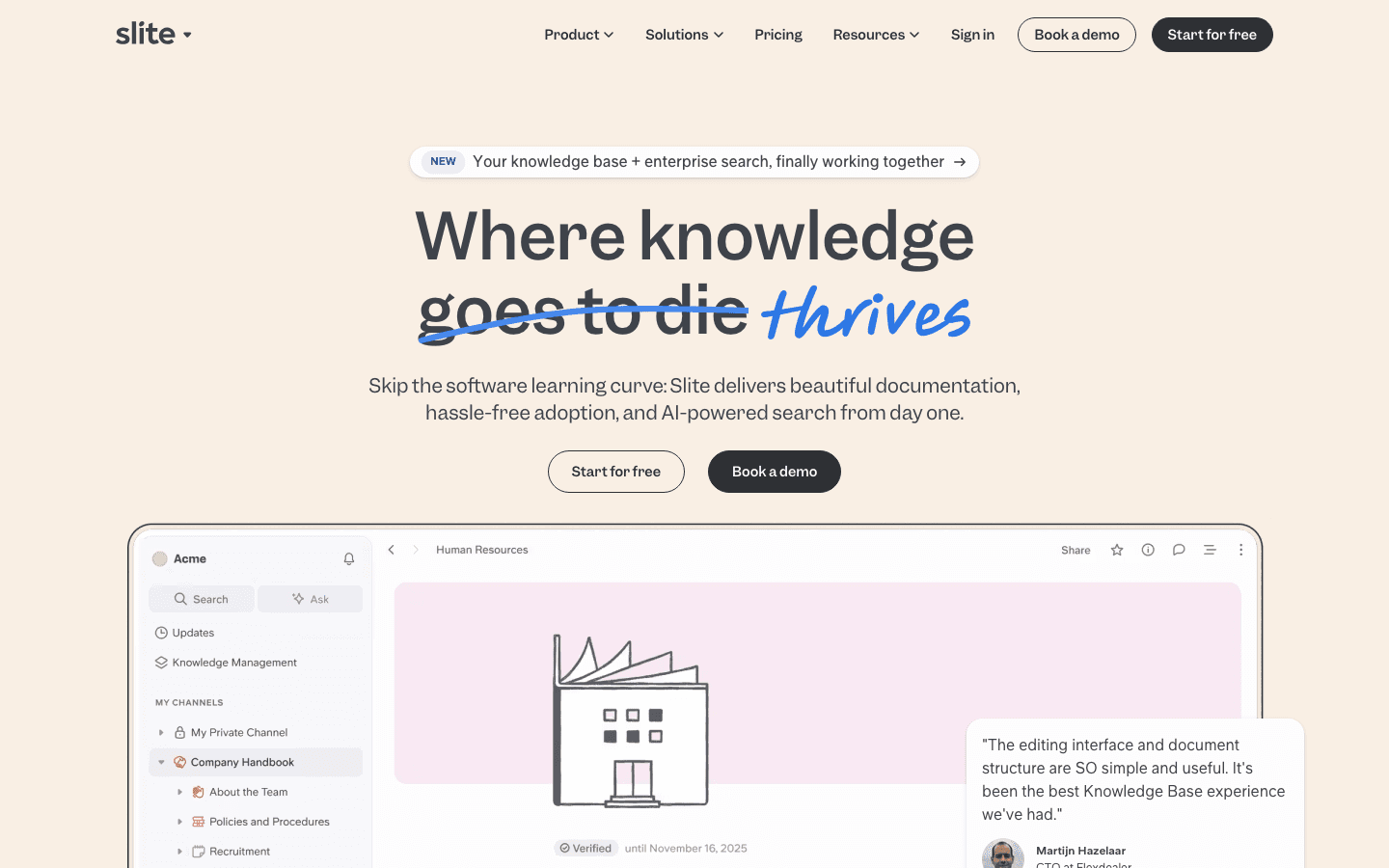
Slite's strength is the workflow fit for lean knowledge teams. A clean block-based editor, Ask (the natural-language Q&A layer that surfaces relevant answers and relevant documents from existing documents), Super (Slite's enterprise-search layer connecting to existing platforms via slack conversations and Drive), and a document verification system with reminders 7 days and 1 day before expiration. The customer metrics are concrete: Wundertax reports 75% faster team onboarding for new team members. Meero scaled from 250 to 700 plus employees on Slite while keeping team meetings 3x more productive. Agorapulse (Alexis Dupont, Head of Customer Service) reports questions to the support manager divided by 10 since implementing Ask. Pricing has not moved in 2025-2026 ($8 Standard, $20 Knowledge Suite, Enterprise custom).
Slite's weakness is the same as Guru's: connector breadth. Slite indexes its own content well and connects to a limited set of existing platforms, but it is not a Glean replacement for the Slack-Drive-Confluence sprawl problem. The 10-user minimum on the Knowledge Suite tier nudges teams to commit to the upper tier before they have validated the workflow. EU founders, but the hosting story is less explicit than HappySupport's.
Slite: Pricing tiers (current as of June 2026)
Customers Slite publishes by name: Wundertax, PVCase, Meero, Premium Plus, Agorapulse, VanMoof, Upvest, Airmeet.
Slite: Pros
- Slite's Standard plan starts at $8 per member/month, the lowest entry point in this ranking.
- Block-based editor with low team adoption curve.
- Document verification system with reminders 7 days and 1 day before expiration.
- Ask (Q&A on your docs) and Super (enterprise search across Slack conversations and Drive) bundled in Knowledge Suite.
- Concrete customer metrics: Agorapulse questions to support manager divided by 10, Wundertax 75% faster onboarding.
Slite: Cons
- Connector breadth narrower than Glean.
- Knowledge Suite has 10-user minimum ($2,400/year floor).
- Not a customer-facing help center; internal knowledge management only.
What real users say about Slite
- Daniel Hanemann, CEO at Wundertax (vendor customer reference): 75% faster team onboarding after switching to Slite.
- Alexis Dupont, Head of Customer Service at Agorapulse (vendor customer reference): "Since we implemented Ask, that amount of questions has been divided by 10."
- Rihan Arfan, Product Hunt review: "I've been a very happy Slite user for over 5 years now, and it's the only SaaS I've heavily recommended."
Best for: Lean 10-to-100-person teams that want a docs+Q&A platform under one roof at $8 per member/month, especially European teams that value the Paris HQ and lower starting price.
Skip if: You need cross-app retrieval breadth like Glean's, a customer-facing help center, or DOM-level drift detection for fast-shipping product UIs.
5. Microsoft Copilot for M365
Microsoft Corporation (NASDAQ MSFT), founded 1975 by Bill Gates and Paul Allen, HQ Redmond. Microsoft 365 Copilot launched 2023. The product line restructured massively in 2025-2026: Copilot Chat (free, pay-as-you-go for agents) launched January 2025; sales agents added inside Copilot in March 2025; Copilot Business tier added at $18/user/month (annual, SMB tier capped at 300 users); Agent 365 standalone add-on at $15/user/month available May 1, 2026; M365 E7 Frontier Suite at $99/user/month GA May 2026. Composite score 6.7/10. The right answer for M365-first organizations, weaker outside the Microsoft ecosystem.
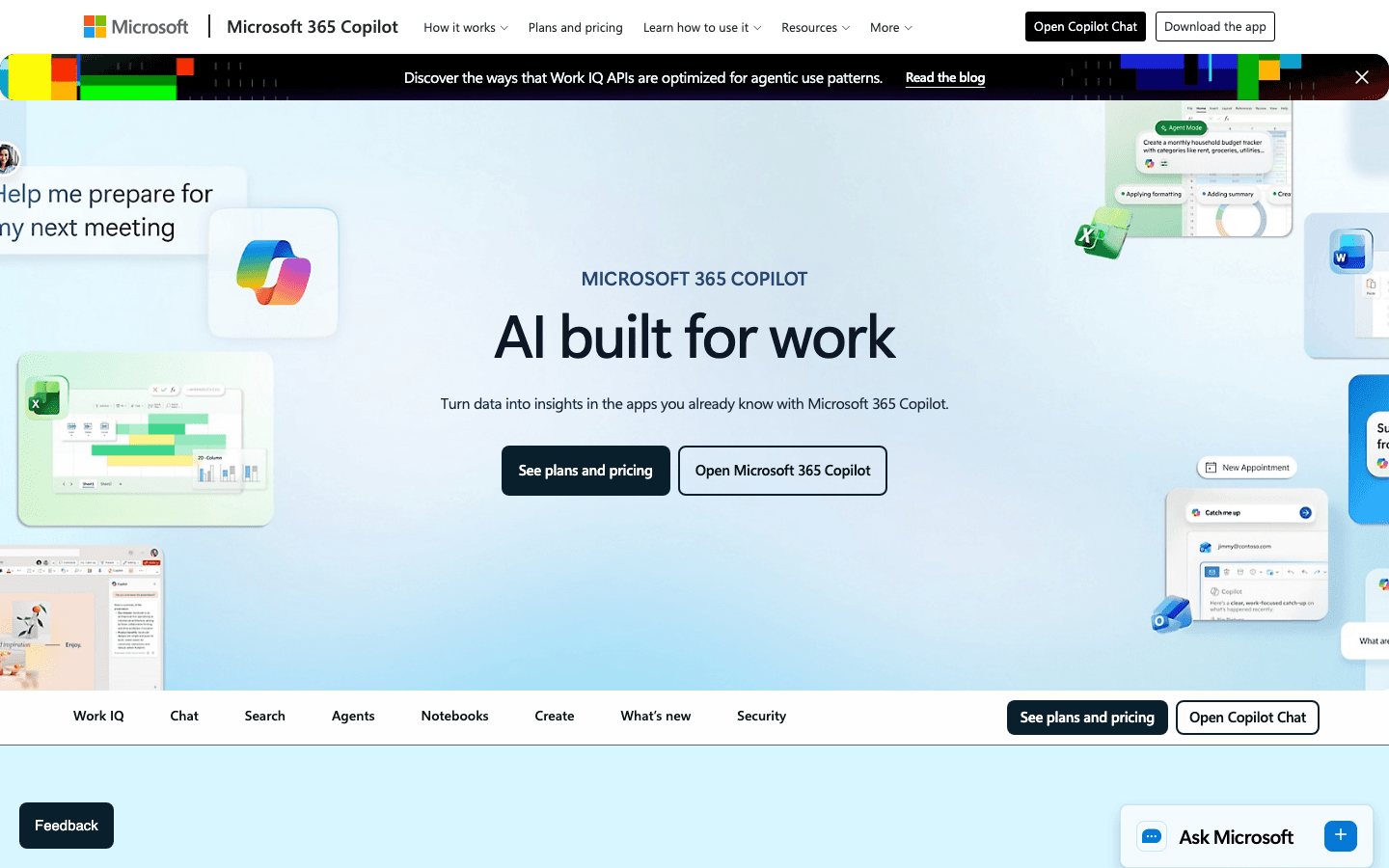
Microsoft Copilot's strength is native, permission-correct coverage of the Microsoft surface area. SharePoint, Teams, Outlook, OneDrive, and Word grounding via the Semantic Index continuously refresh, so when a user edits a Word doc, Copilot's answers reflect the new content within minutes. Vodafone employees report saving an average of 3 hours per week (10% of the workweek); the legal department averages 4 hours per week per person and cut new-contract drafting time by an hour. Estee Lauder built the ConsumerIQ agent on Copilot Studio and reduced consumer-data gathering from weeks to minutes. Other named customers: Dow, Newman's Own, Hype, Amgen, Bayer.
Microsoft Copilot's weakness is the boundary outside Microsoft. The connector story is narrower than Glean's, the agent ecosystem leans on Copilot Studio which is its own learning curve, and the pricing has fragmented into many tiers (Chat free, Business $18, Enterprise $30, Agent 365 add-on $15, E7 Frontier $99). A Microsoft Q&A community user noted that the Copilot Studio model "fills gaps or generalizes beyond the approved knowledge" when source documents are unclear, which is the same retrieval-grounded hallucination pattern other platforms hit.
Microsoft Copilot for M365: Pricing tiers (current as of June 2026)
Customers Microsoft publishes by name: Vodafone, Estee Lauder Companies, Dow, Newman's Own, Hype, Amgen, Bayer.
Microsoft Copilot for M365: Pros
- Native permissions and semantic index across SharePoint, Teams, Outlook, OneDrive.
- Concrete customer metrics: Vodafone 3 hours/week saved per employee, legal 4 hours/week, Estee Lauder weeks-to-minutes on ConsumerIQ.
- Pay-as-you-go Chat tier removes evaluation friction for existing M365 customers.
- Agent 365 standalone makes Copilot agents accessible outside the full M365 Copilot license.
Microsoft Copilot for M365: Cons
- Weaker outside the Microsoft ecosystem.
- Connector story narrower than Glean.
- Pricing fragmented into many tiers (Chat, Business, Enterprise, Agent 365, E7).
- Copilot Studio is its own learning curve.
What real users say about Microsoft Copilot for M365
- Vodafone (Microsoft customer story): Employees saved an average of 3 hours per week (10% of workweek); legal department averaged 4 hours/week, cutting new-contract drafting time by 1 hour.
- Estee Lauder (Microsoft customer story): Built ConsumerIQ on Copilot Studio, reducing consumer-data gathering from weeks to minutes.
- Microsoft Q&A community user: "The model fills gaps or generalizes beyond the approved knowledge" when source documents are unclear.
Best for: Enterprises already standardized on Microsoft 365 that want AI agents and AI-powered answers grounded in SharePoint, Teams, and Outlook with native permission models.
Skip if: Your stack is not Microsoft-first, you need connectors to Salesforce/ServiceNow/Slack on day one, or you cannot tolerate the fragmented pricing.
6. Atlassian Rovo
Atlassian founded 2002 in Sydney by Mike Cannon-Brookes and Scott Farquhar. Rovo launched 2024 as Atlassian's AI knowledge management product. Major repricing at Team 25 (April 2025): Atlassian removed the $20/user/month Rovo add-on and bundled Rovo into all paid Jira, Confluence, JSM, Service Collection, and Teamwork Collection Cloud subscriptions. Composite score 6.5/10. The right answer for Atlassian-first organizations; weaker outside the Atlassian ecosystem.
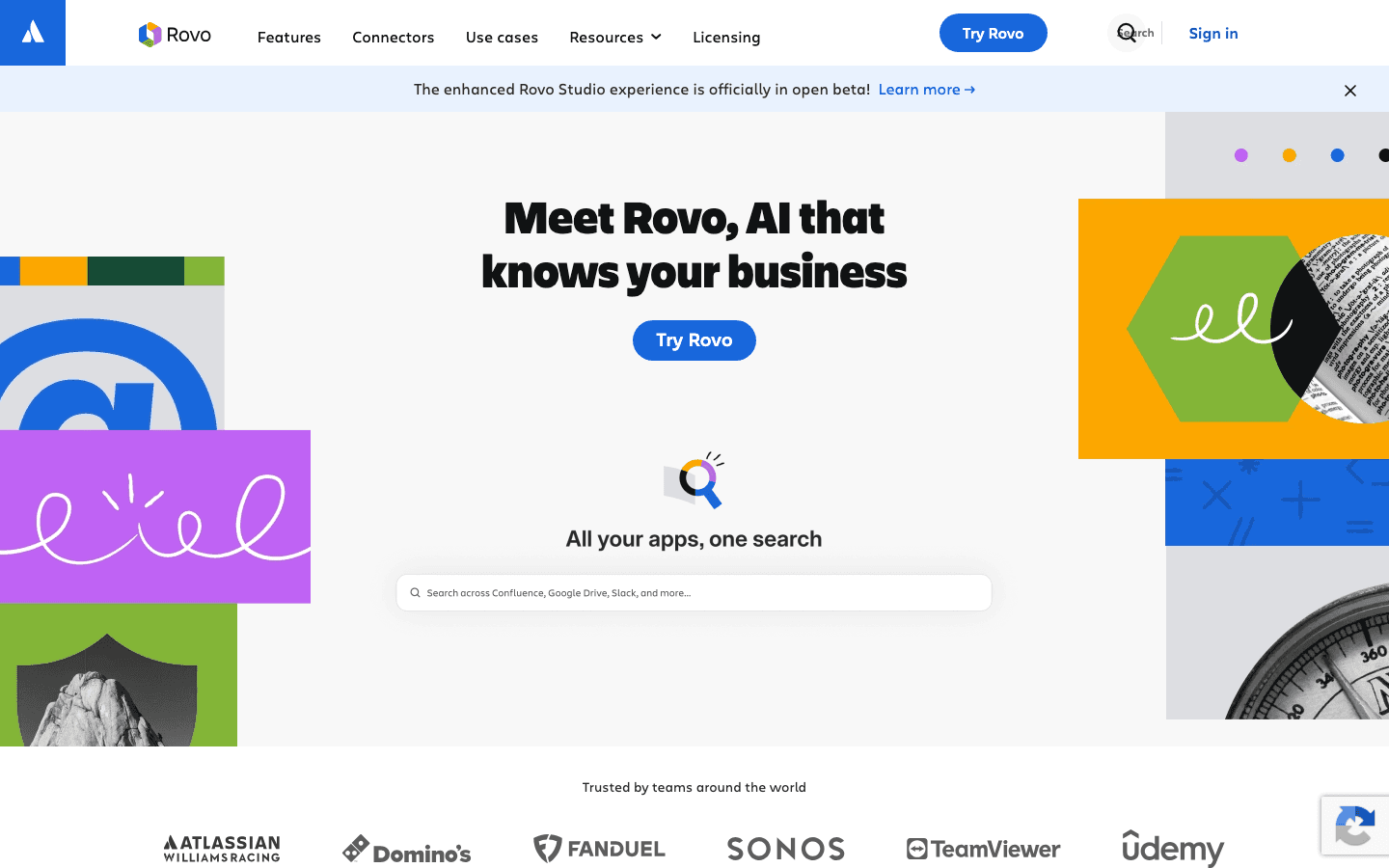
Atlassian Rovo's strength is depth inside the Atlassian ecosystem. Rovo indexes across Confluence pages, blog posts, comments, Jira issues, and connected apps. Knowledge management tools are increasingly adopted across various sectors, and Atlassian's customer wall reflects that breadth: Atlassian Williams Racing, Domino's Pizza Enterprises, FanDuel, Sonos, TeamViewer, Udemy, Pythian, Procore. Atlassian disclosed 3 million monthly active users of Rovo across Atlassian apps as of Team 25; CEO Mike Cannon-Brookes called it one of Atlassian's best-performing product launches. Domino's reported one knowledge manager saving 2.3 hours in the first week of using Rovo, projected to thousands of hours per year at scale across 130,000+ employees.
Rovo's weakness is the same boundary problem Microsoft Copilot has, in reverse. Outside Confluence and Jira, the connector breadth is narrower than Glean. Confluence Databases and Whiteboards are not indexed as of June 2026, which surprises long-time Atlassian users. The standalone $5/user/month tier feels priced for adoption rather than depth. No dedicated drift-detection or source-verification mechanism. Rovo relies on real-time indexing rather than verification, which means stale Confluence pages return as answers without warning.
Atlassian Rovo: Pricing tiers (current as of June 2026)
Customers Atlassian publishes by name: Atlassian Williams Racing, Domino's Pizza Enterprises, FanDuel, Sonos, TeamViewer, Udemy, Pythian, Procore.
Atlassian Rovo: Pros
- Bundled into all paid Confluence/Jira Cloud plans since April 2025 (no add-on cost).
- Deep native integration with Confluence pages, Jira issues, and Atlassian workflow.
- 3 million MAU disclosed at Team 25 signals real adoption.
- Domino's customer reference: 2.3 hours saved in first week, scaling across 130,000+ employees.
Atlassian Rovo: Cons
- Outside the Atlassian ecosystem, connector breadth is narrower than Glean.
- Confluence Databases and Whiteboards not indexed as of June 2026.
- No dedicated drift-detection or source-verification mechanism.
- Rovo's standalone tier ($5/user/month) feels priced for adoption, not depth.
What real users say about Atlassian Rovo
- Domino's Pizza Enterprises (Atlassian customer story): One knowledge manager saved 2.3 hours in the first week of using Rovo, projected to thousands of hours per year at scale across 130,000+ employees.
- Mike Cannon-Brookes, CEO at Atlassian (Team 25 keynote): "Rovo is one of our better, arguably best-performing, product launches" with 3 million MAU across Atlassian apps.
- Atlassian Community forum (Denis Boisvert and Dave Rosen): "When to use Atlassian Rovo AI, and when not to" article explicitly recommends pairing Rovo with verification workflows because Rovo itself does not verify source quality.
Best for: Atlassian-first organizations where Confluence and Jira already hold the institutional knowledge, especially teams already paying for Standard or Premium Cloud.
Skip if: Your team is not on Atlassian, you need connectors to Slack/Salesforce/ServiceNow on day one, or you need drift detection on the underlying Confluence pages.
7. Notion AI
Notion Labs, Inc., founded 2013 in San Francisco by Ivan Zhao (CEO, approximately 30% stake), Simon Last, Akshay Kothari, Chris Prucha, Jessica Lam, and Toby Schachman. Total funding approximately $610M; last round Series C $275M at $10B valuation, October 2021. Notion AI launched 2022. May 2025: the standalone $10 Notion AI add-on was retired for new Free and Plus customers; the full AI suite (Notion Agent, AI Meeting Notes, Enterprise Search) is now exclusive to Plus tier and above. Composite score 6.0/10. The flexible workspace with AI for Notion-native teams.
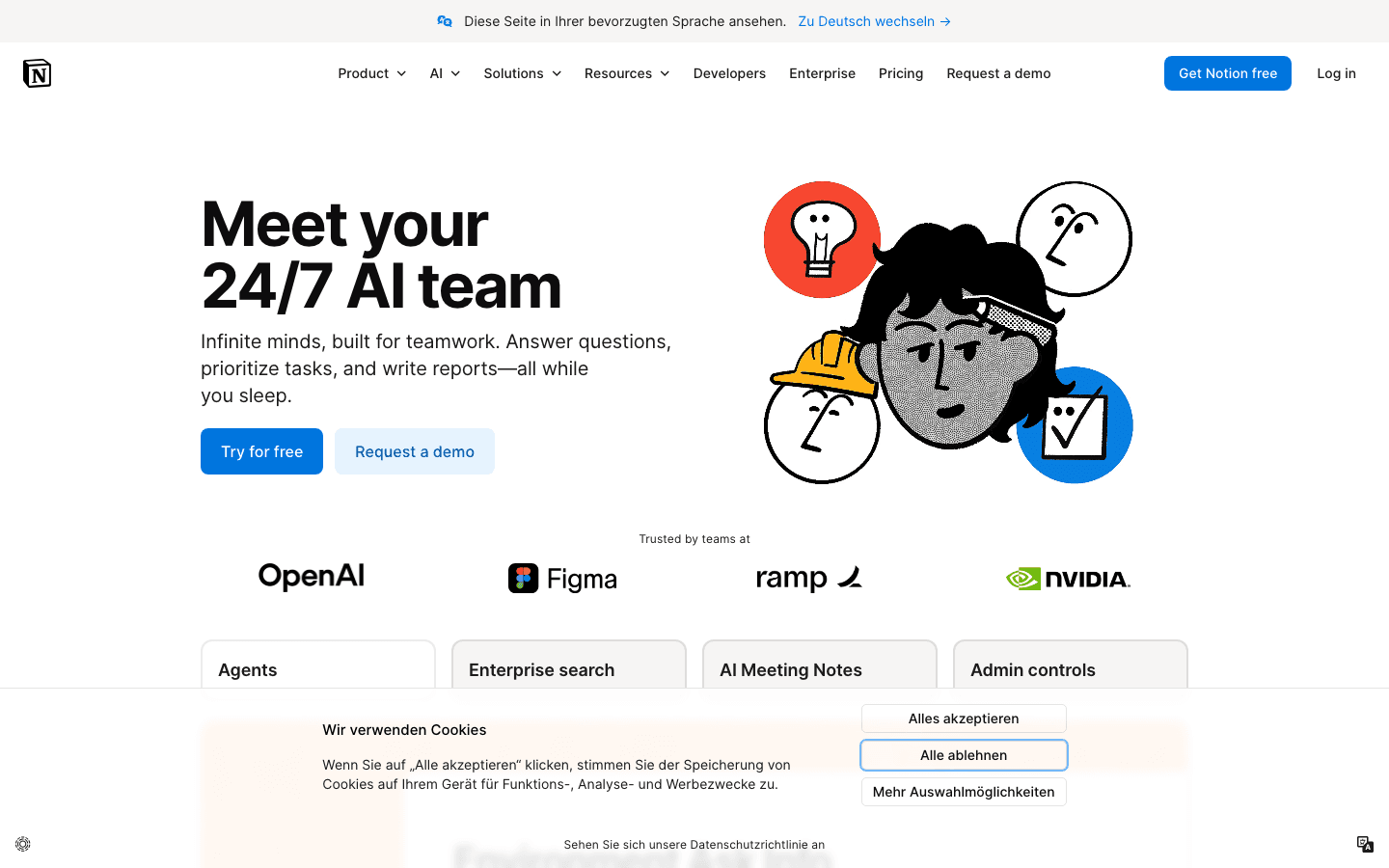
Notion AI's strength is the workspace fit. Notion is already the workspace for product, design, and early-stage engineering teams; Notion AI adds search, generate-articles-from-bullet-points (Generative AI can draft articles from bullet points in seconds), AI Meeting Notes, and Custom Agents on top. Published customer metrics are concrete: Ramp cut productivity-tool costs by 70% after consolidating into Notion, runs 300+ active Custom Agents daily including a Product Q&A Oracle, and reports teams moving 3x faster. Vercel ships 35% faster using Notion. OpenAI's data-science team saves over an hour of reporting prep each week. Other named customers: Figma, Nvidia, Toyota, Volvo, Cursor.
Notion AI's weakness is governance and drift. Notion AI has no documentation drift detection, no repository sync, no auto-update workflow tied to product changes, and no source-of-truth verification mechanism. It ingests whatever lives in the workspace and answers from it; if the workspace contains six versions of the same policy, Notion AI will happily cite all six. The 132-upvote comment on r/Notion ("I wouldn't mind it if it were free, but it's definitely not something worth paying for") captures the SMB sentiment. Custom Agents are powerful but priced per credit, which creates unpredictable spend.
Notion AI: Pricing tiers (current as of June 2026)
Customers Notion publishes by name: OpenAI, Figma, Ramp, Nvidia, Toyota, Volvo, Vercel, Cursor.
Notion AI: Pros
- Native fit for teams already using Notion as the workspace.
- Custom Agents and Notion Agent enable automated workflows on top of company knowledge.
- Concrete customer metrics: Ramp 70% productivity-tool cost reduction, Vercel 35% faster shipping, OpenAI 1+ hour/week saved.
- AI Meeting Notes summarize meetings automatically.
Notion AI: Cons
- No drift detection, no repository sync, no source-of-truth verification.
- Custom Agents consume credits unpredictably on complex queries.
- Standalone AI add-on retired May 2025; teams must upgrade to Plus or higher.
- Governance weaker than Glean or Microsoft Copilot.
What real users say about Notion AI
- Ramp (vendor customer reference): Cut productivity-tool costs by 70% after consolidating into Notion, runs 300+ active Custom Agents daily including a Product Q&A Oracle, teams move 3x faster.
- Vercel (vendor customer reference): Ships 35% faster using Notion.
- Top-upvoted r/Notion comment (132 upvotes): "I wouldn't mind it if it were free, but it's definitely not something worth paying for. Especially because so many options are free and easily accessible."
Best for: Notion-native teams that want AI on top of the workspace they already use, with named-customer playbooks at Ramp, Vercel, and OpenAI to model from.
Skip if: Your knowledge lives outside Notion, you need a built-in verification system, or you need predictable per-user pricing without credit consumption.
8. Document360
Founded by Saravana Kumar (also founder/CEO of parent Kovai.co, founded 2009). Document360 launched in 2017. HQ London, UK (product/sales) with engineering in Chennai. August 2024: pricing structure revised; multiple Capterra/G2 reviewers report new pricing nearly doubled. November 2024: free tier discontinued. November 2025 (v11.11.1): Knowledge Pulse module shipped, an AI-powered dashboard with content duplication, drift, and gap signals. Composite score 6.3/10. The opinionated customer-facing knowledge base for SaaS teams with a dedicated writer.
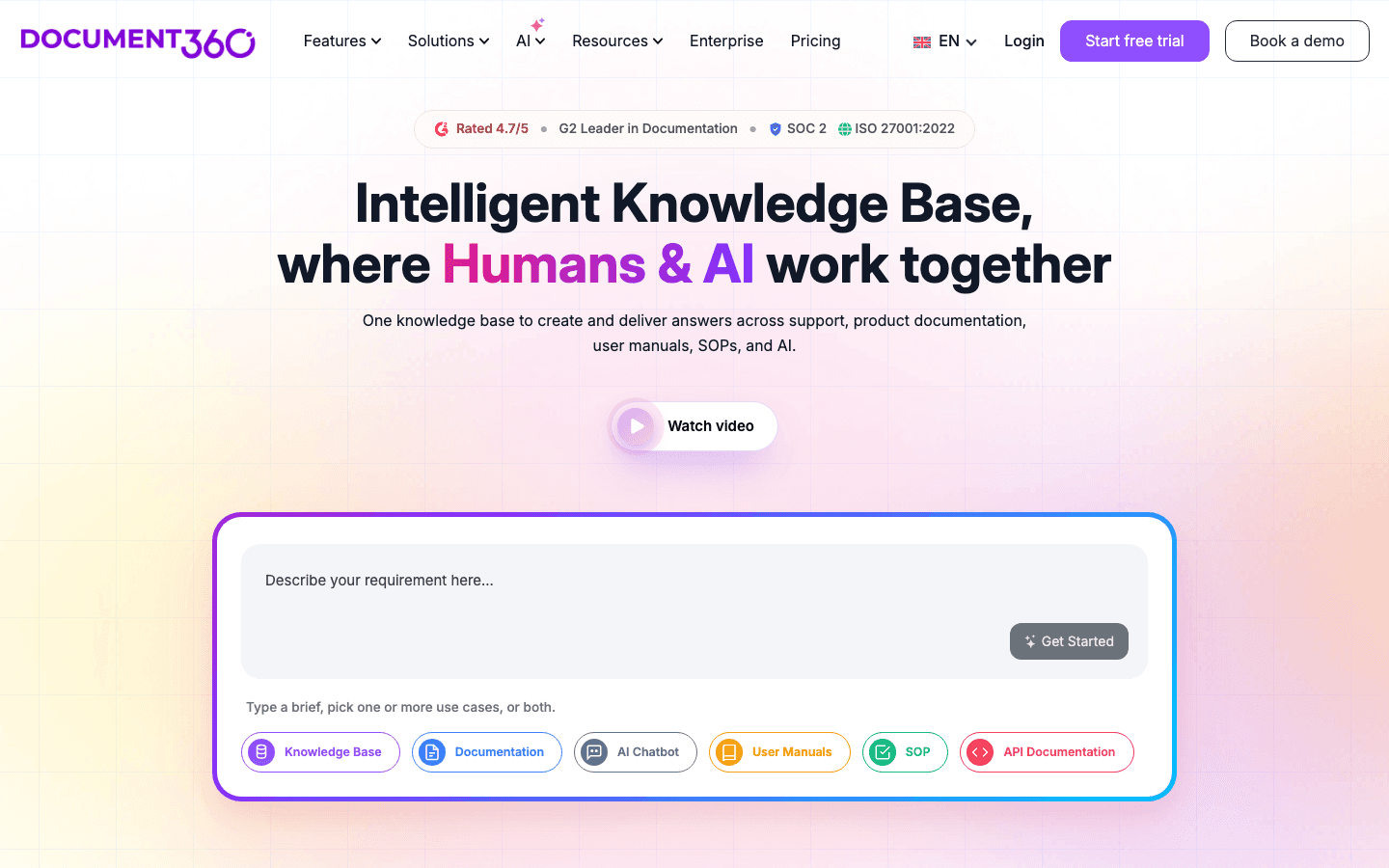
Document360's strength is structure. Article taxonomy, versioning, role-based publishing, multi-step approval workflows, and Ask Eddy AI that returns grounded answers with citations. The platform integrates deeply with helpdesks (Zendesk, Intercom, Freshdesk) rather than competing with them. Knowledge Pulse (Nov 2025) added partial drift detection: content duplication signals, stale content flagging, and gap detection. Document360 customers reduce support tickets by up to 30% via self-service KB (aggregate vendor claim). Specific named-customer metrics: Prerender saw support tickets on specific issues decrease 20-30% after publishing related KB articles; Ajman University reported 30% reduction in IT helpdesk support calls per week.
Document360's weakness is twofold. First, the platform does not connect to your codebase or product UI; it does not create pull requests when documentation drifts and does not analyze support tickets to surface gaps automatically. Maintenance is largely manual. Second, the November 2024 move to quote-only pricing (combined with the August 2024 doubling) slowed time-to-evaluation dramatically. Every plan now shows a "Get a quote" button only. The Startup Program offers 50% off Business or Enterprise plans for companies with fewer than 50 employees, under $5M raised, and an accelerator or VC affiliation.
Pricing tiers (current as of June 2026, all quote-based)
| Tier | Price | What is included |
|---|---|---|
| Starter | 129 EUR/month flat (after a 14-day free trial) | 50 active articles, 1 Help Center, 1 user, in-app widget, HappyRecorder, AI writer |
| Professional | 399 EUR/month flat | 300 articles, 3 Help Centers, 5 users, 250 AI answers per month, Git handoff, health audits, custom domain and branding, one-click translation. |
| Scale | 899 EUR/month flat | 750 articles, 5 Help Centers, 10 users, 1,000 AI answers per month, in-app tours and banners, audience targeting, SSO. |
| Tier | Price | What is included |
|---|---|---|
| Self-Serve (All-in-One) | $25 per user/month annual ($30/user monthly), 10-seat minimum ($250/mo floor) | Knowledge base, AI search and answers, verification workflow, Knowledge Agents (Chat, Research), Slack/Teams/web/extension distribution |
| Enterprise | Custom quote (Vendr median annual deal ~$39,874) | Self-Serve plus enterprise security (SCIM, audit logs), advanced governance, dedicated success, white-glove onboarding |
| Guru for Good (nonprofit) | Reduced cost, not published | Eligibility: 501(c)(3) organizations |
| Tier | Price | What is included |
|---|---|---|
| Standard | $8/user/month (billed yearly), 14-day free trial | Block-based editor, document verification system, Ask (Q&A on your docs), basic permissions, integrations with Slack, Drive, Notion. Slite's Standard plan starts at $8 per member/month. |
| Knowledge Suite (Best value) | $20/user/month (billed yearly), 10-user minimum | Standard plus Super (enterprise search across Slack, Drive, Confluence), AI-powered answers across multiple sources, advanced verification, analytics, single sign-on |
| Enterprise | Custom (contact sales) | Knowledge Suite plus SAML SSO, advanced security, dedicated CSM, custom contract terms, audit logs |
| Tier | Price | What is included |
|---|---|---|
| Microsoft 365 Copilot Chat | $0 (included with eligible M365 subscription) | Pay-as-you-go for agents, basic Copilot Chat across M365 apps |
| Microsoft 365 Copilot Business | $18/user/month annual ($25.20 monthly), SMB tier capped 300 users | Full Copilot integration in Word, Excel, PowerPoint, Outlook, Teams, plus Copilot Studio limited access |
| Microsoft 365 Copilot (Enterprise) | $30/user/month, paid yearly | Business plus enterprise data residency, full Copilot Studio, agent governance, semantic index across SharePoint |
| Agent 365 (standalone add-on) | $15/user/month (available from May 1, 2026) | Agent runtime decoupled from M365 Copilot license |
| Microsoft 365 E7 Frontier Suite | $99/user/month (GA May 1, 2026; CSP promo through Dec 31, 2026) | M365 E5 plus all Copilot features, advanced data governance, expanded analytics |
| Tier | Price | What is included |
|---|---|---|
| Rovo (bundled in Confluence/Jira Standard) | Included with Standard Cloud plan | Basic Rovo search and chat across Confluence and Jira |
| Rovo (bundled in Confluence/Jira Premium) | Included with Premium Cloud plan | Standard plus advanced features and higher usage limits |
| Rovo (bundled in Confluence/Jira Enterprise) | Included with Enterprise Cloud plan | Premium plus enterprise admin controls and audit |
| Rovo standalone (non-subscribers) | $5 per user/month | Rovo search, chat, agents without an existing Confluence/Jira subscription |
| Rovo Dev Standard | $20 per developer/month | Developer-focused Rovo features for engineering workflows |
| Tier | Price | What is included |
|---|---|---|
| Free | $0/user/month | Basic Notion workspace, limited AI features, no Notion Agent, no AI Meeting Notes |
| Plus | $10/user/month annual ($12 monthly) | Full AI suite (Notion Agent, AI Meeting Notes, Enterprise Search), unlimited file uploads, 30-day version history |
| Business | $20/user/month annual ($24 monthly) | Plus plus advanced AI features, SAML SSO, private teamspaces, advanced permissions |
| Enterprise | Custom (contact sales) | Business plus advanced security, audit logs, custom contract, dedicated CSM |
| Custom Agents add-on | $10 per 1,000 Notion credits/month (no rollover) | Build and run Custom Agents; consumed by complex queries and multi-step tasks |
| Tier | Price | What is included |
|---|---|---|
| Professional | Quote only (no public USD price) | Single project, basic knowledge base features, public articles, basic AI Suggest |
| Business | Quote only (marked '78% chose this'; 50% off via Startup Program) | Multi-project, custom domains, approval workflows, basic Ask Eddy AI |
| Enterprise | Quote only (yearly only; 50% off via Startup Program) | Multiple projects, Ask Eddy AI, multi-language, SSO, advanced analytics, Knowledge Pulse drift module |
| Free tier | Discontinued November 2024 | Previously $0 for 5 team accounts, 50 public articles. No longer available for new signups. |
Pre-August-2024 published prices ran from approximately $199/month for Standard up to $800+/month for Enterprise, but those numbers no longer appear on the public pricing page. Aggregator sites like G2 and TrustRadius still cite the old figures.
Document360: Pros
- Strong multi-step approval workflows and article versioning.
- Role-based publishing and category-level sharing controls.
- Ask Eddy AI returns grounded answers with citations.
- Knowledge Pulse module (Nov 2025) adds partial drift detection.
- Startup Program offers 50% off Business or Enterprise for eligible early-stage companies.
Document360: Cons
- No code-repository connection; doesn't open pull requests when documentation drifts.
- Maintenance largely manual; the platform doesn't surface stale articles tied to product changes.
- Fully quote-based pricing since November 2024, including the entry tier.
- Pricing roughly doubled August 2024 per multiple G2 and Capterra reviewer reports.
What real users say about Document360
- Prerender (vendor customer reference): Support tickets on specific issues decreased 20-30% after publishing related KB articles.
- Ajman University (vendor customer reference): 30% reduction in IT helpdesk support calls per week after implementing Document360 knowledge base.
- Reddit user (paraphrased from r/SaaS): "I'm using Document360 as my knowledge base provider and I really don't enjoy them and they are very expensive for what they offer."
Best for: Teams with a dedicated technical writer who need a structured external customer-facing knowledge base, approval workflows, and multi-language support, and can tolerate a quote-only sales cycle.
Skip if: You ship product changes weekly without a documentation team (the maintenance gap will compound), or you want to self-serve evaluation without a sales call.
Adjacent helpdesk and knowledge tools
Three adjacent tools come up in every AI knowledge management evaluation even though they are primarily helpdesks or shared inboxes. Knowing the entry pricing matters because they often replace or complement a dedicated knowledge tool.
- Zendesk Guide (knowledge base inside Zendesk Suite). Zendesk's Suite Team plan starts at $55 per agent/month. The knowledge base, AI agents, and AI-powered answers come as part of the Suite. Best fit for organizations already running Zendesk for tickets that want a customer-facing help center under the same roof.
- Help Scout Docs (knowledge base inside Help Scout). Help Scout's Standard plan starts at $20 per user/month. Help Scout offers an opinionated, simpler alternative to Zendesk for support teams under 50 agents, with Docs (the help center) and AI Answers bundled across plans as of 2025.
- Slite Standard at $8 per member/month. Already covered in the main ranking above, mentioned here because it sits at the lowest entry point in the broader knowledge tools category.
If your team is choosing between a dedicated knowledge platform and a helpdesk with built-in docs, the question to answer is whether you need a separate portal for external customers or a unified ticketing-plus-docs surface. Helpdesk-bundled docs work for organizations resolving customer issues at scale; dedicated knowledge tools win when documentation is the primary deliverable rather than an attachment to tickets.
Enterprise and non-AI knowledge management software
A knowledge management software comparison is not complete without the platforms that predate the AI wave, because in enterprise procurement they are often the incumbent the AI tools are measured against.
- Bloomfire combines conversational AI with automated content reliability checks and enterprise governance. Custom pricing, typically four to five figures monthly. It is the closest thing to an AI-era platform in this group: the content reliability scoring is a real maintenance signal, not just retrieval.
- ServiceNow Knowledge Management is the dominant knowledge module inside ServiceNow ITSM, tightly integrated with incident and change management. Pricing is part of a larger ServiceNow contract. It makes sense only if you already run ServiceNow; nobody buys the platform for the knowledge module.
- Microsoft Viva Topics organizes content across Microsoft 365 into topic cards surfaced in Teams and Outlook. Enterprise pricing via the Viva Suite. Useful only inside the Microsoft ecosystem, and increasingly overlapped by Microsoft Copilot for M365, which is in the main ranking above.
- Confluence without Rovo remains the default enterprise wiki at $6 to $12 per user/month. Its AI story now runs through Atlassian Rovo (ranked above); plain Confluence is the corpus, not the intelligence.
- Mem sits at the opposite end: an AI-first personal and small-team knowledge tool from about $15 per user/month that auto-organizes notes. Strong for individual knowledge workers, still maturing as a team-scale platform.
For a deeper pass on the governance-and-procurement end of this list, see the dedicated comparison of enterprise knowledge management tools. The pattern across all of them matches the ranked list: retrieval and governance are solved problems at enterprise prices, and staleness detection is not, which is why the maintenance column in the scoring matrix above does more to separate tools than any feature checklist.
What real teams say on Reddit and in support forums
The Reddit and community-forum conversation about AI knowledge management tools in 2025 and 2026 splits along audience lines. On r/sysadmin and r/ITManagers, the debate is Glean versus Microsoft Copilot for enterprise search. Glean wins on cross-platform breadth but loses on cost and onboarding overhead; the 100-user minimum and $50K+ floor put it out of reach for most r/sysadmin posters. Microsoft Copilot wins on integration but suffers from the agent-pricing fragmentation that landed in 2025 and 2026.
On r/CustomerService and r/SaaS, the conversation tilts toward customer-facing knowledge tools. Document360 takes criticism for the August 2024 price increase: "I'm using Document360 as my knowledge base provider and I really don't enjoy them and they are very expensive for what they offer." Guru takes praise for verification: support managers consistently mention the verification system as the reason their team trusts the knowledge base. Slite takes credit for affordable docs+Q&A under one roof at $8/user.
On r/Notion, the most-upvoted comment about Notion AI (132 upvotes) reads: "I wouldn't mind it if it were free, but it's definitely not something worth paying for. Especially because so many options are free and easily accessible." Notion's reply in product threads is consistently the named-customer playbook (Ramp, Vercel, OpenAI), which lands well with enterprise buyers but does not change the SMB perception.
On r/atlassian, the Rovo conversation has shifted since the April 2025 bundling. Atlassian Community articles like "When to use Atlassian Rovo AI, and when not to" explicitly recommend pairing Rovo with verification workflows because Rovo itself does not verify source quality. That mirrors the broader theme: knowledge gaps and stale content are what AI knowledge management tools amplify if you do not address them first.
The throughline across every subreddit and forum: connector breadth and AI agents matter at the demo. Verification, drift detection, and accurate documentation matter every day after. Teams that pick on demo polish often re-evaluate within a year because the underlying knowledge has decayed.
What support and documentation leads tell us in customer conversations
Four anonymized customer conversations shaped the structure of this guide. The pattern is consistent enough that it deserves its own section. All quotes are verbatim from anonymized customer interviews in 2026.
“We do not measure documentation maintenance in hours. Sometimes more, sometimes less. That is the problem. It just disappears between releases.
”
Three of four interviewees could not give us an hours-per-week estimate for documentation upkeep. Two said it lives somewhere between "ad hoc" and "when a customer complains." Time spent searching for accurate documentation, plus time spent maintaining it, is invisible until something breaks.
“Where can I change X or Z? That is just not how it works anymore. Our chatbot keeps telling customers something we removed three releases ago.
”
The shift from "documentation as a content problem" to "documentation as an AI accuracy problem" is what is moving budgets in 2026. AI chatbots make stale documentation visible at scale.
“Manual documentation updates eat half a working day, every cycle. I cannot keep doing this and ship the next product.
”
Single-owner documentation is the norm for SaaS teams below 100 people. When that one person has any other responsibility (and they always do), maintenance is the first thing to slip.
“Since we implemented Ask, the amount of questions our support manager fielded internally has been divided by 10.
”
The Agorapulse data point is the closest thing in this guide to a positive proof of concept for AI-on-internal-docs. The mechanism is simple: every question that previously hit a human support manager now hits the knowledge base first, with the AI returning the relevant answer from existing documents.
Scoring matrix
Every other "best AI knowledge management" guide rates tools without disclosing how the rating is built. The matrix below uses five dimensions weighted by what customer interviews told us actually drives long-term value.
| Tool | Maintenance (35%) | Connectors (20%) | Pricing transparency (20%) | Governance (15%) | AI quality (10%) | Composite |
|---|---|---|---|---|---|---|
| HappySupport | 9 | 5 | 9 | 7 | 8 | 8.2 |
| Glean | 7 | 10 | 4 | 9 | 9 | 7.7 |
| Guru | 8 | 7 | 7 | 9 | 7 | 7.7 |
| Slite | 6 | 6 | 9 | 7 | 7 | 7.0 |
| Microsoft Copilot | 5 | 8 | 7 | 8 | 8 | 6.7 |
| Atlassian Rovo | 5 | 7 | 8 | 8 | 7 | 6.5 |
| Document360 | 6 | 7 | 4 | 8 | 7 | 6.3 |
| Notion AI | 3 | 5 | 8 | 5 | 7 | 5.4 |
Methodology notes: HappySupport scores 9 on maintenance because DOM/CSS recording plus GitHub Sync close the drift gap structurally, 5 on connectors because the catalog is shorter than Glean's, and 9 on pricing transparency because the flat plans (129, 399 and 899 EUR per month) are fully public. Glean scores 10 on connectors (100+ enterprise platforms) and 4 on pricing because the platform requires a sales call. Guru scores 8 on maintenance because the verification system, now AI-augmented, structurally prevents stale content from reaching users. Slite scores 9 on pricing transparency ($8 fully public) and 6 on connectors. Microsoft Copilot scores 8 on AI quality, 5 on maintenance (no source-drift detection). Document360 scores 4 on pricing transparency after the November 2024 quote-only move. Notion AI scores 3 on maintenance (no drift signal at all) and 5 on governance.
Key features to look for
Seven key features separate platforms that solve real problems from platforms that wrap chat over a wiki. The features users actually adopt at scale cluster around verification, drift detection, and connector depth, not editor polish.
Semantic search and natural language queries
Modern AI knowledge management tools use semantic search and large language model retrieval to return direct, accurate answers, not lists of documents. Users ask complex queries in plain language. The system pulls knowledge and generates a grounded answer with citations. Semantic search improves the retrieval of scattered company data, especially when natural language processing also handles automatic tagging of incoming content. High-precision semantic analysis is crucial in specific sectors like financial services, healthcare, and legal.
Source grounding and citations
Every answer should cite the source article so the user can verify and the team can trust the output. Tools that return ungrounded answers create plausible-looking confabulations. Citations are the only practical defense against hallucination.
Connector coverage
For internal knowledge management, the breadth of connectors decides whether the tool covers the systems your team actually uses. Slack conversations, Confluence, Google Drive, Notion, Jira, Salesforce, GitHub, and the helpdesk are the usual minimum. Tools connect to these existing platforms differently; Glean leads on raw count, Microsoft Copilot wins inside M365, Atlassian Rovo wins inside the Atlassian stack, and HappySupport focuses on connecting to the product code repository.
Governance and a built-in verification system
A built-in verification system assigns owners to articles, sets review schedules, and flags content that has not been verified recently. Without governance, the knowledge base becomes a knowledge graveyard within a year, and AI on top of a graveyard is a citation generator for ghosts. Guru's three-layer verification (SME workflow, source volatility detection, Knowledge Agents that only cite verified content) is the reference implementation.
Analytics and search behavior
Analytics surface what users searched for, what they clicked, where they gave up, and which articles drove the most resolutions. Track search usage and time to answer after rollout. Dead-end queries point to documentation gaps. Failed citations flag missing topics. This is the feedback loop that turns a static archive into a system that improves over time and reveals search intent.
Segmented access and permissions
Different audiences should see different content. External customers see their tier's documentation. Internal documents (agent runbooks, configuration docs) stay restricted. Admins see configuration docs and audit trails. Permission models that respect the source systems' access controls are what separate enterprise-grade tools from consumer-grade ones, especially when customer data and sensitive data sit in the indexed sources.
AI capabilities (agents, summaries, drafting)
The current wave of AI capabilities goes beyond Q&A. AI agents and knowledge agents execute multi-step tasks; AI can summarize complex documents in knowledge management systems automatically; generative AI drafts articles from bullet points in seconds (it can generate articles from a one-line outline in under a minute); ai-driven tools help automate internal collaboration in organizations. Notion's Custom Agents, Glean Agents, Guru Knowledge Agents, Microsoft 365 Agents, and Atlassian Rovo Agents all sit in this layer.
The deeper capability is context awareness. AI can provide context-aware answers to user queries across applications, drawing from the user's current task, role, and previous interactions to return contextual answers rather than generic AI-powered answers. Natural language processing allows for automatic tagging of content as it arrives, so relevant knowledge gets surfaced when teams pull knowledge from a traditional knowledge base or a modern AI-powered knowledge platform. AI-powered search and AI powered search (unhyphenated) refer to the same capability: matching user intent to the underlying article. Terms like ai powered knowledge and ai powered answers cover the same surface. User engagement with the knowledge base is the leading indicator that the deployment is working; if support agents and customer service teams stop pulling knowledge after week three, the rollout has failed regardless of the demo. A built-in verification system (sometimes spelled built in verification system in older docs) plus AI capabilities is the combination that produces accurate answers across an enterprise.
Self-hosted models for security and compliance
For regulated industries and security-strict enterprises, the next dimension after maintenance is whether the tool offers self-hosted models. Documentation tools provide self-hosted models to ensure security and compliance, keeping customer content inside the buyer's infrastructure boundary rather than passing it through a multi-tenant SaaS endpoint. The category splits along three lines:
- Cloud-only with contractual no-training (HappySupport, Slite, Notion AI). Customer data stays in the cloud, but contracts with model providers (OpenAI, Anthropic) contractually exclude that content from training third-party models. HappySupport's contracts with OpenAI and Anthropic do exactly this, confirmed in writing 2026. EU hosting on Netcup, Neon, and AWS Frankfurt for HappySupport.
- Customer-hosted deployment (Glean Enterprise Flex, Microsoft Copilot via Microsoft Cloud). The tool runs inside the customer's tenant or VPC. Glean offers customer-hosted at approximately $35/user/month versus $40/user/month for SaaS. Microsoft Copilot inherits the customer's M365 tenancy.
- Bring-your-own-model (Atlassian Rovo with bring-your-own LLM, custom RAG setups). The buyer hosts the entire stack, including the model. Maximum control, maximum operational burden. Often required for regulated industries handling sensitive data.
For most teams, contractual no-training plus EU hosting is the practical compliance answer. Full self-hosting is reserved for organizations with strict data-residency requirements or industry-specific compliance frameworks.
Centralized knowledge bases and cross-functional trust
A centralized knowledge base enhances cross-functional trust among team members. When sales, customer success, support agents, and engineering all reference the same accurate documentation, friction between teams drops measurably. The pattern shows up in every customer interview: when documentation is wrong, sales blames product, product blames support, support blames docs. When documentation is right and synchronized with the product, the blame loop dissolves because everybody is working from the same source of truth.
AI-powered knowledge management tools that span both internal documentation and external customer-facing help centers (HappySupport, Document360, Guru) reduce the number of separate portals a team has to maintain. Boosting productivity is a side effect; the compounding effect is institutional knowledge that survives staff turnover and helps new team members ramp faster. Training-heavy corporate cultures benefit from multimedia content management here: the same knowledge base can host text, video, and step-by-step guides that serve different learning styles.
Decision tree: which tool should you pick
One sentence per tool. Pick the first one that fits.
- Pick HappySupport if you ship product changes weekly to a web product and run a customer-facing knowledge base that needs to stay synchronized with the product.
- Pick Glean if your organization has 500 plus employees, your knowledge is scattered across 20 plus enterprise platforms, and you need cross-app enterprise search with native permissions.
- Pick Guru if you have 10 plus support agents who need a built-in verification system and internal knowledge tools delivered to them through governed knowledge agents.
- Pick Slite if you are a lean 10-to-100-person team that wants docs plus Q&A at $8 per member/month with a low onboarding cost.
- Pick Microsoft Copilot for M365 if your stack is Microsoft-first and you want native permissions across SharePoint, Teams, Outlook, and Word.
- Pick Atlassian Rovo if Confluence and Jira already hold your institutional knowledge and you are already on a paid Atlassian Cloud plan.
- Pick Notion AI if your team already lives in Notion and you want AI agents on top of the workspace.
- Pick Document360 if you have a dedicated technical writer and need approval workflows plus multi-language support for an external customer knowledge base.
When NOT to invest in an AI knowledge management tool
Five anti-patterns where AI knowledge management tools fail to deliver value:
- Team under five people, fewer than 20 articles total. A shared Notion or Google Docs workspace is sufficient. Platform overhead is not worth it yet.
- No knowledge owner. If nobody on the team is accountable for keeping articles current, the platform will not save you. Decay starts day one.
- Pre-product-market-fit teams. The product is changing too fast for documentation to be worth writing. Wait until the surface stabilizes.
- Existing AI chatbot deployed on a stale help center. Audit and clean the articles first. Adding AI knowledge tools on top of decayed content produces faster wrong answers, not better support.
- One-time reference content (compliance docs, legal disclosures). A document-management system is a better fit than an AI knowledge management platform.
ROI of AI knowledge management tools
The ROI math comes from three places: time spent searching across multiple systems goes down, ticket deflection from external customer-facing tools goes up, and new team members ramp faster. Concrete published numbers from the customer references in this guide:
- Glean (Duolingo, Super.com, Webflow): 500 to 1,500 hours saved per month per customer, $1.1M annual time savings reported by Duolingo, 17x ROI at Super.com, 3x ROI at Webflow.
- Microsoft Copilot (Vodafone): 3 hours per week saved per employee (10% of workweek); legal department averages 4 hours per week per person.
- Notion AI (Ramp, Vercel, OpenAI): Ramp cut productivity-tool costs by 70%, Vercel ships 35% faster, OpenAI data-science team saves over an hour per week of reporting prep.
- Atlassian Rovo (Domino's): 2.3 hours saved per knowledge manager in the first week, projected to thousands of hours per year across 130,000+ employees.
- Slite (Agorapulse): Questions to support manager divided by 10 after implementing Ask.
- Guru (Steno, HireVue, Paraco Gas): Steno cut support volume in half, HireVue 60% faster onboarding, Paraco 8% lower call handle time.
- Document360 (Prerender, Ajman University): 20-30% lower ticket volume on specific issues, 30% lower IT helpdesk calls per week.
Industry context: 82% of agents say customers want more than they used to (Zendesk CX Trends Report). 82% of agents say customers want more information than before, and 82% of agents report customers want faster service. AI can automate routine tasks, freeing up reps for complex issues, and reduce the workload on service reps so they can focus where their judgement actually adds value. SuperOffice's customer service benchmark report puts the cost of a self-service interaction at around $0.10 against $8 to $13 for a live support contact, which is the structural upside behind every customer-facing knowledge tool in this list.
Implementation best practices
Three practices separate teams that get value from AI knowledge management tools from teams that pay for shelfware.
Define your primary use cases before implementation
Define your primary use cases before implementation. The most common failure mode is buying a generic enterprise-search tool and then trying to make it serve a customer-facing help center, or buying a customer-facing platform and then expecting it to index Slack conversations. Choose internal versus customer-facing first, then choose the tool inside that lane.
Launch a pilot program to collect feedback from users
Launch a pilot program to collect feedback from users before company-wide rollout. A 20-to-50-person pilot for 4 to 6 weeks surfaces the integration friction, the permission edge cases, and the search-intent mismatches that no demo can reveal. The pilot is also where new team members tell you whether they actually got faster, which is the only metric that matters at month six.
Track search usage and time to answer after rollout
Track search usage and time to answer after rollout. Adoption metrics (weekly active users, queries per user, repeat usage) tell you whether the tool is actually used. Time-to-answer tells you whether it returns relevant answers. Failed-query rate tells you where the knowledge gaps are. Without these three signals, you cannot iterate on the deployment.
Audit existing content first
An AI assistant grounded on outdated articles will generate confidently wrong answers from the first day. Run a content audit, identify the 20% of articles that drive 80% of traffic, fix those first, and only then enable retrieval features. The audit checklist covers the workflow.
Common mistakes when buying AI knowledge management tools
Indexing first, curating never
Pointing an AI knowledge management tool at every existing system without a curation pass produces an AI that returns confident answers from outdated docs, deprecated playbooks, and conflicting versions of the same policy. Curate the highest-traffic 20% of content first.
Buying retrieval, ignoring maintenance
Glean and Microsoft Copilot are excellent retrieval tools. Neither updates the underlying content. Without a parallel investment in maintenance (Guru's verification system, KCS-style review, or auto-update tooling like HappySupport's), the retrieval quality decays as fast as the source content does. Knowledge management tools shift documentation from static archives to active databases, but only if the team also shifts its operating model.
Underestimating governance overhead
Permissions, audit trails, and verification workflows are operationally heavy. Enterprise rollouts that skip governance discover within six months that the AI is sharing content the user should not see, or returning answers from articles last verified in 2023.
Treating internal and customer-facing knowledge as the same problem
The category collapses two very different problems into one term. Internal AI knowledge management indexes across enterprise apps and surfaces answers to internal teams. Customer-facing AI knowledge management serves a help center to external customers with an AI assistant. The audiences, the breadth requirements, and the failure modes are different. Trying to use an internal tool for customer-facing knowledge usually ends with a permissions and branding mess.
Who needs an AI knowledge management tool
Enterprises with 20+ SaaS apps and fragmented knowledge
The retrieval problem is the load-bearing one. Glean wins. Microsoft Copilot wins if Microsoft is dominant. Atlassian Rovo wins if Atlassian is dominant. Internal teams that lose hours per week to time spent searching across legacy systems and existing platforms benefit most.
Support and customer service teams at scale
The audience is internal support agents handling customer interactions and resolving customer issues, and the source-of-truth question matters more than connector breadth. Guru wins on verification, Slite wins on price, Document360 wins for teams that also need a customer-facing portal.
SaaS founders shipping weekly without a doc team
The maintenance problem is the load-bearing one. HappySupport wins because DOM and CSS recording plus GitHub Sync close the drift gap structurally. Pair with the existing helpdesk (Intercom, Zendesk, Help Scout, Freshdesk) rather than replacing it.
Atlassian-first or Microsoft-first organizations
The connector depth inside the dominant ecosystem wins. Atlassian Rovo for the Confluence/Jira stack; Microsoft Copilot for SharePoint/Teams/Outlook. Project management workflows benefit most because the AI sits inside the system where work actually happens.
Where HappySupport fits in your stack
HappySupport covers the customer-facing side in one product: help center, AI chat with citations, ticket inbox and in-app widget with tours and banners, all from one content source at one flat price. The same articles also serve as an internal knowledge base for the team. It is not an enterprise-search tool: enterprises pair it with Glean for internal search across 100 plus apps, Microsoft Copilot for M365 productivity, or Atlassian Rovo for Confluence-bound institutional knowledge. An existing helpdesk (Intercom, Zendesk, Help Scout, Freshdesk, HubSpot, Front) can stay if the team wants it, with 1-click import and automatic redirects, but it does not have to.
Every other tool on this list assumes a human will keep articles current. HappySupport assumes the opposite, because for lean SaaS teams the assumption is wrong. The HappyRecorder Chrome extension captures workflows as DOM and CSS selectors at the moment an article is written, giving the system a structural fingerprint of the live product. Months later, when a developer ships a UI change, the system compares saved selectors against the live product and flags every article that no longer matches. The HappyAgent Git handoff reads the product repository, links code changes to affected help center articles, and surfaces what needs review before customers hit a stale page. The result is an AI knowledge management system whose answers stay accurate at the speed your product ships, not the speed your documentation team can audit. See how self-updating help centers work and the cost model behind documentation decay.
Frequently asked questions
What is the best AI knowledge management tool in 2026?
No tool wins for every team. HappySupport fits customer-facing help centers with AI chat and a ticket inbox on weekly-shipping SaaS products. Glean fits enterprise retrieval across 20 plus apps with 500+ employees. Guru fits internal teams that want a built-in verification system. Slite fits lean teams at $8 per member/month. Microsoft Copilot for M365 fits Microsoft-first organizations. Atlassian Rovo fits Atlassian-first ones. Notion AI fits Notion-native teams. Document360 fits structured external customer knowledge bases with a dedicated writer.
What is the difference between AI knowledge retrieval and AI knowledge maintenance?
Retrieval tools (Glean, Microsoft Copilot, Atlassian Rovo) find relevant answers across multiple systems and return cited responses. Maintenance tools (HappySupport, Guru's verification layer, Slite's document verification) detect when the underlying content has drifted out of sync with reality. Most AI knowledge management platforms cover retrieval. Few cover maintenance. The gap matters because retrieval over outdated content generates confidently wrong answers, which is worse than no AI at all.
How much do AI knowledge management tools cost?
Pricing splits four ways. Per-user runs $5 to $30 (Atlassian Rovo $5 standalone, Slite Standard $8, Notion Plus $10, Microsoft Copilot Business $18 to Enterprise $30, Guru $25). Flat platform fees include HappySupport from 129 EUR/month (Professional 399 EUR/month). Enterprise is custom (Glean approximately $40 to $50/user with a 100-user minimum). Quote-only includes Document360. Adjacent helpdesk pricing: Zendesk's Suite Team plan starts at $55 per agent/month, Help Scout's Standard plan starts at $20 per user/month.
Should we use Glean or Guru for AI knowledge management?
Glean and Guru solve different problems. Glean is an AI-first enterprise search platform that connects to 100 plus existing platforms and returns answers from existing content. Guru is a knowledge management platform that combines authoring, a built-in verification system, and ai assistant delivery in one tool. Glean wins on connector breadth and retrieval. Guru wins on content trust and governance. Many enterprises run both.
Can AI keep our knowledge base up to date automatically?
Most AI knowledge management tools do not update content automatically. They retrieve from existing documents. A small group provides drift detection: HappySupport (DOM and CSS selector recording plus GitHub Sync for customer-facing knowledge), Guru (verification workflow with stale-content flagging), Glean (source volatility detection in search ranking), and Document360 (Knowledge Pulse module shipped Nov 2025). For fast-changing content like product UI or API behavior, auto-update is the dividing line between trustworthy AI and a confidently wrong chatbot.
What is the difference between AI knowledge management software and an AI knowledge management system?
The software is the product you buy: Glean, Guru, Document360, HappySupport. The system is the whole arrangement: that software plus the content inside it, the connectors to where knowledge actually lives, the people who own accuracy and the review cadence they run. Most AI based knowledge management systems fail on the last two rather than on the software. You can buy software in an afternoon; you cannot buy a system.
What is the difference between AI knowledge base software and knowledge management software?
A knowledge base is one structured repository of articles, usually customer-facing, with search and an assistant on top: Document360, Helpjuice, KnowledgeOwl, HappySupport. Knowledge management is the broader practice of capturing and distributing what an organization knows across every system it uses. The test: if answers are scattered across Slack, tickets, Drive and three wikis, you need retrieval across sources. If the answer exists but is wrong or missing, you have a knowledge base problem and more retrieval will not help.
What are knowledge management authoring tools?
Authoring tools optimize for writing and reusing structured content rather than finding it: single sourcing so one paragraph maintained once appears in many outputs, conditional content for different audiences or product tiers, and a pipeline that publishes a help center, a PDF manual and in-product help from one repository. MadCap Flare, Paligo, Heretto and Author-it are the established names, with Document360 as the lighter modern option. They matter for AI because single-sourced content cannot contradict itself, and contradictions are the most common cause of wrong AI answers.
How do you compare knowledge base chat tools for accuracy?
Vendor benchmarks are not comparable because each runs on its own corpus. Build 30 to 50 real questions from your ticket queue, including five your documentation genuinely cannot answer, load the same content into each tool, and score every answer on correct, grounded in a source that actually says this, and appropriately refused. The unanswerable five are decisive: a tool that answers them confidently is disqualified. Then change one article and measure how long until answers reflect it.